
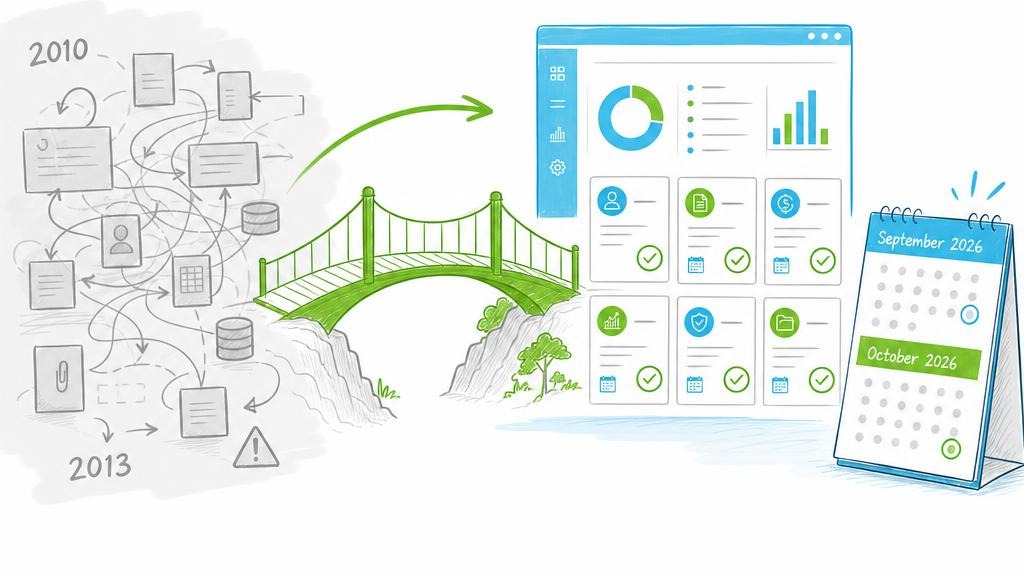
Microsoft's 11 August 2026 security update for SharePoint Server 2019 contains a legacy-workflow notice, but no confirmed disablement date.
Reviewed 8 September 2026. The fully fetched text of Microsoft Support KB5002894 says: “Notifies that the SharePoint 2010 Workflow feature might be disabled in the future. To enable the feature for a site collection, use the Enable-SPLegacyWorkflow cmdlet.” This supports only a possible future disablement. It does not name September 2026 or any other date for this workflow feature. The cmdlet is singular:
Enable-SPLegacyWorkflow.
What must not be treated as confirmed
An earlier version claimed September 2026 disablement for the SharePoint 2010 Workflow feature, separate October 2026 disablement for SharePoint 2013 workflows and an Enable-SPWorkflow2013 cmdlet. These claims were not confirmed in the fully reviewed Microsoft primary sources. Do not plan a maintenance window or recovery procedure around them.
KB5002894 immediately precedes the workflow notice with an August 2026 disablement for OWA web part Exchange autodiscovery. That date does not carry over to the following SharePoint 2010 Workflow warning.
Do not confuse Online and Server
In SharePoint Online, SharePoint 2010 workflows were removed in 2020 and SharePoint 2013 workflows were fully retired for existing tenants on 2 April 2026. Microsoft recommends Power Automate or another supported solution; see the Microsoft migration guidance.
For SharePoint Server 2019, KB5002894 supports only possible later disablement of the 2010 feature and provides an advisory for SharePoint 2013 workflows. Review the complete KB for your exact product and every update you actually intend to install.
Sensible action now
Inventory farms, site collections, workflow platforms, owners, triggers, last runs and dependencies. Prioritize business-critical processes. Read the complete Microsoft KB before each update. Test migration end to end in staging and obtain business acceptance. Choose Power Automate, a specialist approval product or a custom application according to the process and support requirements.
The Enable-SPLegacyWorkflow name from KB5002894 is deliberately not presented as a recovery procedure here. Until disablement is confirmed for a specific update, validate syntax, reason and effect against current cmdlet help and Microsoft documentation.
Microsoft's migration guidance says SPMT can migrate certain SharePoint Server and SharePoint Designer workflows to Power Automate. Business validation remains necessary.
SP Approvals can be assessed for list- and document-based approvals. Verify supported versions, architecture, licensing and additional components directly with the vendor and in a pilot. No automatic conversion of arbitrary XOML or custom activities is established here.
Conclusion
Inventory and migration planning are sensible. KB5002894 does not support a disablement date for the SharePoint 2010 Workflow feature in SharePoint Server 2019; Microsoft says only that it “might be disabled in the future.”
Sources fully retrieved 8 September 2026: Microsoft Support KB5002894 · Microsoft classic-workflow migration guidance · SharePoint 2013 workflow retirement