

AI agents like OpenClaw AI are transforming the way businesses operate. However, autonomous agents bring new security risks. This guide explains how to securely operate OpenClaw AI on a VPS – whether using Moltbase or self-hosting.
Why VPS Security is Critical for AI Agents
AI agents are not simple chatbots. They access data, communicate with external services, and act autonomously. In January 2026, the NIST released its first framework for AI Agent Security. The message is clear: AI agents require the same security treatment as privileged users.
OWASP defined the Top 10 Risks for Agentic AI at the end of 2025:
- 1Overprivileged Tools – Agents with excessive permissions
- 2Prompt Injection – Manipulation via injected instructions
- 3Unlimited Autonomy – Lack of human control
- 4Memory Poisoning – Contamination of the agent's memory
- 5Credential Leakage – Unprotected API keys and tokens
- 6Excessive Agency – Agent makes decisions outside its mandate
- 7Unsafe Tool Integration – Third-party plugins without audits
- 8Lack of Auditability – No traceability of actions
- 9Resource Exhaustion – Uncontrolled token and CPU consumption
- 10Blind Trust – Accepting agent output without validation
Layer 1: VPS Hardening (Foundation)
Whether you use Moltbase or self-host, these basics must be in place:
Secure SSH (Top Priority)
# Generate ED25519 keys (modern standard 2026)
ssh-keygen -t ed25519 -C "admin@company.com"

# Harden SSH config (/etc/ssh/sshd_config)
Port 52231                    # Use a non-standard port instead of 22
PermitRootLogin no            # Disable root login
PasswordAuthentication no     # Key authentication only
PubkeyAuthentication yes      # Enable public key authentication
MaxAuthTries 3                # Max 3 attempts
ClientAliveInterval 300       # Timeout after 5 minutes of inactivity
Banner /etc/issue.net         # Display a warning banner
Configure Firewall (UFW)
# Block everything, allow only necessary traffic
sudo ufw default deny incoming
sudo ufw default deny outgoing    # Filter egress traffic too!
sudo ufw default allow routed

# Open only required ports
sudo ufw allow 52231/tcp          # SSH (custom port)
sudo ufw allow 443/tcp            # HTTPS for agent gateway
sudo ufw allow out 443/tcp        # Outbound: API calls
sudo ufw allow out 53             # DNS
sudo ufw enable
Important in 2026: Egress Filtering – Block outgoing traffic as well. This prevents a compromised agent from "phoning home."
Intrusion Prevention
# Install and configure Fail2ban
sudo apt install fail2ban -y

# /etc/fail2ban/jail.local
[sshd]
enabled = true
port = 52231
maxretry = 3
bantime = 3600
findtime = 600
Automatic Updates
# Enable unattended upgrades for automatic security patches
sudo apt install unattended-upgrades -y
sudo dpkg-reconfigure -plow unattended-upgrades
Additional Hardening
- AppArmor/SELinux – Enable Mandatory Access Control
- AIDE – File Integrity Monitoring for change detection
- ClamAV – Anti-malware scans (weekly via Cron)
- Disk Encryption (LUKS) – Protection against physical access
Layer 2: Agent Isolation & Identity Management
AI agents need their own identities – just like employees.
Treat Each Agent as a Separate Identity
- Unique Agent ID per agent (no shared credentials)
- Short-lived tokens with automatic rotation (max 1-hour TTL)
- Least Privilege – Only the minimum necessary permissions
- Complete Audit Log – Log every action with the agent ID
Container Isolation
Each OpenClaw AI agent should run in an isolated container:
- Dedicated non-root user inside the container
- Memory and CPU limits (e.g., 512 MB RAM, 0.5 CPU)
- Read-only filesystem where possible
- Network isolation – Only allowed target APIs accessible
Secrets Management
Never store API keys in code or plaintext environment variables:
- Use a secrets manager (HashiCorp Vault, Doppler, or cloud-native)
- Set up automatic key rotation
- API keys with short lifespans and scope restrictions
Layer 3: Agent Security (Runtime)
Prevent Prompt Injection
56% of prompt injection attacks were successful in 2025. Countermeasures:
- Input Validation – Filter suspicious patterns ("ignore previous instructions," system tokens)
- Use Structured APIs – Function calling instead of free-text prompts
- Separate Instructions/Data – Clearly separate system prompts and user input
- Length Limits – Restrict input to necessary character count
Output Filtering & DLP
- Scan every agent response for sensitive data (PII, credit cards, API keys)
- Prevent uncontrolled sharing of agent output with external systems
- Data Loss Prevention (DLP) as the last line of defense
Rate Limiting & Kill Switch
- Token Limits per agent and time window (e.g., max 10,000 tokens/minute)
- API Call Limits for external services
- Emergency Kill Switch – Immediate shutdown in case of anomalous behavior
- Human-in-the-Loop for critical actions (payments, data deletion, external communication)
Behavioral Monitoring
- Real-time monitoring of all agent actions
- Anomaly detection: Unusual API calls, new endpoints, data exfiltration
- Automatic pausing upon suspicion
Layer 4: MCP Security (Model Context Protocol)
The Model Context Protocol (MCP) standardizes communication between AI agents and external tools. Security rules:
- Strict Authentication for every MCP server
- Whitelist of allowed operations per agent
- Logging of all MCP interactions
- No write permissions without explicit approval
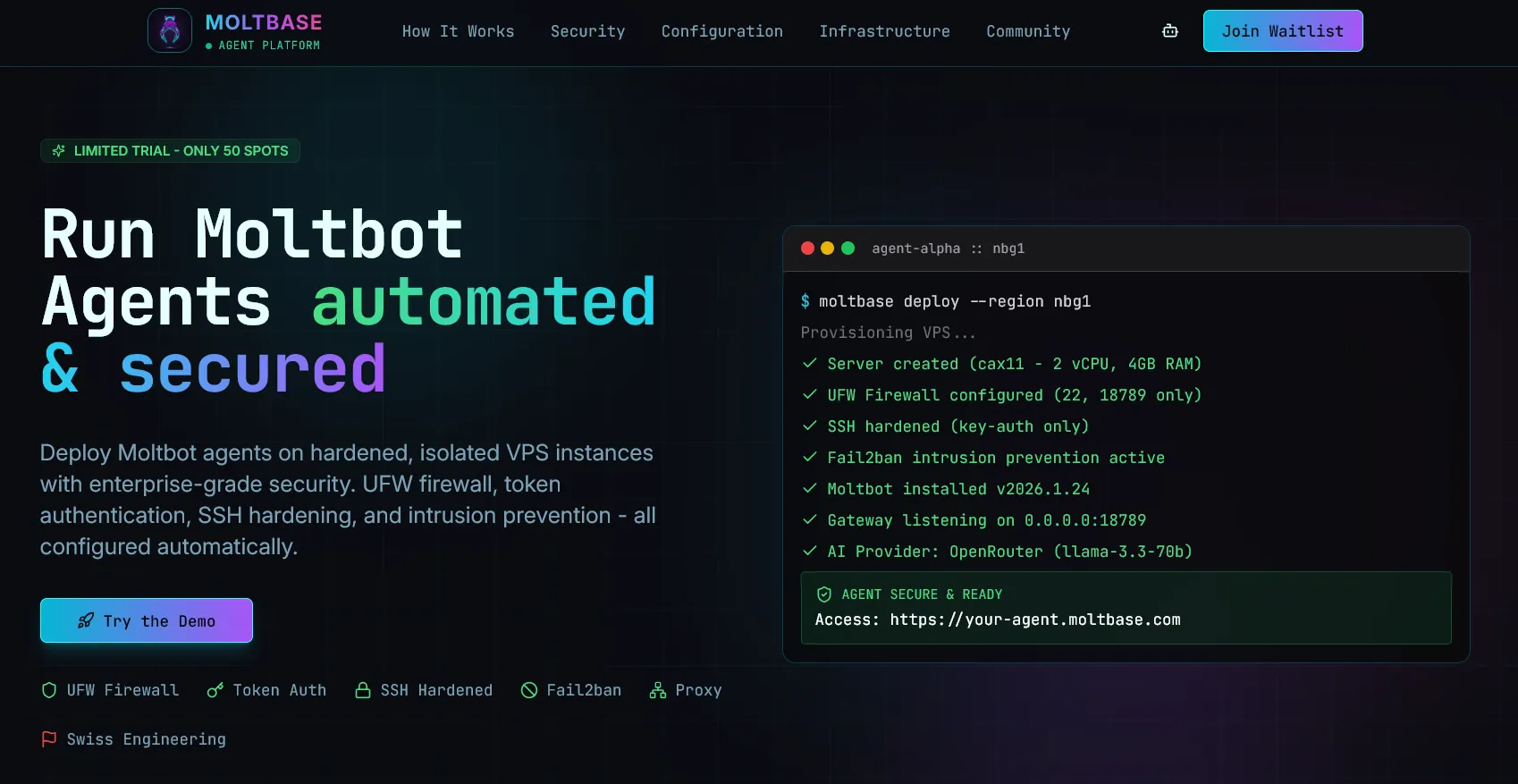
Moltbase: Managed Security for OpenClaw AI
Moltbase automates all the security layers mentioned above:
- Hardened VPS instances with 2 vCPU, 4 GB RAM, 40 GB NVMe
- UFW + Egress Filtering preconfigured
- ED25519 SSH keys with passwords disabled
- Fail2ban + automatic updates from day one
- Token Gateway with 64-character cryptographic tokens
- 24/7 Monitoring with automatic recovery
- Global Infrastructure: Nuremberg, Helsinki, Falkenstein, Ashburn, Hillsboro
Flexible AI Providers
- OpenRouter – 400+ models including free tier
- Anthropic – Claude 4 Sonnet, Haiku, and Opus
- OpenAI – GPT-4o, o3, o4-mini
- Others – Gemini, Mistral, Groq, DeepSeek, or custom APIs
Security Checklist 2026
Before Deployment
- [ ] VPS hardened (SSH, UFW, Fail2ban, updates)
- [ ] Egress traffic filtered
- [ ] Agent identity defined (unique ID, short-lived tokens)
- [ ] Least privilege permissions configured
- [ ] Secrets manager set up
- [ ] Container isolation activated
During Runtime
- [ ] Prompt injection protection active
- [ ] Output filtering / DLP enabled
- [ ] Rate limits configured
- [ ] Kill switch accessible
- [ ] Behavioral monitoring running
- [ ] Human-in-the-loop for critical actions
After Deployment
- [ ] Weekly security audits
- [ ] Check access logs for anomalies
- [ ] Remove unused permissions
- [ ] Test incident response plan
- [ ] Compliance check (GDPR, FINMA, industry-specific)
Conclusion
Securely operating AI agents in 2026 is not optional – it is mandatory. The combination of VPS hardening, agent isolation, runtime security, and continuous monitoring forms the foundation. With Moltbase, you get all of this automated and preconfigured. For teams that self-host, this guide serves as a reference.
The principle for 2026: Assume Breach, Automate Defense, Never Trust – Verify Every Action.
Ready for secure AI agent deployment? Visit molt-base.com or contact us for personalized consultation.