How we work
Microsoft 365 support that fixes incidents and prevents them.
In Microsoft 365 support, one dedicated team handles incidents, changes and monitoring for SharePoint, Teams and Entra ID. Response times are set in the contract.
For companies looking for one fixed contact for SharePoint, Teams, Entra ID and their flows, with response times set in the contract.
- SharePoint Online
- Microsoft Teams
- Power Automate
- Entra ID
- Microsoft 365 Backup
- Intune
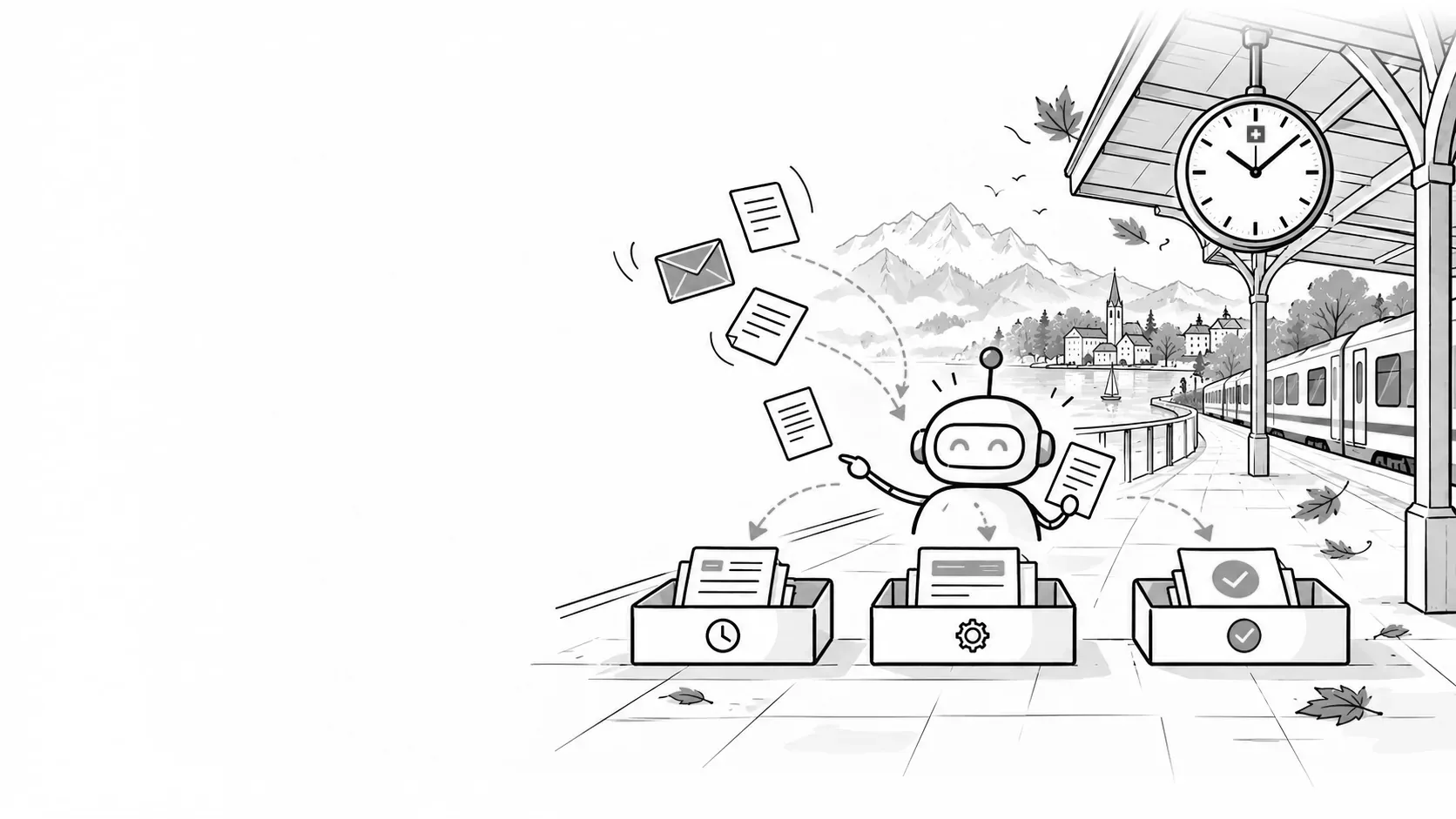

An incident at half past eight
Half past eight, the invoice approval flow has stopped. The report comes in through the portal, gets a priority and the committed response time, and the person who knows this flow takes it on. Once approvals run again, the cause is recorded in the ticket. In the quarterly review the case comes up once more, with a proposal for how to avoid it in future.
What the contract covers
The contract holds what your environment needs, each with an agreed scope, one contact on your side and one on ours. The service desk is staffed during service hours from 08:00 to 16:00, with a handover at midday so that no request is left waiting. It begins with an inventory of your environment and an operations handbook, so that it is clear from day one who is responsible for what.
- Service deskIncidents and questions from employees and administrators arrive by portal, email or phone. Every request gets a ticket number and a first reply with the next step and the time of the next update; a responsible specialist explicitly takes it on.Result: an incident has a number, a person and a status.
- ChangesNew sites and teams, adjusted flows, permissions, apps and settings, reviewed, implemented and recorded in the operations handbook.Result: your environment keeps developing, within the contract.
- Monitoring and backupMessage center and service health read, Microsoft's changes assessed before they hit your environment. We review the backup every day, every deviation becomes a ticket, and restore tests run on an agreed schedule.Result: a retirement or a failed backup run does not surprise you.
- MaintenanceEvery two weeks we check updates, devices in Intune and identity services against your maintenance plan, carry out approved changes and verify the result. The report follows on the next working day.Result: every open item has a responsible person and a date.
- Quarterly reviewTickets, security configuration, storage, licences and a list of what could be improved. Storage figures come from scheduled Storage Monster scans, with budgets and an alert on unusual growth.Result: decisions on licences and extensions rest on numbers from your environment.
- Contingent and costsThe agreed hours contingent per period, with usage kept up to date. We raise recurring incidents, unused licences and duplicated work ourselves.Result: you pay for what your environment actually needs.
Before we take over
An inventory: which services, sites, flows, apps and integrations are supported, with existing documentation. Access and responsibilities: administrator roles for us through Privileged Identity Management, time-limited and logged, and contacts on your side for approvals and questions. A contract with channels, hours, priorities and response targets, matched to your environment. It also states what your internal IT continues to do itself.
What you have in writing
A contract with scope, channels, service hours, response targets and an hours contingent. A ticket portal in which every request has a status. An operations handbook with systems, responsibilities and procedures for changes and recovery. A maintenance report every two weeks, a backup checked daily with tested restores, and a quarterly report with tickets, security posture, storage and licences.
Sound familiar? Tell us where you stand today.
ContactWhat's new.
As of: 30 September 2026
- As of 21 September 2026
Microsoft 365 Backup: restore of individual files and folders, recovery windows up to two years.
Microsoft 365 Backup protects SharePoint sites, OneDrive accounts and Exchange mailboxes and is billed on consumption through an Azure subscription, not per user. Since September 2026 individual files and folders can be restored, and policies can choose recovery windows from three months to two years.
Source: Microsoft Learn: What's new in Microsoft 365 Backup - As of 15 April 2026
Message center: major changes at least 30 days in advance.
Microsoft announces changes to Microsoft 365 in the admin center's message center, grouped into plan for change, stay informed and prevent or fix issues. Major updates come with at least 30 days' notice. Anyone who reads and assesses the message center does not experience retirements and new defaults as a surprise.
Source: Microsoft Learn: Message center - Since 14 October 2025
Windows 10 without support, extended security updates only for a limited time.
Support for Windows 10 ended on 14 October 2025. The paid Extended Security Updates programme started in November 2025, requires version 22H2 and runs for at most three years for commercial devices; for devices used with Windows 365 Cloud PCs it is included. Devices still running Windows 10 belong in the operations plan.
Source: Microsoft Learn: Windows 10 Home and Pro lifecycle
Templates for your operations.
These templates record who looks after what, how changes run and what is checked every two weeks and every quarter. They are free to use, with your own IT or with a partner.
- WordOperations handbookSystems, responsibilities, service hours, priorities and the procedures for change, restore and escalation.Download
- ExcelService register and quarterly reportEvery system with owners, criticality, backup and the next restore test, plus the figures for the quarterly review.Download
- WordMaintenance checklistUpdates, devices in Intune, identity services and backup every two weeks against the same plan, with a results list.Download
- WordChange requestOne page per change: what, why, risk, rollback, test and approval.Download
- WordHandover checklistWhat must be in place when a project moves into operations, from access to a tested restore.Download
You may use, adapt and share these templates freely.
Around operations.
For a single question without a contract, a decision before operations, or a look at licences and security.
Specialist help with one specific technical question, without a contract.
How we workFrom the first conversation through the pilot to operations.
WorkshopsClarify a question and prepare a decision.
SharePoint CheckerCheck your environment for structure, sharing and storage.
Best practicesStructure, permissions and upkeep that have proven themselves.
Zero Trust & Identity SecurityMFA, conditional access and privileged accounts.
Business or EnterpriseWhich Microsoft 365 plans fit your organisation.
Microsoft 365 in SwitzerlandLicences, operations and data location.
What we look after.
The quality management of TOLDO Group in daily use, IT operations and support for Swisslog, one contact for Microsoft 365 at Sieber & Partners and the backup of Microsoft 365 data at BMC.
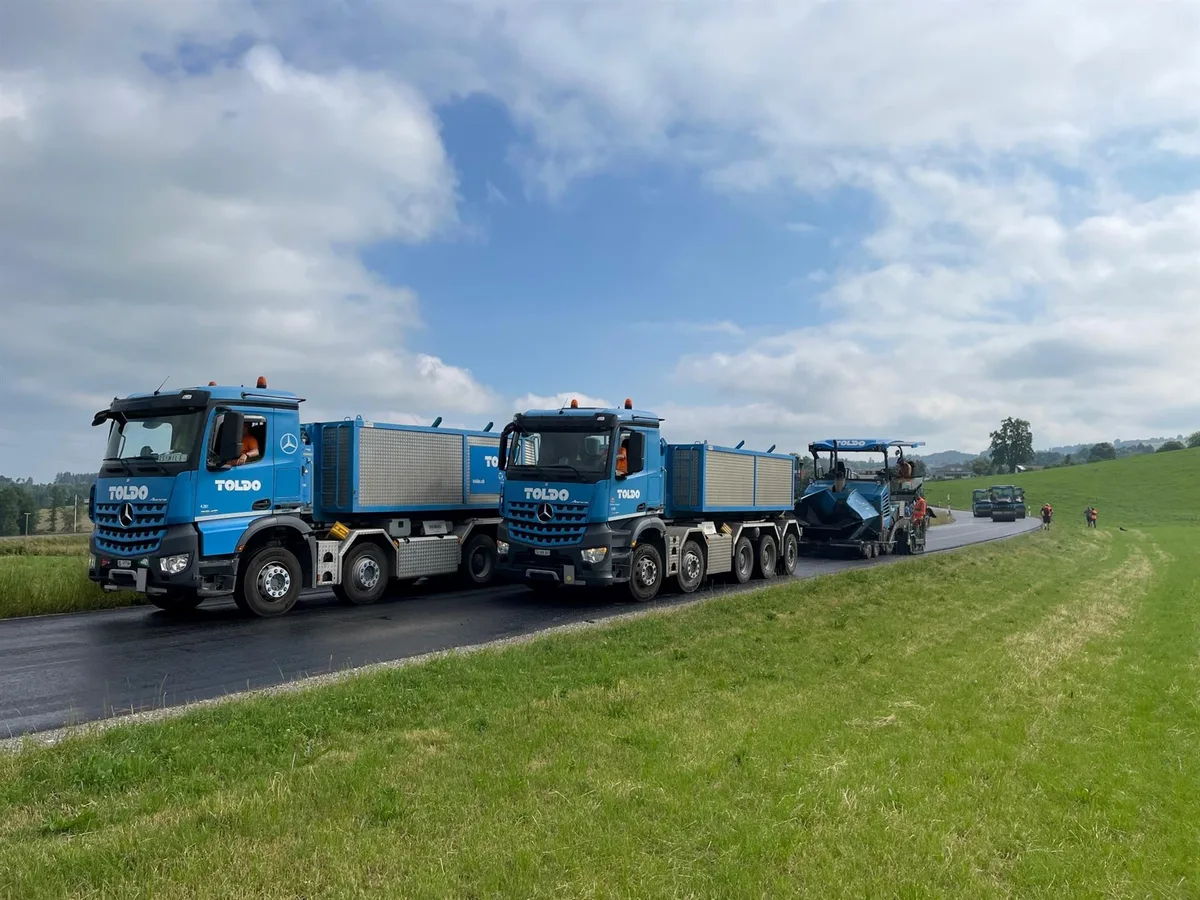
TOLDO Group
TOLDO Group: Supporting quality management in daily operation
View project
Swisslog AG
IT operations and support for Swisslog warehouse environments
View project
Dr. Pascal Sieber & Partners AG
Sieber & Partners: A consistent point of contact for Microsoft 365
View project
BMC Switzerland AG
Backing up and restoring Microsoft 365 data at BMC
View projectBackup and storage in operations.
The backup we set up and test, and scheduled scans of SharePoint and OneDrive storage.
Response times, channels, scope.
Which response times apply?
Those in the contract, by priority: an outage that affects many employees has a different target than a question about a view. We define priorities, service hours and response targets for your environment and report on them quarterly. Outside service hours we agree emergency availability if you need it.
When is the service desk available?
During service hours from 08:00 to 16:00, with a handover at midday in which open requests are explicitly taken over. What applies after 16:00 and at weekends we agree with you, for example an emergency number for high-priority incidents. Requests through the portal or by email are accepted at any time and handled in the next service hours.
Through which channels do we report requests?
Through a ticket portal, by email or by phone; every request gets a number, a priority and a responsible person. Who on your side may report, all employees or only IT, is your decision. High-priority incidents you report by phone so that someone is on it immediately.
Do you also support Power Platform, Entra ID and Copilot?
Yes, within the agreed scope: SharePoint, Teams, OneDrive, Power Apps and Power Automate, Copilot Studio agents, Entra ID with conditional access, Intune and Purview. What is included is in the inventory; what you introduce later we add with an amendment.
What about backup and recovery?
Microsoft keeps deleted content only for a limited time. For anything beyond that we set up Microsoft 365 Backup, which protects SharePoint, OneDrive and Exchange and is billed on consumption, or a partner solution. We test restores regularly, because only then is a backup worth anything.
How do you work with our internal IT?
As a complement. The operations handbook says what your IT does itself, for example user management and devices, and what sits with us, for example SharePoint structure, flows and security rules. Your IT has a fixed contact with us, and both sides sit at the table in the quarterly review.
Is there a minimum scope?
No. The contract describes your environment and the services you need, from incident support alone to full operations with monitoring, backup and quarterly review. If your environment grows or requirements change, we adjust the scope with an amendment.
How do we see how much of the contingent is used?
We keep the usage per period up to date and show it with a cut-off date, next to the agreed contingent. Before it is exceeded, we get in touch. In the quarterly review we check whether the contingent fits your environment or should be adjusted.
Agree on a useful next step
Tell us about your current workflow, the systems involved and the result you need. In our first conversation, we identify what else we need to know to plan a useful next step.