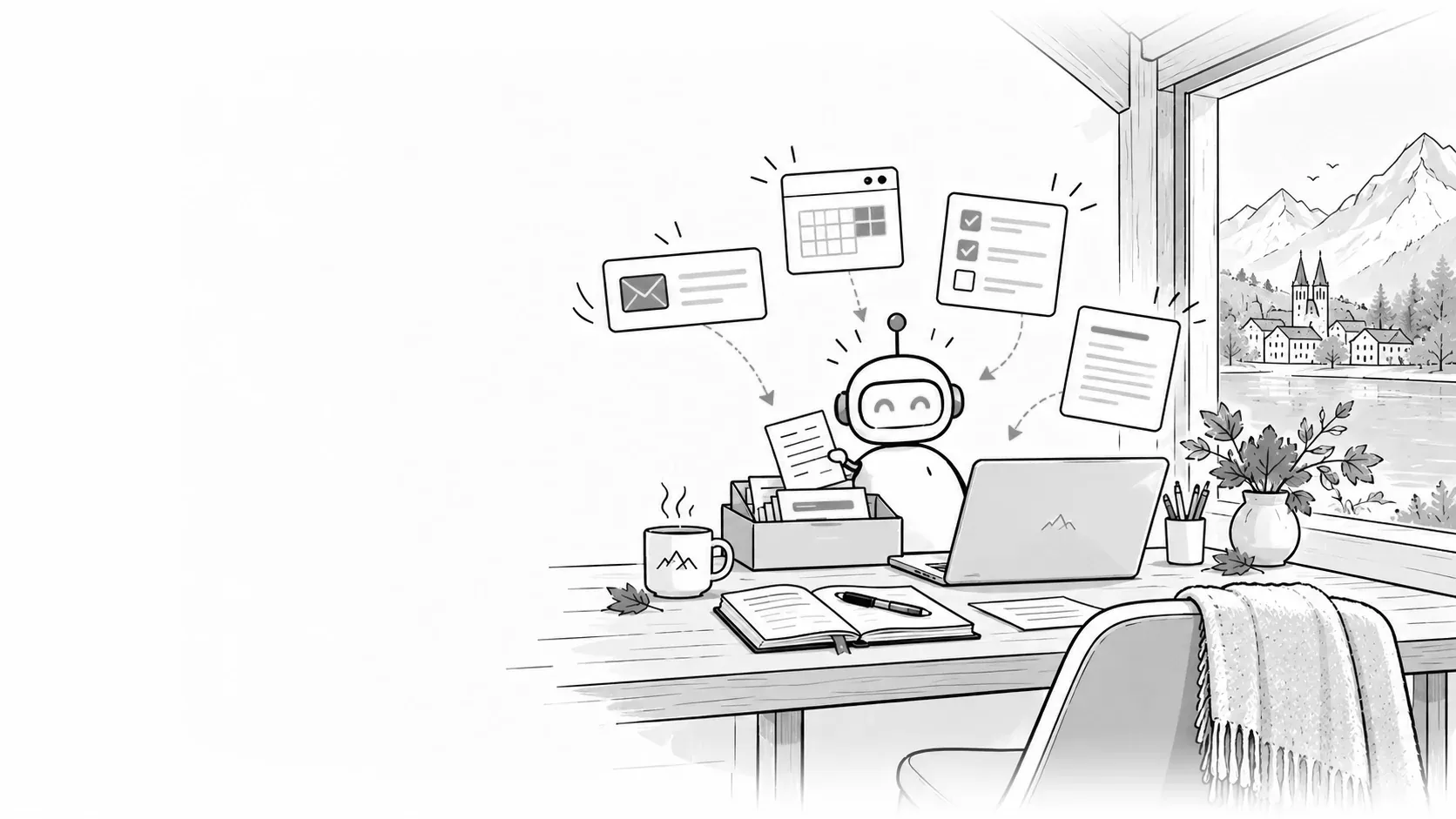
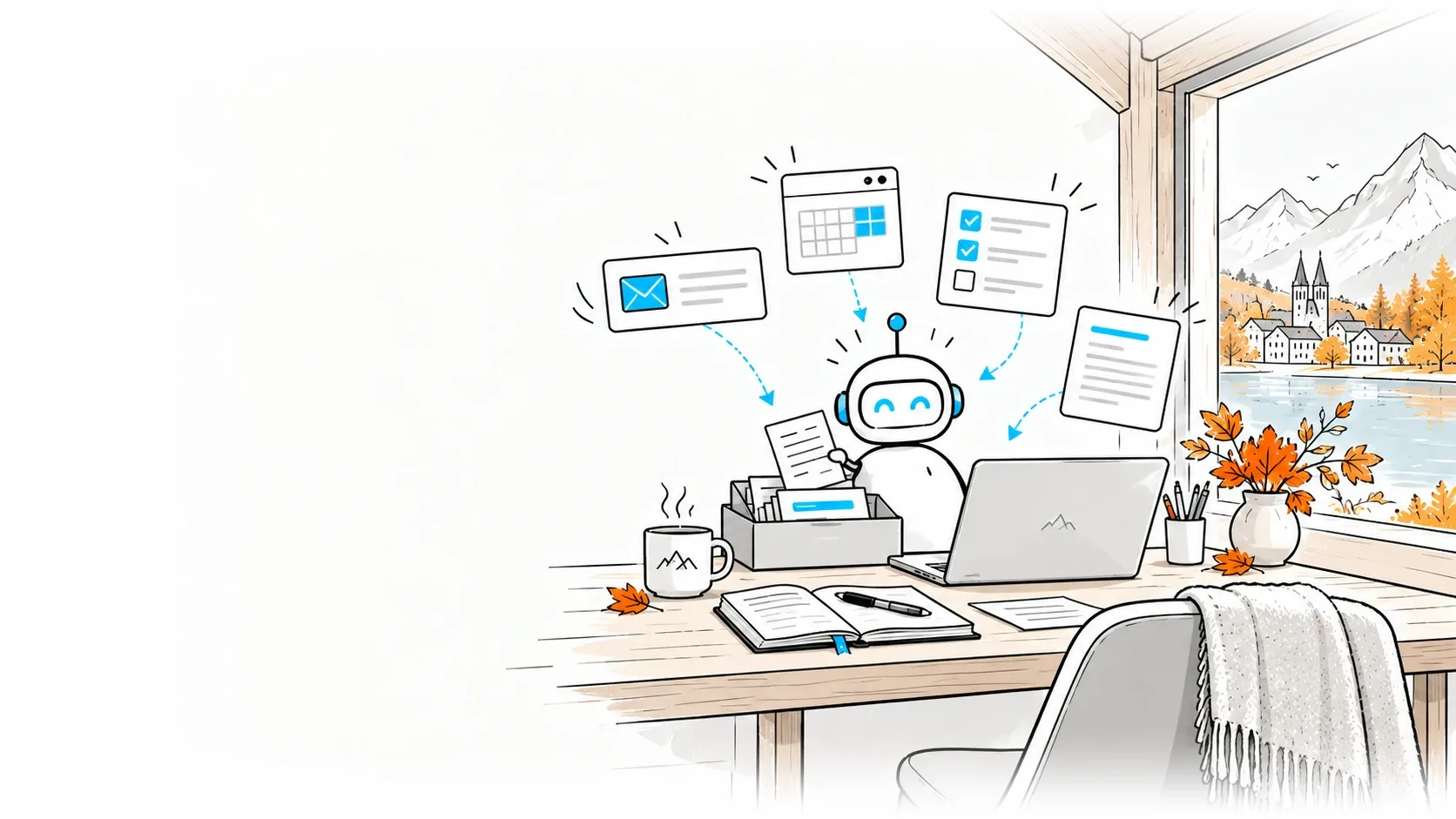
Personal Agents: your own AI agent for the working day.
Your personal AI agent sorts mail, keeps appointments, researches and runs routines, on the road via messenger too. Before it sends anything, it asks you.
For managers, the self-employed and specialists whose working day is largely made up of email, appointments and routines.
Monday morning. The inbox is sorted, three replies are waiting as drafts, the supplier meeting has been moved and confirmed, the research on the competitor is a page in your notebook. Your agent did that, with your access and following your habits; it speaks up when a decision is due. It runs at Microsoft, OpenAI, SpaceXAI or Meta, or on your own server.
02
What it takes off your plate
These tasks make the difference in almost every calendar. We assume that over time one agent will work for you across all your tools. Which one fits today depends on where you work and where your data should stay; the six candidates are listed below with their current status. We keep notes, templates and rules in your own storage so they move with you when you switch. We start with one task and a pilot group.
InboxReads new mail, sorts by urgency, drafts replies to routine questions and files invoices and receipts where they belong.Result: in the morning, the mails that need your decision are on top.
CalendarFinds free slots, moves and confirms, prepares the documents for the next conversation and records after the meeting what you promised.Result: no meeting without preparation, no promise without a note.
ResearchWatches competitors, tenders or changes in the law, summarises and puts the sources next to it.Result: one briefing a week, ready on Monday morning.
RoutinesWeekly report, expenses, time recording, follow-ups on open quotes, every Friday, without anyone thinking of it.Result: the chores happen before they pile up.
On the roadYou trigger a task through Teams, WhatsApp or Telegram, the agent does it on the computer and reports back with the result.Result: the laptop stays shut, the work does not stay undone.
Your own knowledgeEvery note, quote and contract you ever wrote, as the agent's memory; it finds the passage, quotes it and carries on in the same tone.Result: your next quote starts from your best one.
03
What you need for it
A plan or licence that fits your work, and an agent that is available where you sit. An identity of its own, with exactly the access its tasks need. A rule for when it asks: before sending, booking and deleting. Clarity about where its memory lives. And a one-paragraph company directive on what personal agents may do.
04
What you get
A running agent for you or a pilot group, with access, approvals and a log you can read back. One page of directive everyone understands. The overview of which agents run in the company, where their data lives and who owns them. From the pilot, the evaluation of what it does reliably and where it gets on your nerves, and the proposal for giving it to more people.
What companies use personal agents for.
One agent per person, with the access of their role. This is how the working day changes across fields.
SME management
On Monday the week is prepared: meetings with documents, open decisions, the three emails only you can answer.
Fiduciary
Client receipts arrive by email; the agent assigns them to the mandate and asks where something is missing.
Law firm
Deadlines from rulings land in the calendar, with a reminder ten days ahead and a draft of the request.
Real estate
Enquiries about a property it answers with the documentation, proposes viewings and keeps the list of interested parties.
Practice admin
Rescheduling by phone note or email: it finds the next free slot and confirms it to the patient.
Restaurants
Bookings from email and website in one list, supplier orders every Thursday as a draft.
Trades
Photos and notes from the site visit become the quote; after two weeks the follow-up email goes out.
Sales
Before each client call one page on the company, the last quote and open points; afterwards the note in the CRM.
Recruiting
Applications sorted by requirement, interviews scheduled, rejections drafted kindly for approval.
E-commerce
It answers delivery questions from the shop system and flags returns that stand out.
Procurement
Three quotes for the same machine side by side, with delivery time, warranty and the question still missing.
Nonprofit
Donation receipts, volunteer shifts and the newsletter keep running, even when the team works as volunteers.
The candidates
Which agent fits you.
Six candidates with their status as of 3 October 2026. Before the start we check with the vendor what has changed since.
Microsoft
Copilot Autopilot
Runs: In the new Copilot, with its own identity, memory, computer and workspace within the frame of your Microsoft 365 tenant.
Availability: Announced as a private preview for the end of September 2026, through the Frontier programme for tenants with a Copilot licence.
Our part: Govern access through Entra, accompany the pilot group, write the directive.
Runs: In ChatGPT, with its own cloud computer and connections to applications through plugins; reachable in ChatGPT, by voice, Slack or Teams.
Availability: Since 29 September 2026; in Switzerland through Business Premium and as an Enterprise beta once the admin enables it, excluded for Pro accounts at launch.
Our part: Define applications and check-backs per dot, prepare the Enterprise enablement.
Runs: Self-hosted on your machine or server, reachable through Teams, WhatsApp, Signal, Telegram and more channels, with the model of your choice; state and credentials stay on your hardware.
Availability: Available, without licence cost; model access and operation are yours.
Our part: Run in your environment: sandboxing, minimal permissions, approval of unknown senders, logging.
Runs: Self-hosted, locally or in a container; derives skills from completed tasks, remembers across sessions, runs with any model, including local ones.
Availability: Available, without licence cost; model access and operation are yours.
Our part: Bounded toolset, stop conditions and an evaluation of what it has learned.
After set-up we record which tasks the agent takes on, what it can access and what it only does after asking. Shown here as a sample with invented details.
Set-up record
Sample
Personal agent set-up record
For
Managing director of Muster AG, Bern (fictional)
Agent
OpenClaw on a small computer in the office
Reached through
Signal and email
Set up on
9 October 2026
5tasks handed over
3accesses with their own permission
4actions only after asking
1device, in your own office
Summary
The agent runs on a small computer in the office and can be reached through Signal. It sorts the inbox, prepares meetings, summarises long emails, reminds of deadlines and files receipts. It sends emails, accepts meetings, deletes files and prepares payments only after the managing director has agreed.
Task
Access
Rule
Inbox
Mail account, read and move
On its own
Meetings
Calendar, read and drafts
Accepts only after asking
Summaries
Mail account, read
On its own
Deadlines
Calendar, read
Message through Signal
Receipts
Accounting folder, write
Deletes only after asking
Operation
Memory and credentials stay on the office computer; an encrypted backup runs to the NAS every night.
We install OpenClaw updates monthly after a check.
Next steps
In the first weeks we go through the agent's logs together and adjust the rules.
Microsoft introduced the new Copilot with Home, Code and Autopilot: a persistent personal agent with its own identity, memory and computer, announced as a private preview for the end of September.
Dots keep working towards goals in ChatGPT on their own cloud computer and are reachable by chat, voice, Slack or Teams. In Switzerland through Business Premium and as an Enterprise beta, not for Pro accounts at launch.
Agents with their own cloud computer that sign into your tools, complete multi-step work and report back when an approval is needed. As a beta on the SuperGrok plans, enterprises on a waitlist.
With the vendor, unless you host it yourself. Copilot Autopilot stays within your Microsoft 365 tenant. Dots and Grok Bot run on the vendor's cloud computers under its rules. Muse keeps agent and data on a dedicated virtual machine at Meta. OpenClaw and Hermes keep memory and credentials on your hardware. Third parties' personal data in your mails we clarify under the Swiss data protection act before the agent reads it.
What may it do without me?
Read, sort, prepare, research: as much as you like. Send, book, pay, delete: only for tasks you have explicitly released, and with a check-back where it has consequences. We draw these lines per tool and have everything it does logged.
Do I need a licence for this?
For Copilot Autopilot a Copilot licence and the approval for the preview. For dots a suitable ChatGPT plan, for Grok Bot a SuperGrok plan or the waitlist. OpenClaw and Hermes cost no licence but need model access and a machine to run on. What is economical for you is shown by the pilot.
Can we host it ourselves?
Yes, with OpenClaw or Hermes Agent. Both are open source under the MIT licence, run on a machine, server or container at your place and talk to the model of your choice, including a local one through Ollama. We set up sandboxing, minimal permissions, approvals and logging and hand over to your IT, or run it for you.
Am I even allowed to do this at work?
Your directive should say. If there is none, we write it with you on one page: which agents, with which access, what they may not read, who keeps the overview. An agent that reads mail with your account is, to IT, a new employee without a contract. With an identity of its own, approvals and a log it becomes governed access.
Agree on a useful next step
Tell us about your current workflow, the systems involved and the result you need. In our first conversation, we identify what else we need to know to plan a useful next step.