Business Applications
Power Apps: canvas, model-driven or as a code app.
We choose the right type of app for each workflow, from a request on the phone to an interface in React. Each runs with your tenant's sign-in, roles and policies.
For departments in companies, schools and public bodies that want to run a process such as expenses, bookings or on-site data capture as an app.
- Power Apps
- Code Apps
- Power Pages
- Dataverse
- Power Automate
- Power BI
- Copilot

From the phone to accounting
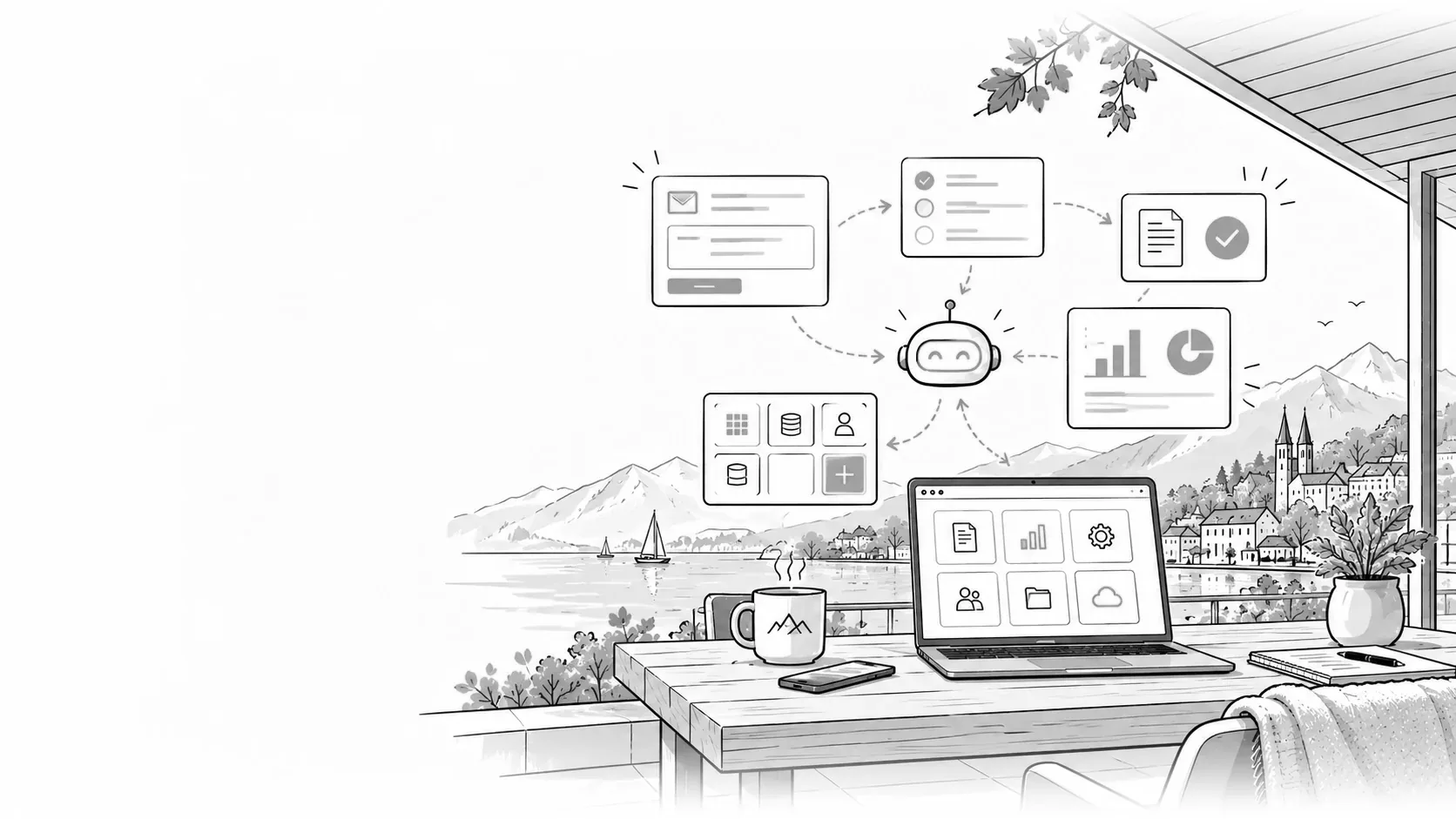
Friday afternoon. Expenses are recorded on the phone, the manager has approved in Teams, accounting sees the request with its history. The workflow has an interface with roles and required fields, and approvals and the connection to business systems run in the background. For customers and partners a portal opens the same workflow with their own sign-in, and everything stays in your tenant.
Apps for complete transactions
Each app covers a complete transaction from entry to completion, with roles and exceptions. The first build covers one workflow, with the people who handle it today and on their real cases. Your team adjusts fields, views and flows on its own afterwards.
- App typesCanvas apps for tailored interfaces, offline on the phone too; model-driven apps that derive forms, views and business rules from the data model in Dataverse; code apps that developers build in React or Vue and run in the Power Platform, with Entra sign-in, connectors and data policies.Result: all three run on the same managed platform, and your IT governs them the same way.
- Request and approvalEmployees record expenses, purchases or absences on the phone, managers approve in Teams, everything lands with history in Dataverse or SharePoint.Result: every request has a status that requester and accounting see alike.
- Capture on siteInspections, building data or market visits with photos and location on the tablet, even without a network, with reporting in Power BI.Result: the data is analysed the same evening.
- Customer portalWhere customers or partners take part, a Power Pages portal opens the same process with their own account; how we build portals is on the customer portals page.Result: your team and your customers see the same status.
- Master dataAn interface for data that lives in Excel today, such as schools, assets or contracts, with roles, history, validation rules and an interface to the line-of-business system.Result: one source everyone relies on.
The transaction and its data
A complete transaction: inputs, decisions, exceptions and roles, from the people who handle it today. Data with owners: which system owns it, which fields are required, who maintains it. And the licences the workflow needs; they depend mainly on whether Dataverse, premium connectors or a portal are involved.
The app in operation
An app that runs in your environment and has been tested by business users from entry to completion, with roles, invalid inputs and failures of connected systems. A documented data model and a solution with development, test and production environments. Training for users and for the person who maintains the app and makes changes on their own.
Sound familiar? Tell us where you stand today.
ContactWhat's new.
As of: 30 September 2026
- As of 7 August 2026
Plans in Power Apps: a description becomes tables, apps and flows.
Plans, the Copilot tool that turns a natural-language description into Dataverse tables, canvas and model-driven apps, Power Pages sites, flows and Copilot Studio agents, is generally available and enabled by default. It needs a Dataverse environment and can only be switched off through Microsoft Support.
Source: Microsoft Learn: Plans in Power Apps - Since 2 January 2026
The per-app plan is no longer sold to new customers.
Since 2 January 2026 the Power Apps per-app plan is no longer available to new customers through some purchasing channels; existing customers and purchase through partners are handled differently. The standalone user licences remain Power Apps Premium and Power Automate Premium.
Source: Microsoft Learn: Power Platform licensing overview - As of 23 September 2026
Code apps: web apps from the code editor, run in the Power Platform.
Code apps are built in an IDE such as Visual Studio Code with React, Vue or other frameworks and call Power Platform data and connectors directly from JavaScript. They sign in through Entra ID and follow sharing limits, Conditional Access and data policies. Admins enable them per environment, and users need Power Apps Premium.
Source: Microsoft Learn: Power Apps code apps
Services, limits, connections.
What each service does, where the line to custom development runs and how ERP data gets into the app.
Canvas, model-driven and code apps for your workflows.
Power AutomateApprovals, notifications and integrations.
Power BIReports from app and business data.
Dynamics 365When the workflow belongs in Microsoft's CRM or ERP.
Power Apps or custom developmentThe dividing line, with examples.
IntegrationData from bexio or Abacus in Microsoft 365.
DataverseTables, roles and audit trail as one shared data foundation.
Power PagesPortals where customers and partners sign in.
Apps in daily use.
Building data on site at AEW, reservations without email coordination at BZ Pflege, school master data for the Canton of Bern and customers and projects with AEW myHome.

AEW Energie AG
Capturing building data on site and reviewing it together at AEW
View project
BZ Pflege
BZ Pflege: Reserving shared resources without email coordination
View project
Bildungs- und Kulturdirektion Kanton Bern
Managing school master data in one place for Bern's BKD
View project
AEW Energie AG
Managing customers and projects together with AEW myHome
View projectGrown out of business apps.
Two products that grew out of business apps.
What business teams ask before the first app.
Which type of app fits our workflow?
All three are current routes, and one solution can combine them. A canvas app fits when the interface should be designed freely, for example for capture on the phone. A model-driven app fits transactions with many tables, roles and views on Dataverse. A code app fits when your developers build their own interface in React and still want the platform's sign-in, connectors and policies.
Power Apps or a custom development?
Power Apps when the workflow is internal, gets by with Microsoft 365 and Dataverse and your team should adjust it later on its own. A web application of your own when interface, data volumes, external users or interfaces go beyond what the platform does well. We have written up the comparison on its own page, and often the answer is: Power Apps for the workflow, an interface beside it.
Which licences do we need?
Apps on SharePoint lists with standard connectors run with the Microsoft 365 licence. As soon as Dataverse, premium connectors or a line-of-business system are involved, every user needs Power Apps Premium; for portals, Power Pages licences by use apply. What your workflow needs, we record before the build.
Can customers use the portal without a Microsoft account?
Yes. Power Pages allows sign-in with Entra External ID, with an existing account or with email and password, and shows each person only their cases and documents. What customers may see and submit is your decision; internally the requests continue as a case in the same table.
How does data from the ERP get into the app?
Through connectors: for bexio and Abacus with our products bexioLink and präziis. Platform or with a custom connector on their interfaces, for other systems through standard or custom connectors and virtual tables in Dataverse. Which system owns the data and what is written back, we clarify before the build.
What about Copilot in Power Apps?
Copilot turns a description into a plan with tables, app and flows and helps with building views and formulas. We gladly take the first draft; the app is finished with your business team: roles, exceptions, interfaces and tests decide whether it holds up in daily work.
Who maintains the app after handover?
Your team, with one person who adjusts fields, views and flows, and with a solution that moves changes through test and production environments. We train that person and remain the contact for larger changes. Day-to-day operation can also go to our support and operations team.
Agree on a useful next step
Tell us about your current workflow, the systems involved and the result you need. In our first conversation, we identify what else we need to know to plan a useful next step.