Modern Workplace
A QMS in SharePoint, ready for the next audit.
Every directive in the SharePoint QMS carries version, approval and review date. Power Automate reminds owners before expiry, and the audit finds each change by name.
For hospitals and companies whose quality documents live in SharePoint or are moving there, and who are preparing for the next audit.
- SharePoint Online
- Power Automate
- Power Apps
- Power BI
- Microsoft Purview
- Entra ID

The day before the audit
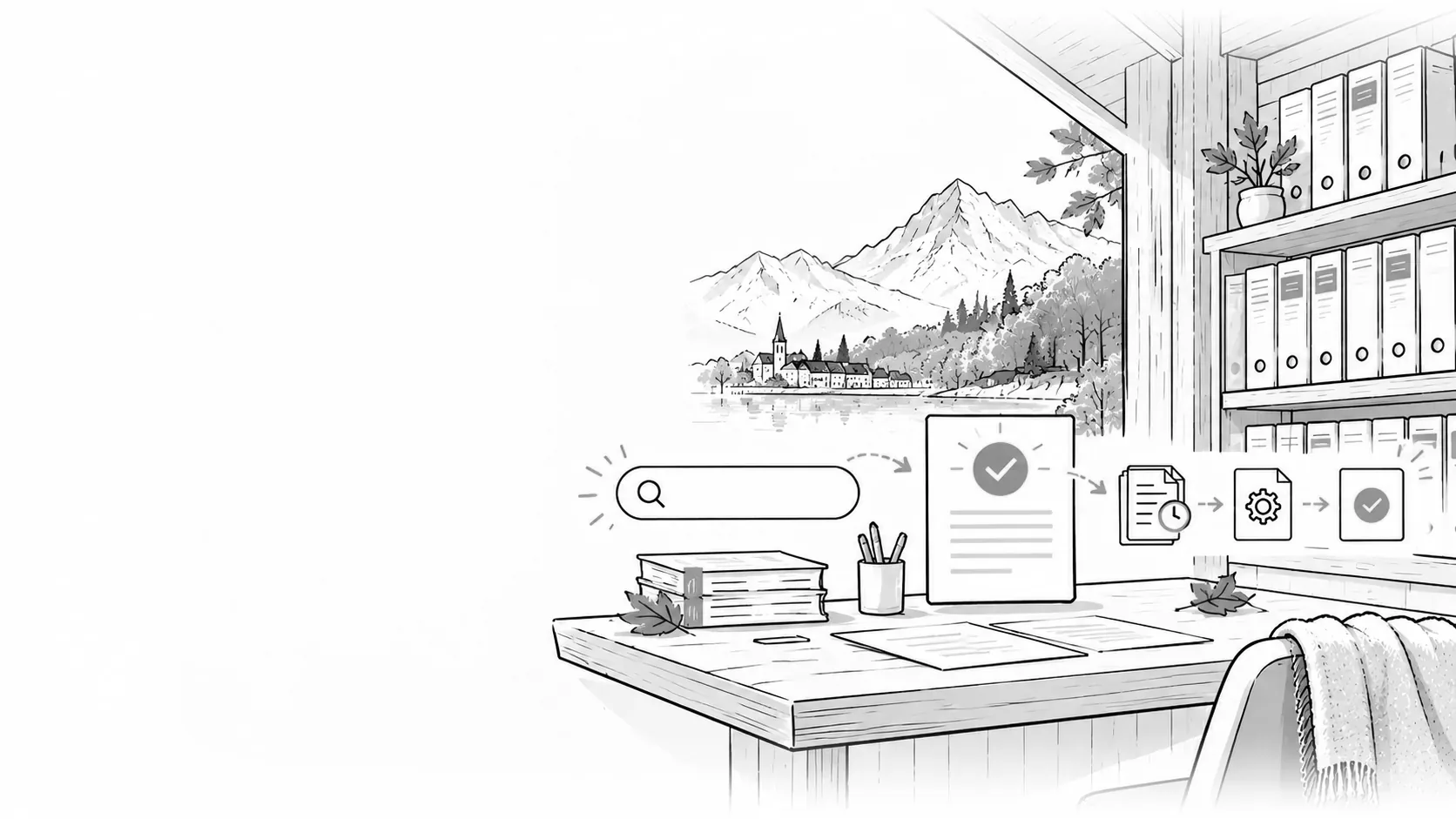
The auditor asks for the work instruction. One search returns the current version with number, owner, version and status; its draft is visible only to the editors. The version history shows who reviewed and approved it when. The owner was reminded before the review date, and a report shows which read acknowledgements are still open in the area.
What carries document control
Document control rests on these building blocks, and each follows your document types, roles and approval paths. We build them with your quality team on real documents, first for one document type and one area. Handover is set up so your team adjusts types, roles and workflows on its own and brings further areas in.
- Controlled libraryDocument types, required fields, numbering and approval status; readers see only current versions, editors the draft.Result: one search returns the current document, and everyone works with the same version.
- Approval workflowCreate, review, approve and withdraw with deputies and deadlines; every decision with date, person and comment.Result: the audit sees in the system who approved what and when.
- Review cycleReminder before expiry, escalation to management, marking of expired documents and a list of what is due.Result: no document expires unnoticed.
- Read acknowledgementEmployees confirm they have read new versions; a report shows open acknowledgements and approvals per area.Result: the evidence for training and acknowledgement exists before the audit asks.
What your quality team defines
A quality team that defines document types, roles, approval paths and the applicable standards; certification remains a professional assessment by your auditors. An inventory in order: which documents are current, which get revised and which are archived. On the technical side, Microsoft 365 with SharePoint Online and Power Automate, the roles as groups in Entra ID and one person who keeps the document register.
What the audit finds
Document control in your Microsoft 365, tested with your documents: create, reject, approve, amend and withdraw. A handbook for editors and reviewers and a training session for the quality team. Reports for open approvals, reviews and acknowledgements. For support and adjustments after handover, our support and operations team is ready, as it is for TOLDO Group.
Sound familiar? Tell us where you stand today.
ContactWhat's new.
As of: 30 September 2026
- As of 25 August 2025
Records and regulatory records lock documents.
A retention label from Microsoft Purview declares a SharePoint document a record: editing and deletion are blocked, unlocking and locking create versions. For a regulatory record nobody can remove the label, not even an administrator, and the retention period can only be extended.
Source: Microsoft Learn: Records management - As of 29 May 2025
Automatic version limits are the recommended setting.
SharePoint offers an automatic version limit for libraries: all versions of the last 30 days are kept, after that hourly, daily and weekly versions up to a cap of 500. Microsoft recommends the setting but does not enforce it; manual limits by count or age remain possible.
Source: Microsoft Learn: Plan version storage - As of 15 July 2026
Until December 2026 a monthly no-charge allowance for document processing.
Tenants that have set up pay-as-you-go billing receive, according to the allowance page, a monthly allowance per tenant until December 2026 for eSignature, autofill columns, prebuilt models and text recognition. The eSignature overview page still says June 2026; we check the current state before every pilot.
Source: Microsoft Learn: Included capacity for document processing services
Go deeper into document control.
How control, workflows and retention work in detail, including for an integrated management system.
Who sees drafts and who only reads the current version.
Integrated management systemQuality, safety and environment in one structure.
Documents and storageLibraries, metadata, versions and validity.
WorkflowsApprovals and processes with Power Automate.
Power AutomateThe service behind approvals, reminders and escalations.
Best practicesStructure, permissions and upkeep that have proven themselves.
SharePoint CheckerCheck your environment for structure, sharing and storage.
Where quality documents already run this way.
Current quality documents at Inselspital, an orderly migration in radiology, an approval path everyone understands and QMS support at TOLDO Group.

Inselspital, Universitätsspital Bern
Inselspital: Finding the current quality document with confidence
View project
Inselspital, Universitätsspital Bern
In progressInselspital Radiology: Migrating quality documents into a clear structure
View project
Inselspital, Universitätsspital Bern
In progressInselspital: Making document approval easier to understand
View project
TOLDO Group
TOLDO Group: Supporting quality management in daily operation
View projectApprovals and data protection as products.
Two products for approval workflows and the register of processing activities, both in SharePoint.
Related to your task
What SharePoint and Teams can do as a platform today.
Compliance & Data ProtectionRetention and records for quality evidence in Microsoft Purview.
Contract ManagementContracts with deadlines and approvals in the same environment.
Support & OperationsHave the QMS supported and adjusted after handover.
Before the QMS goes live.
Does SharePoint meet the requirements for document control under ISO 9001?
SharePoint provides the means: unique identification, versions, approval, distribution of the current version, protection against unintended change and retention. Whether your system meets the standard is judged by your auditors against your processes. We build the processes so that the evidence comes from the system.
What happens to our existing Word and PDF documents?
They move, with number, type, owner and status. Before the move, your quality team reviews which documents are current, which get revised and which are archived. Headers and numbers can be taken from the metadata into the document so that the printout says the same as the system.
Who may approve, and what happens during absences?
Your roles decide: reviewers and approvers are groups in Entra ID, each with deputies. If an approval sits idle, the workflow reminds and escalates to management after an agreed period. Every decision stays in the version history with date and person.
When is this document control no longer enough?
When deviations, audits and corrective actions should be managed with workflows of their own in one tool. We then assess a specialised system with you and connect your controlled documents to it. For control, approvals and reporting, the environment your team knows is enough; for approvals with many participants we use SharePoint Approvals.
How do we get the evidence for the audit?
From the system. Version history shows every version with date and person, the approval workflow every decision with comment, and a report lists open reviews and acknowledgements. For the audit we provide views the auditor can open on their own.
Can we manage regulated documentation, for example for medical devices, this way?
Document control is the same; the requirements for evidence, retention and change control are stricter. We implement them with retention policies in Microsoft Purview, read acknowledgements and a change workflow, and record which requirement each building block meets. The assessment against the standard remains with your regulatory function.
Agree on a useful next step
Tell us about your current workflow, the systems involved and the result you need. In our first conversation, we identify what else we need to know to plan a useful next step.