AI/SI platform for your company

    Enterprise AI for every department, controlled by your IT.

    We build AI-native solutions on Microsoft Foundry: each department works with agents and the right model, and your IT governs identities, data and cost.

    For IT leads whose departments want to work with AI and who govern identities, data and cost for it in one place.

    • Microsoft Foundry
    • Microsoft Copilot
    • Azure OpenAI
    • Claude
    • Microsoft Purview
    • Entra ID
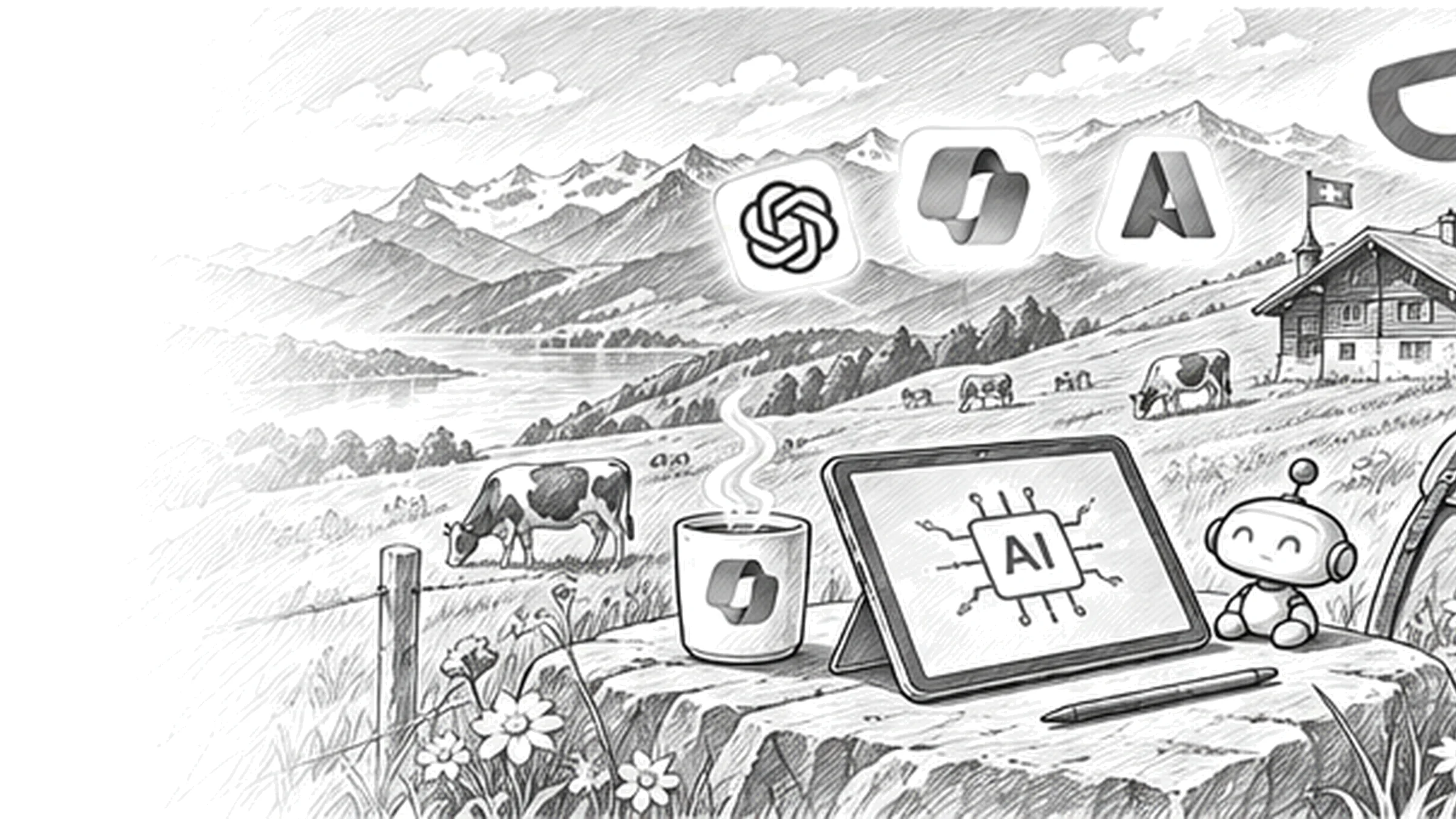
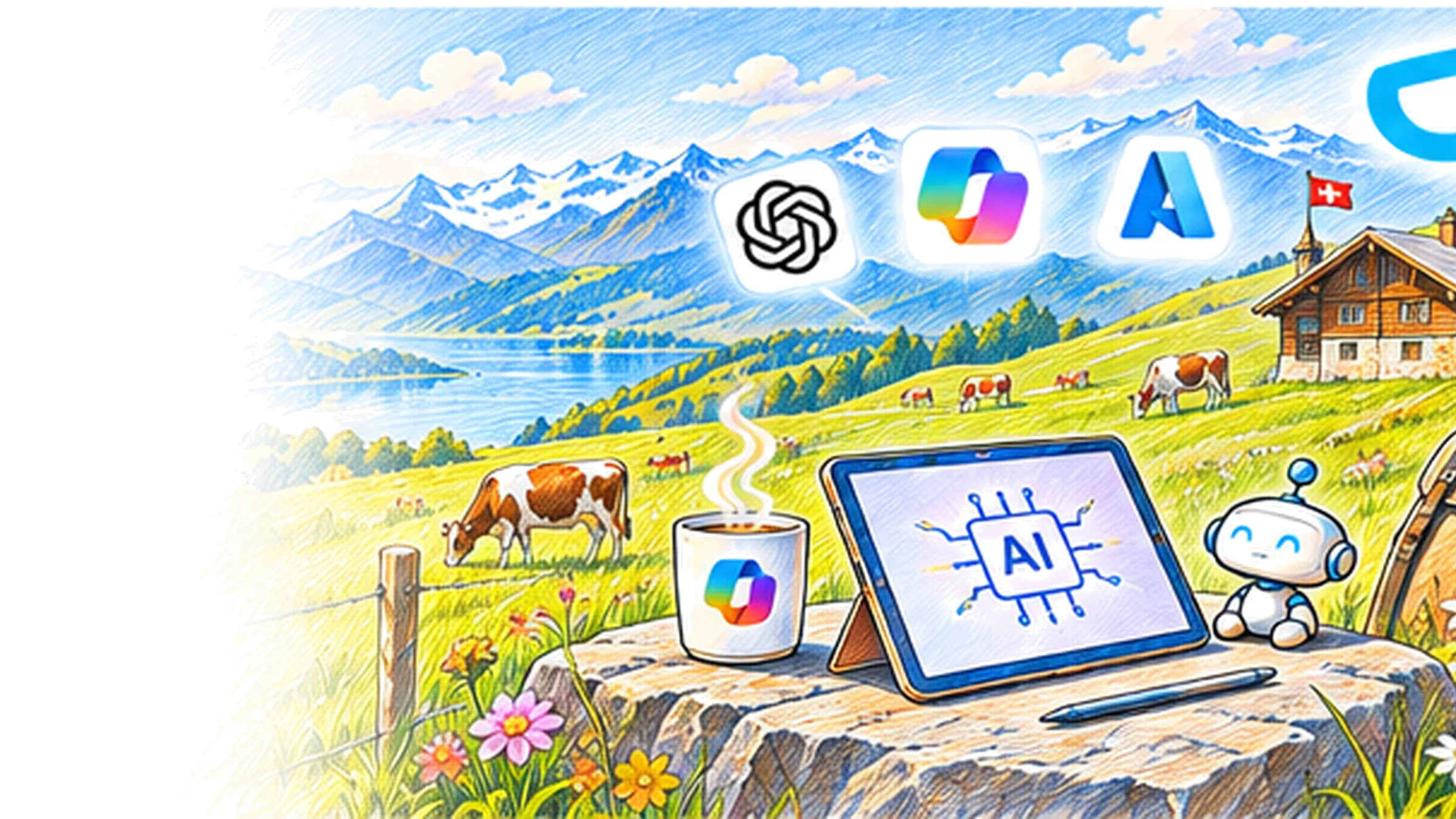
    An alpine pasture with cows above a lake, on a rock a tablet showing an AI chip, the robot agent beside it, above them the icons of OpenAI, Microsoft Copilot and Azure
    01

    From Copilot to your own system

    Administration translates with a model from the catalogue, finance asks for key figures in its own words, sales works in Copilot. Your IT sees in one place which model runs where, which data it reads and what it costs. Your own applications run on Microsoft Foundry, with your identities, networks and logs. Which layer fits, we decide on the actual case.

    02

    From document to decision

    We build for what Microsoft calls the Frontier Firm: teams of people and agents, with intelligence available on demand. Three of the cases below have pages of their own; here it is about what connects them all: model, data boundary, identities and cost. We build the first case with one business team on real data, in your Azure or Microsoft 365 environment, and hand it over so your team carries it on.

    • Knowledge for the workforceAnswers from directives and policies with a reference to the passage are described under Company Brain; here we provide the model, search and permissions for it.Result: the knowledge system runs under the same rules as every other case.
    • Incoming mailHow an agent assigns letters, emails and forms and creates the case is described under Agentic AI; here we provide text recognition, model and logs.Result: incoming mail is processed under the same data rules as every other application.
    • Decisions and routingTickets, damage reports or enquiries receive an assignment from a fixed set of answers, with a measured hit rate; difficult cases go to a person.Result: every case sits with the right team with a reason, and the hit rate is visible in operation.
    • Language and translationDocuments in German, French, Italian and English, transcription and summary of meetings with Azure Speech, terminology from your glossary.Result: a version in every national language that your editors review and release.
    • PortalsThe agent on the website or in the app that takes in requests from customers and members is described under Agentic Websites; here we set model, data boundary and cost frame.Result: the website agent follows the same rules as your internal systems.
    • Analysis over business dataQuestions to Dataverse, SQL or Power BI in natural language, with verified figures and a visible query.Result: managers get the number together with the query it comes from.
    03

    Model, data boundary, identity

    One model per task, chosen on your test set. Where data is processed: Microsoft 365 in the EU Data Boundary, Microsoft Foundry regionally, in the EU data zone or globally by model, OpenAI and Anthropic APIs under their rules. Identities for people and agents in Entra ID. Logs, classification and loss prevention via Microsoft Purview, plus guardrails and attack detection. Budgets and alerts per application. One owner for what the system does.

    04

    What your IT can check

    An AI system running in your environment, measured on your examples: test set, evaluation, traces. An overview of which platform processes which data where and what your directive allows. Identities, guardrails and logs your IT reviews itself. One person on your team who adjusts model, sources and instructions and can stop the system. And the order of the next cases, with the frame for build and operation in the proposal.

    Boundaries

    Where your data is processed, per platform.

    As of 3 October 2026, checked on the vendors' pages. Before the start we record which row applies to each application.

    Microsoft Copilot and Microsoft 365

    Processing: Within the EU Data Boundary. Claude models are excluded from it and switched off by default for Swiss tenants.

    Our frame: Personal data yes, with permission checks, sensitivity labels and Purview logging. Claude models only after a management decision.

    Microsoft Foundry

    Processing: Depending on model and deployment type: regionally in Switzerland North, in the EU data zone, which does not include Switzerland, or globally. Hosted agents run in the Swiss regions.

    Our frame: Personal data with regional deployment or after a documented decision; newer models globally only for data without personal reference.

    OpenAI API

    Processing: Europe data residency including Switzerland per project, with modified retention; the Agents API is excluded and processes in the US.

    Our frame: Europe project for personal data, Agents API only for development and test data.

    Anthropic API and Claude in Foundry

    Processing: Globally or in the US; in Microsoft Foundry as Global Standard or US data zone, no EU or Swiss deployment.

    Our frame: Documents without personal reference, anonymised cases or an explicit agreement with the people concerned.

    Local models with Ollama

    Processing: In your data centre or on your hardware, without external requests.

    Our frame: For tasks that must not leave the environment, with a review of model quality, hardware and operation.
    Models

    Which model takes on which work.

    Four model families we test with first. Your test set decides, and since all of them sit in the Microsoft Foundry catalogue, a later switch stays open.

    GPT-6 family (OpenAI)

    We use it for: Office work, coding and computer use with Astra and Sol; classification, extraction and short texts at volume with Luna.

    In Foundry and through the OpenAI API; the Decisions API builds on Luna.

    OpenAI and Codex

    Claude 5 family (Anthropic)

    We use it for: Long contracts and reports, analyses with references, development work with Claude Code; Haiku for small, fast steps.

    In Foundry globally or in the US data zone, directly at Anthropic or through Copilot Studio.

    Claude

    Grok (SpaceXAI)

    We use it for: Research with current sources and market monitoring, when freshness matters more than citation fidelity.

    In Foundry as Global Standard; results are checked against your sources.

    Grok

    Open models: Mistral, Llama, Phi, DeepSeek

    We use it for: Classification, summarisation and translation at volume when cost and control count; Phi for small tasks at the edge.

    From the Hugging Face Hub, in Foundry or locally through Ollama, with a review of the model licence.

    Open models

    Sound familiar? Tell us where you stand today.

    Contact

    What's new.

    As of: 3 October 2026

    • As of 4 August 2026

      Foundry enforces guardrails per subscription.

      In the Microsoft Foundry compliance workspace, guardrail policies mandate content filters, prompt shields and abuse detection for every model deployment in a subscription. Microsoft Defender for Cloud reports jailbreak attempts, and the Purview integration is switched on per subscription.

      Source: Microsoft Learn: Manage compliance and security in Microsoft Foundry
    • As of 1 May 2026

      Purview logs and protects Foundry interactions.

      Prompts and responses from Foundry applications flow into the audit log, the data security posture view for AI, classification, loss prevention, retention and eDiscovery in Microsoft Purview. Policies apply when the application calls with the Entra identity of the user.

      Source: Microsoft Learn: Use Microsoft Purview with Microsoft Foundry
    • Since April 2026

      Entra Agent ID, one identity for every agent.

      Microsoft Entra Agent ID is generally available: an identity and authorisation framework for AI agents based on OAuth 2.0, MCP and A2A, for agents from Microsoft Foundry, Copilot Studio and third-party platforms. Access, conditions and logs therefore apply per agent as they do for people.

      Source: Microsoft Learn: What is Microsoft Entra Agent ID

    AI systems from our projects.

    A concept with Azure OpenAI for initial assessment, speech and business data in a robotics experiment, a knowledge platform for energy utilities and an interface that makes line-of-business systems reachable for AI.

    What IT leads ask about the AI platform.

    Where do we start: Copilot, Foundry or agents?

    With the task that costs the most time and whose data is in order. If it lives in Word, Outlook and Teams, Copilot with clean permissions is often enough. If it needs a specific model, processing without a chat or an interface outside Microsoft 365, we build it on Microsoft Foundry. If it should be delegated, it becomes an agent. In the workshop we map your needs to these three layers and choose the first case.

    Do we have to commit to one vendor?

    No. We assume that over time one agent will prevail and most of the work will run through it; which one is still open. The Foundry catalogue provides models from OpenAI, Anthropic, Mistral, Meta and others, and switching does not change the application code. We choose per task with the same test set and record why. What stays is a foundation: your identities, your data boundaries, your logs. On that, model and agent can change without the security being rebuilt.

    Where does our data run when we use several platforms?

    We record that per platform before anything starts. Microsoft 365 processes within the EU Data Boundary; Claude models are excluded from it and switched off by default for Swiss tenants. Microsoft Foundry processes, depending on the model, regionally in Switzerland North, in the EU data zone, which does not include Switzerland, or globally. The OpenAI API offers Europe data residency including Switzerland per project, the Anthropic API processes globally or in the US. For personal data we record the outcome in writing with your data protection officer.

    What does the AI see that employees may not?

    Nothing, if the permissions are right. Copilot and Foundry applications with Azure AI Search answer with the rights of the person asking; encrypted documents with a sensitivity label stay out without the extract right. Whatever is shared too widely, the AI will find. That is why we review sharing, guests and labels before the start and let Purview classify and log prompts and responses.

    How do we stop employees pasting company data into private AI tools?

    With an offer and a boundary. The offer: approved tools that genuinely help in daily work, from Copilot to a personal agent with governed access. The boundary: endpoint DLP in Microsoft Purview warns or blocks when someone pastes sensitive data into an AI website in the browser, and the data security posture view shows which AI services are in use. Plus a short directive that says what is allowed.

    How do we measure whether an AI system is good enough?

    With a test set of real cases and expected results that your business team maintains. Foundry evaluates every version against it and records traces and usage in Application Insights. We compare models, sources and instructions on this set, repeat the evaluation with every change and analyse where the system hands over to people. What passes the set is released.

    Agree on a useful next step

    Tell us about your current workflow, the systems involved and the result you need. In our first conversation, we identify what else we need to know to plan a useful next step.