Replit Enterprise

    Replit Enterprise: build as a team, governed by your IT.

    With Replit Enterprise, several teams build applications together while your IT controls sign-in, accounts, models and publishing. Whoever leaves the company loses access through Entra ID, and every publication shows up in the audit log.

    For companies in which several teams build on Replit and IT wants to control access, accounts and publications.

    • Replit Enterprise
    • SAML SSO
    • SCIM
    • Audit logs
    • Entra ID
    • Okta
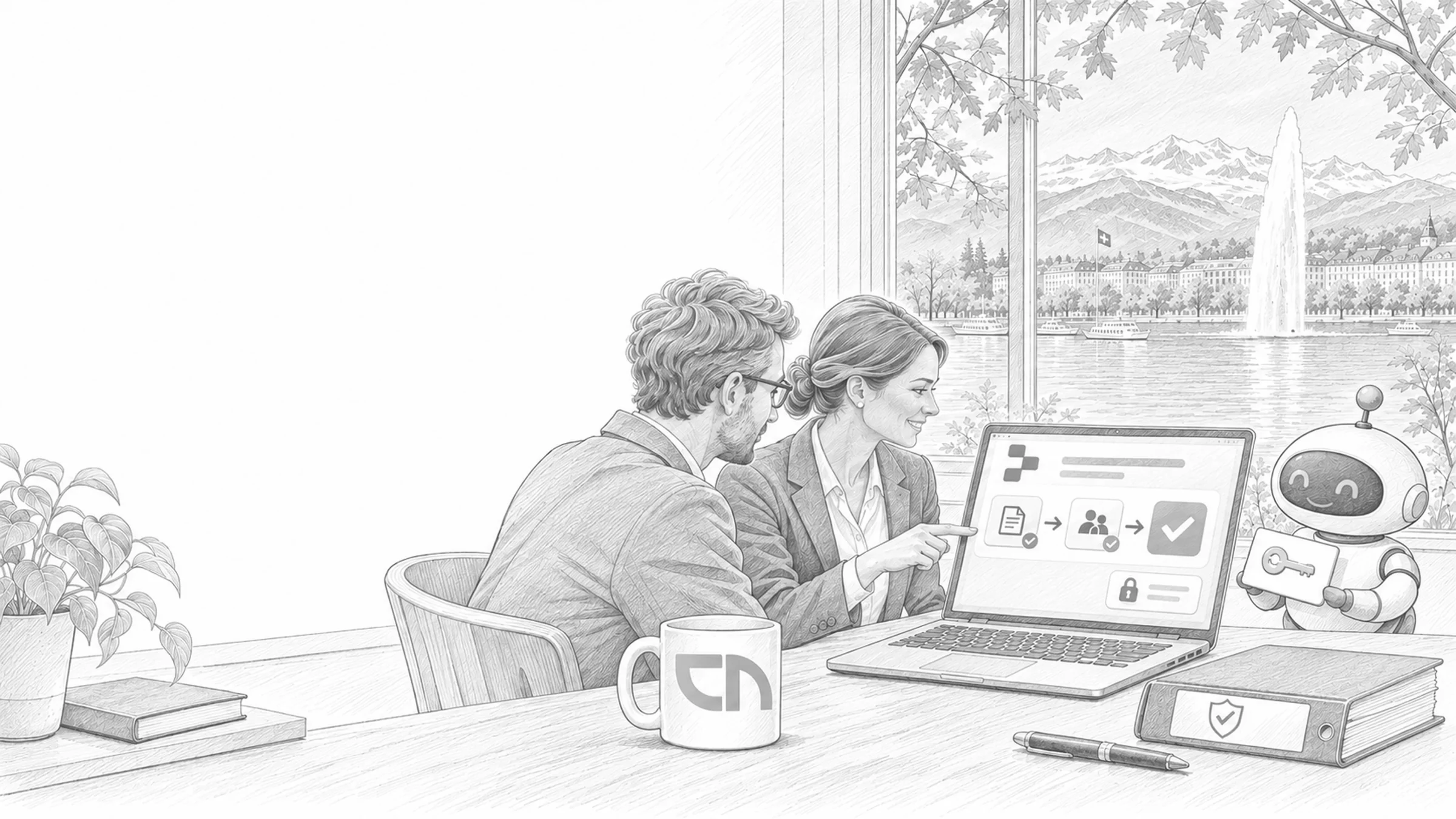
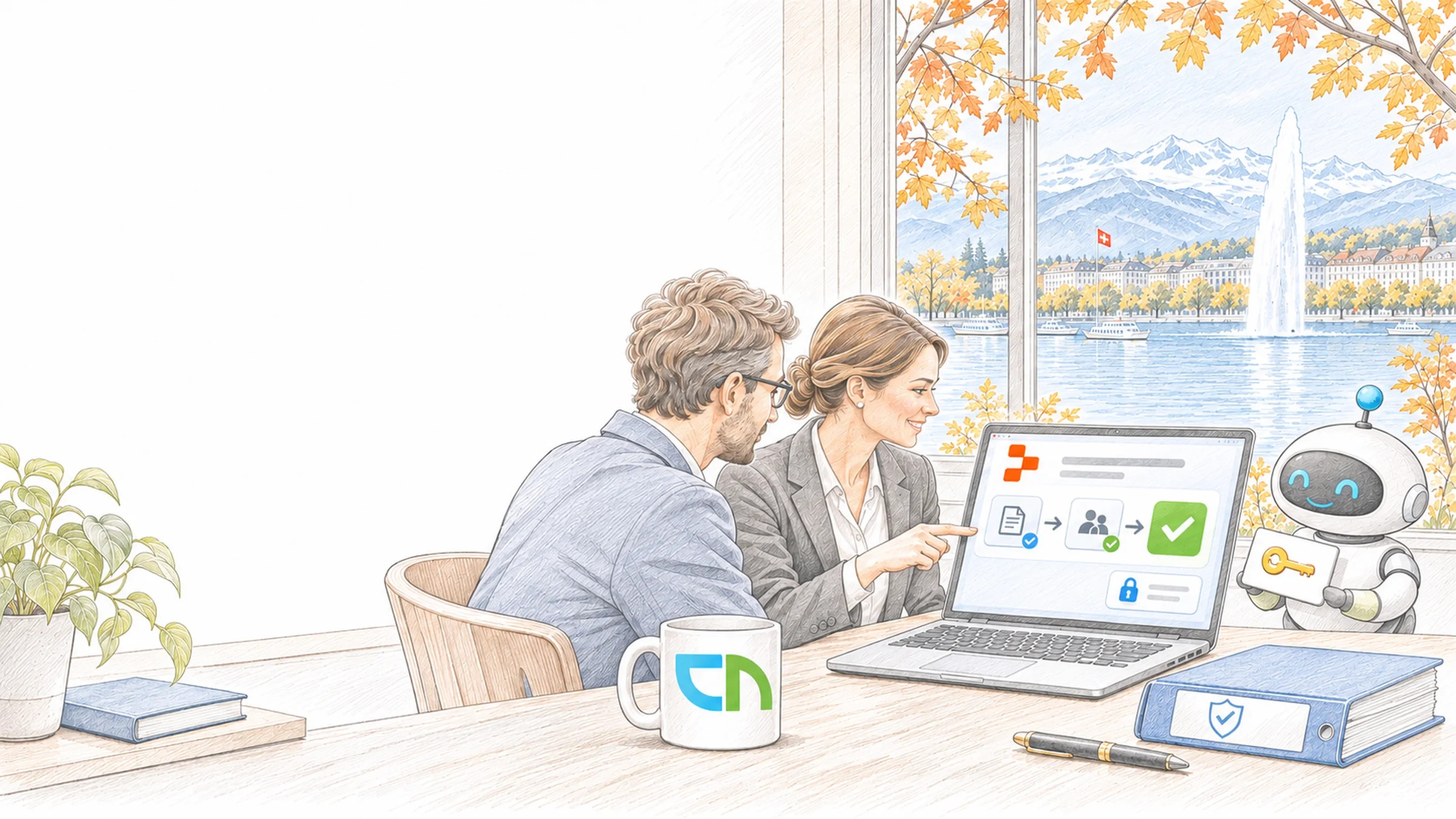
    An office of a Geneva bank looking out at the Jet d'eau, two people approve an app on a laptop, a binder with a shield and the robot agent holding a key beside them
    01

    When several teams build

    At Muster AG, business teams and developers build on Replit: a customer portal, two internal tools, prototypes from the AI lab. IT wants to know who has access, which models the agent works with, in which region things are published and who published what. The Enterprise plan brings these controls: single sign-on, user provisioning through SCIM, audit logs, a mandated publishing region and policies for publishing and models. How we build on Replit is described on the Replit page.

    02

    What we set up on the Enterprise plan

    We set up the Enterprise workspace with your IT, check every setting with a test user and hand it over documented. The building blocks:

    • Sign-in and user managementSAML single sign-on with Entra ID, Okta or Google Workspace for your email domains, SCIM with Entra ID, Okta or other providers to create and remove accounts, groups and roles for the workspaces.Result: whoever leaves the company loses access through your identity system.
    • Audit logsSign-ins and access, publications, secrets, connectors, domains and agent activity, streamed to your SIEM.Result: every publication has a person and a time, beyond the 30 days Replit keeps itself.
    • Publishing and regionOne publishing region for all new projects, for example Europe (EU), private deployments or public apps by administrators only, development URLs behind sign-in.Result: nothing goes public without a rule, and no project lands in a region you did not choose.
    • Source code in the repositoryPublishing only after a push to the Git repository, private repositories for everyone or for everyone except administrators.Result: what is live also sits in your repository.
    • Models for the agentEnable providers such as OpenAI, Anthropic and Google individually, restrict them to selected models or disable them, and control fast variants and high effort levels separately.Result: the agent works with the models your data protection team has approved.
    03

    Contract, identities, rules

    An Enterprise plan, self-serve in the workspace or as a contract through Replit's sales team. Your identity system with one person who sets up the SAML application and SCIM, and the email domains Replit claims for single sign-on. A destination for the audit logs if you need them for longer than 30 days. And decisions by IT and data protection: which region, which model providers, who may publish publicly and which data belongs in projects.

    04

    How IT checks the controls

    A test user signs in through Entra ID, is created through SCIM and loses access as soon as they are removed in the identity system. A test publication appears in the audit log and in your SIEM, a project without approval does not go public, and a disabled model is not available to the agent. We document these checks and hand the settings over to your IT with their rationale.

    What you receive from us

    The set-up record of your workspace.

    After set-up we record how sign-in, accounts, teams, secrets and publishing are governed and who is responsible for what. Shown here as a sample with invented details.

    Set-up record

    Sample

    Replit Enterprise set-up record

    Customer
    Muster AG, Bern (fictional)
    Workspace
    Muster AG, three teams, 24 accounts
    Set up on
    6 October 2026
    Sign-in
    SSO through Microsoft Entra ID, accounts through SCIM
    • 24accounts from Entra ID
    • 3teams with their own area
    • 6governed areas
    • 1open item

    Summary

    The Muster AG workspace is set up. Accounts come and go with the group in Entra ID, and sign-in runs through SSO. Each team works in its own area, keys live in the secrets, and IT approves any publication under the company domain.

    AreaSettingOwner
    Sign-inSSO through Microsoft Entra ID for every accountIT
    AccountsSCIM from the Replit users group; leaving the company removes the accountIT
    TeamsService, finance and marketing with their own area and rolesTeam leads
    SecretsAPI keys only in the secrets, checked before every publicationDevelopers, CNEXT
    PublishingCompany domain only after IT approvalIT
    AuditWorkspace audit log, reviewed monthlyIT, CNEXT

    Open

    • Access for the service team to the ERP test system; approval lies with the ERP owner.

    Next steps

    The teams start their first projects. Every application goes through our review before go-live.

    Samples with invented details for a fictional Muster AG.

    Sound familiar? Tell us where you stand today.

    Contact

    What's new.

    As of: October 2026

    • As of October 2026

      SAML single sign-on on the Enterprise plan only.

      Entra ID, Google Workspace, Okta and other SAML providers are supported. Once SSO is active, everyone with a claimed email domain signs in through it. SAML handles sign-in only; SCIM creates and removes accounts.

      Source: Replit Docs: SAML
    • As of October 2026

      SCIM with Entra ID and Okta.

      Automatic user provisioning is available exclusively to Enterprise customers. Administrators turn it on under Settings, Advanced, Identity & Governance and follow the steps for their identity system.

      Source: Replit Docs: SCIM provisioning
    • As of October 2026

      Audit logs with more than 65 events, kept for 30 days.

      They record deployments, access, secrets, connectors, domains and agent activity, among others. Replit keeps them for 30 days by default; for longer retention you stream them to Datadog, Splunk, Amazon S3 or an HTTP endpoint.

      Source: Replit Docs: Audit logs
    • As of October 2026

      Control model providers per workspace.

      Administrators enable or disable OpenAI, Anthropic, Google, DeepSeek, Kimi and Z.ai individually; at least one model each from OpenAI, Anthropic and Google stays enabled. Replit states that these settings are not spending caps.

      Source: Replit Docs: Agent modes and model providers
    • As of 24 October 2026

      Enterprise self-serve or through sales.

      Self-Serve Enterprise brings single sign-on, SCIM, audit logs and the security features, billed by usage. The sales-assisted version adds tailored terms, an annual commitment with pooled credits and a dedicated Google Cloud project, single-tenant on request.

      Source: Replit: Enterprise
    • Since 16 October 2026

      Bring Your Own Cloud in preview.

      Replit runs entirely, or with the published applications only, in your Azure, Google Cloud or AWS account; control plane and models stay with Replit. The full version is in private preview, the version for published applications and the image export are in early access.

      Source: Replit: Bring Your Own Cloud

    What IT and data protection ask about the Enterprise plan.

    When do we need the Enterprise plan?

    As soon as IT has to control sign-in, user provisioning and logs: SAML single sign-on, SCIM and audit logs come with that plan only, as does mandating one publishing region for all projects. For a single application we build for you, a Pro workspace is often enough.

    Does our data stay in Switzerland?

    Replit has no Swiss region. Enterprise administrators mandate Europe (EU) as the publishing region for all new projects; where the development environment sits we clarify with Replit for your contract. If data has to stay in Switzerland, the application runs in your Azure in Zurich, and development on Replit uses test data.

    Who removes accounts when someone leaves?

    Your identity system, through SCIM. SAML alone handles sign-in; without SCIM an account remains until someone removes it by hand. That is why we set up both together and test the leaver process with a test user.

    Do the model policies limit consumption?

    They determine which models and effort levels are allowed and so influence consumption; according to Replit they are not spending caps. Administrators set usage limits separately. We agree both with you and read the consumption in the pilot.

    How do the audit logs reach our SIEM?

    As a real-time stream to Datadog, Splunk, Amazon S3 or an HTTP endpoint of your choice. In Replit's portal they can also be searched, filtered and exported. Which events raise an alert we agree with your security team.

    What stays with us if we leave Replit?

    The source code, if it sits in your repository from the start; the rule to publish only after a push to the Git repository makes that technically certain. Database, storage and sign-in are platform services whose replacement we record before the build.

    Agree on a useful next step

    Tell us about your current workflow, the systems involved and the result you need. In our first conversation, we identify what else we need to know to plan a useful next step.