Replit Database
Your application's data and files sit in order in the same Replit project.
From applications and orders to photos and contracts, the project holds what the application needs in PostgreSQL and App Storage. Development and production work with separate databases, and an earlier state can be restored.
For teams whose application keeps cases, orders or documents, whether newly recorded or taken over from Excel, SharePoint or existing systems.
- PostgreSQL
- App Storage
- Migrations
- Restore
- Google Cloud Storage
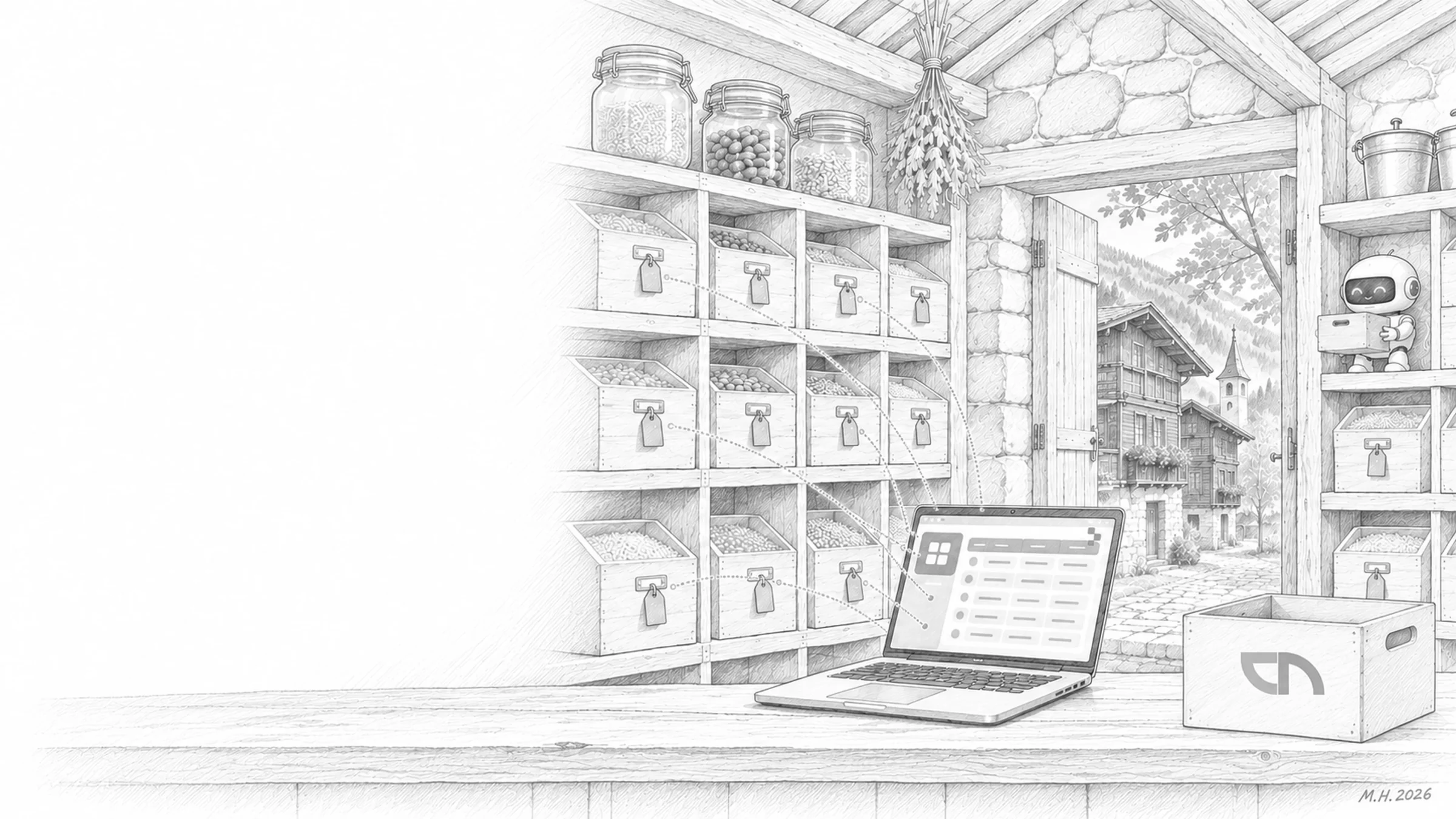
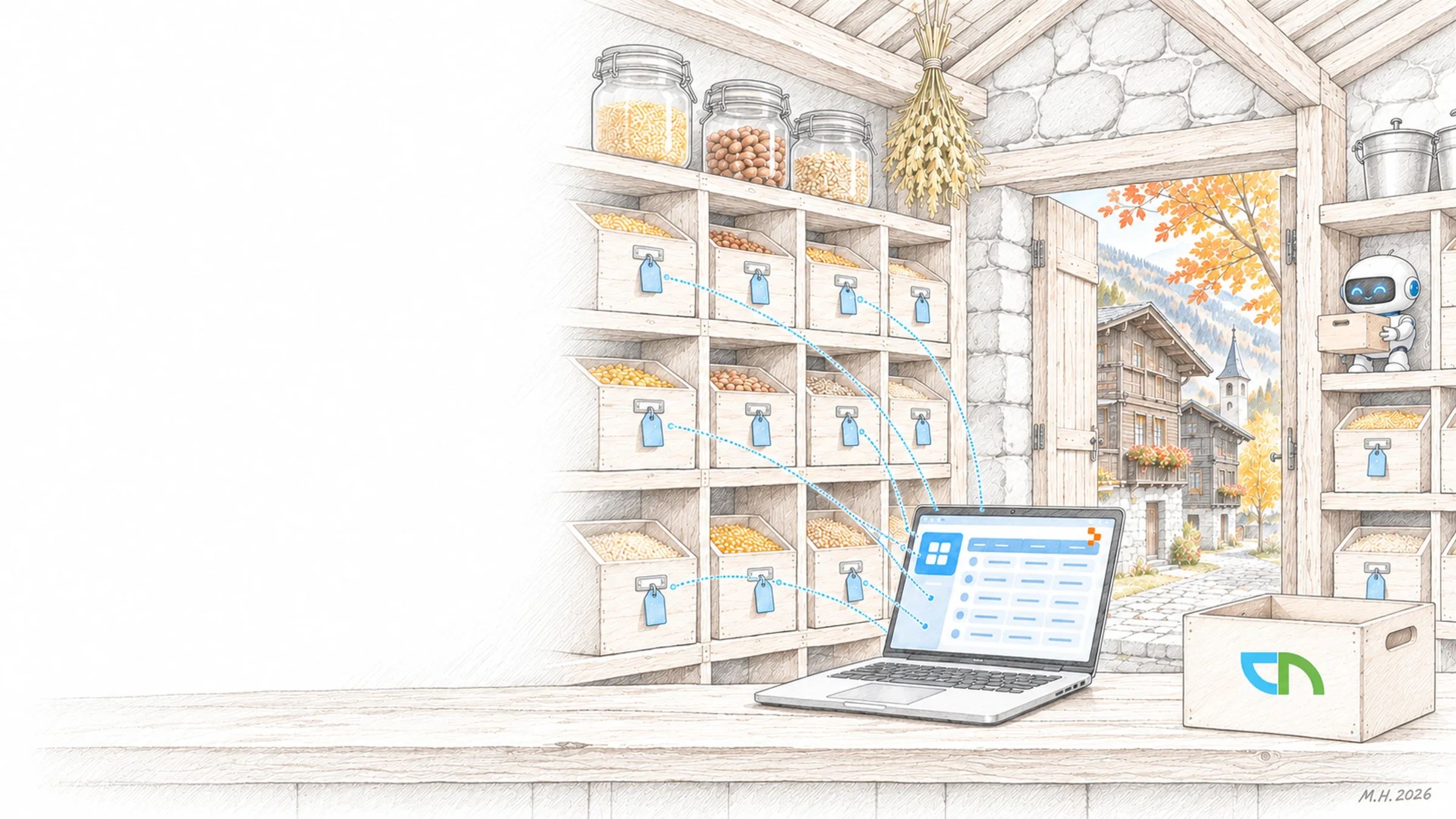
Data that belongs to the application
In an insurer's claims portal, a customer records her case and uploads three photos. The case lands as a record in the database, the photos in App Storage, and the claims team sees both on one screen. The team tests new fields in the development database first; production data stays untouched and can be restored to an earlier point in time.
How we set up data
We set up data so that it is still understandable years later. Examples:
- Data model from the descriptionTables, relations and roles take shape with the agent, and we review them before any data goes in.Result: a model your specialists can read.
- Separate development and productionChanges to the data model run as migrations in development first, then reviewed in production.Result: new features do not endanger production data.
- Files in App StorageImages, documents and exports, accessible only through the application.Result: files sit where the application finds them, with the same permissions.
- Backup and restorePoint-in-time restore, test runs and a procedure for who decides in an emergency.Result: a mistake costs minutes, not data.
- Taking over existing dataLists from Excel, SharePoint or a legacy system taken over once, checked and reconciled.Result: the application starts with the data your team already has.
What is settled before the first record
A person who knows what the data means and approves fields and rules. Test data for development, because personal data belongs in production only. A decision on how long data is kept and when it is deleted. And, if you take data over, an export from the existing system.
What you have at the end
A documented data model with roles and rules. Separate databases for development and production, with migrations in the repository. A rehearsed restore. And an export of your data in an open format, so you can reach it outside Replit at any time.
Sound familiar? Tell us where you stand today.
ContactWhat's new.
As of: 24 October 2026
- As of 24 October 2026
PostgreSQL with separate databases for development and production.
Replit manages the database fully, with monitoring in production and restore to a point in time or an agent checkpoint: seven days back, 28 days on Pro. Each app gets 20 GB, 50 GB on Pro and Enterprise.
Source: Replit Docs: SQL Database - As of 24 October 2026
App Storage for files.
Images, videos and documents sit in buckets on Google Cloud Storage, reachable through a REST API and Replit's libraries.
Source: Replit Docs: Storage and databases
Data in applications we build on Replit.
OLAO Health's portal keeps enquiries, patient management and versioned reports, abonax maintains articles, relevance ratings, videos and documents in one place, and for Kwaxx we are building employee files with an edit history.


What IT and data protection ask about the data.
Can we get our data if we leave Replit?
Yes. The database is PostgreSQL, an open standard, and can be exported; files from App Storage as well. We set up the export and the migrations in the repository from the start so that a move stays plannable.
May personal data go into development?
No. In development we work with test data; personal data sits only in the production database, accessed through the application's roles. Where data has to sit we record before the build, under the Swiss data protection act.
Can we connect an existing database?
Yes, through a connection with credentials in the secrets or through the connectors for data platforms. Whether the data stays where it is or is taken over we decide with you per application.
How fast is a mistake undone?
Point-in-time restore is built in. We rehearse it before go-live and agree who triggers it in an emergency and how data since that point is added back.
Agree on a useful next step
Tell us about your current workflow, the systems involved and the result you need. In our first conversation, we identify what else we need to know to plan a useful next step.