Data Security & Compliance
Purview protects data, in Copilot and agents too.
With Purview, a contract keeps its label all the way into the Copilot answer, customer data never leaves for a private address, and the audit log shows every access.
For data protection officers and IT who need to protect contracts, personnel and customer data before Copilot and agents work with them.
- Microsoft Purview
- Sensitivity labels
- Data Loss Prevention
- Data Security Posture Management
- Retention
- Audit
- eDiscovery

Where data travels
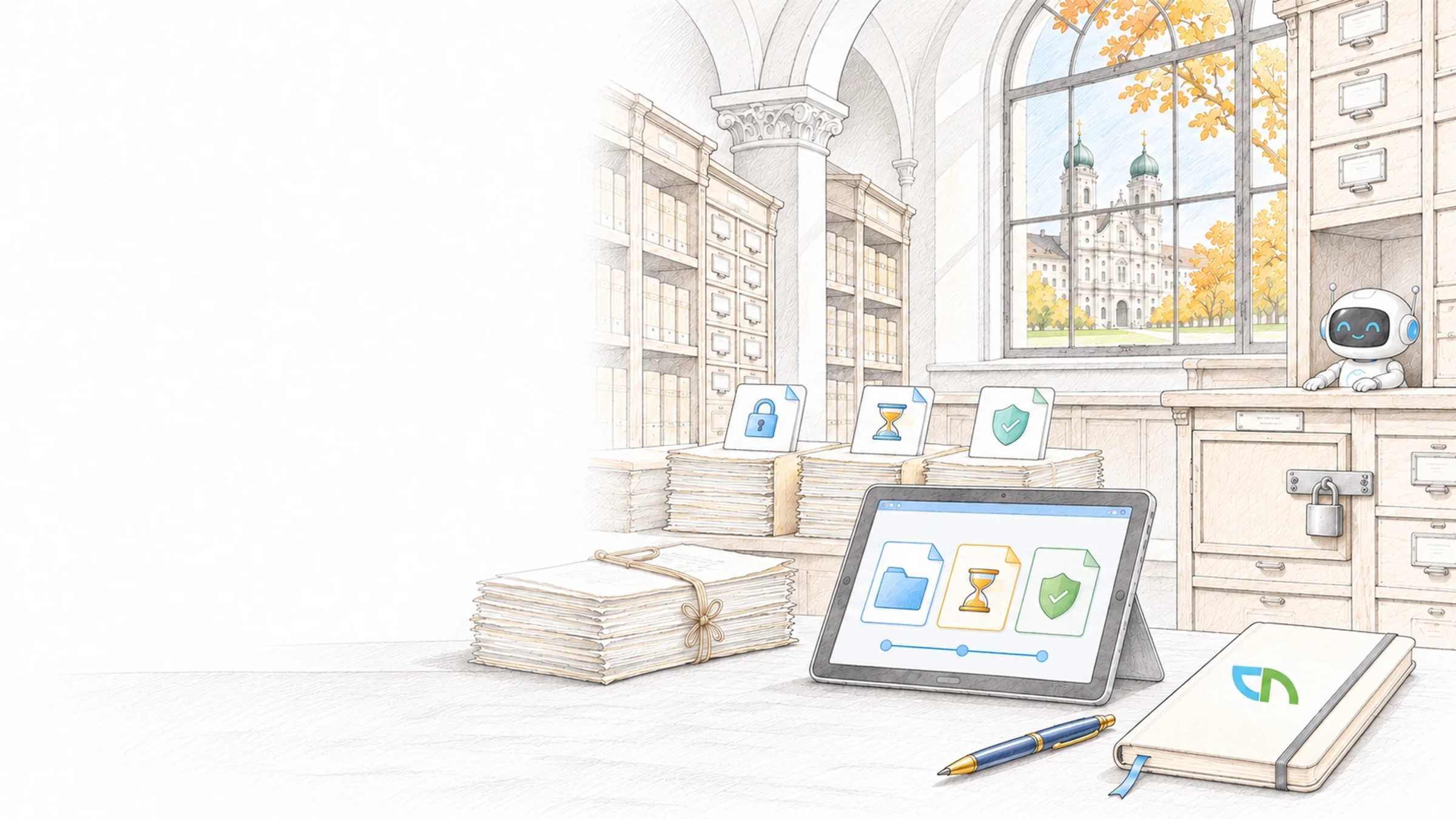
A project lead asks Copilot to summarise the quote for Muster AG. Copilot answers from the documents she may see; the costing labelled Highly confidential stays out, and the summary inherits the label of its sources. The same rules apply when an agent in customer service reads files or someone forwards the quote. What your data protection officers require under the Swiss data protection act becomes a setting with evidence.
Label, prevent, retain, prove
We start with one type of data that matters to you, such as contracts, personnel files or customer data, and build the rules out from there. Every rule runs in simulation first, so you see what it would hit before it blocks anything. The building blocks:
- Sensitivity labelsA short scale such as Public, Internal, Confidential and Highly confidential, with encryption, watermarks and rules for teams, groups and sites; recommendations or automatic labelling where content can be recognised.Result: a document carries its protection along, even outside your tenant.
- Data loss preventionRules for Exchange, SharePoint, OneDrive, Teams and Windows devices detect credit card, passport or AHV numbers and your own patterns, warn with a request for justification or block.Result: your data protection officers see every match, and employees read in the policy tip why a rule applied.
- Copilot and agentsA rule for the Microsoft Copilot location keeps labelled files and emails out of answers, prompts with sensitive data are stopped or kept from web search, and email from external senders can be excluded as a source.Result: Copilot works with what is released for it, and the policy tip leads to your policy.
- Data Security Posture ManagementAn overview of where sensitive data lives, which sites are open too widely and which AI apps and agents touch sensitive content, with recommended steps and prepared policies.Result: a list of your largest data risks with the next step for each entry.
- Retention and deletionPolicies per location, retention labels per document type, records that can no longer be changed and deletion after review by a person; Copilot interactions get their own policy.Result: you keep what law and contracts require and delete the rest in a traceable way.
- Audit and eDiscoveryThe audit log records access, sharing and the use of Copilot, and eDiscovery searches mailboxes, sites and chats for an access request or an investigation.Result: you answer questions about who, when and what from the system.
Which licence includes what
Manual labels, retention policies and data loss prevention for Exchange, SharePoint and OneDrive are included in Business Premium and E3. Automatic labelling, rules for Teams chats and devices, and excluding labelled files from Copilot require E5 or the Purview Suite. Up front we clarify types of data, retention periods and who decides on exceptions with your data protection officers, and we check whether permissions match the content.
Tested on your examples
We test every rule in simulation with your own sample documents: is the contract recognised, does the label survive a download, is the email with customer data stopped, and is the blocked file missing from the Copilot answer? We then check in the audit log that the events arrive. You receive labels, rules and exceptions in writing, and Maester keeps checking the Purview settings regularly afterwards.
Sound familiar? Tell us where you stand today.
ContactWhat's new.
As of: October 2026
- As of 5 October 2026
Data loss prevention rules also apply in Copilot.
A rule for the Microsoft Copilot and Copilot Chat location keeps labelled files and emails out of answers; this requires E5 or the Purview Suite. Stopping prompts that contain sensitive information types is rolling out as a preview to all Copilot users. Also in preview: excluding email from external senders as a source, against hidden instructions in outside email.
Source: Microsoft Learn: Purview DLP for Microsoft Copilot - As of June 2026
Data Security Posture Management in a new version.
The new version brings together signals from labels, data loss prevention and Insider Risk Management, with objectives, recommended steps and an overview of all AI apps and agents, including Microsoft Agent 365. The previous AI edition is now called "classic"; most new features go into the new version only.
Source: Microsoft Learn: Data Security Posture Management - As of August 2026
Automatic labelling requires E5 or the Purview Suite.
Manual labels, retention policies and data loss prevention for Exchange, SharePoint and OneDrive are included in Business Premium and E3. Automatic labelling and rules for Teams chats and devices require E5 or the Purview Suite. For Business Premium, Purview is available as an add-on for organisations of up to 300 seats.
Source: Microsoft Learn: Microsoft Purview service description - As of July 2026
The audit log keeps records for 180 days or one year.
Audit (Standard) keeps records for 180 days. Audit (Premium) keeps records from Entra ID, Exchange, SharePoint and OneDrive for one year, with custom policies and an add-on for up to ten years. Copilot interactions appear in the audit log once Copilot is licensed and in use.
Source: Microsoft Learn: Auditing solutions in Microsoft Purview - As of August 2026
Purview for agents on Microsoft Foundry comes with E7 and Agent 365.
According to its licensing description, Microsoft intends to cover Purview's protection and compliance capabilities for agents on Microsoft Foundry and for AI apps connected to Entra ID with Microsoft 365 E7 and the Agent 365 licences. Before every agent project, we check which licence your agents need.
Source: Microsoft Learn: Microsoft Purview service description
Where labels are already at work.
A shared security baseline with sensitivity labels at SAGW and protected client documents at TaxPerts.


Related to your task
Purview for the Swiss data protection act, from access requests to the record of processing.
AI governanceAgent inventory, rules for Copilot and evidence for the board and data protection.
Microsoft 365 governanceOwnership, sharing and labels for sites and teams.
AI data preparationOrganise and label content before Copilot and agents answer from it.
Security operationsRegular checks that your Purview rules are still set as agreed.
Before the first label applies.
Where do we start if nothing is labelled yet?
With the overview from Data Security Posture Management and one type of data that matters to you. The overview shows where sensitive data lives and which sites are open too widely. The first label and the first rule apply to that one type of data, in simulation first; others follow in the order the risk sets.
Do employees have to label every document themselves?
A default label covers everyday work, and recommendations appear as soon as a document contains recognisable data. With E5 or the Purview Suite, policies also label existing files in SharePoint and OneDrive automatically. Employees decide by hand where only they can judge the content, for example a strategy paper.
Does Copilot see documents labelled as confidential?
Copilot answers with the permissions of the person asking. If she may open a document, Copilot can use it, unless a data loss prevention rule excludes the label: the file then appears at most as a source, and its content goes into no answer. Copilot also does not summarise encrypted content without the right to copy.
How does Purview help with the Swiss data protection act?
The act requires appropriate data security and information about a person's data on request. Purview provides the tools: labels and data loss prevention for protection, retention for deletion periods, eDiscovery and the audit log for access requests. We record with your data protection officers which setting covers which obligation; the legal assessment is theirs.
What does Purview see of ChatGPT, Gemini and other AI services?
With the browser extension and on onboarded Windows devices, Purview detects when sensitive data goes into supported AI websites, and a rule can block it. ChatGPT Enterprise can be registered as a workspace, and its interactions then appear in the overview. Rules on devices require Endpoint DLP from E5 or the Purview Suite.
Does Purview delete data automatically?
Only if you set it to. A retention policy can delete content once a period has run out, and for documents with evidential value a review by a responsible person can come first. Content from ongoing legal matters is protected against any deletion by an eDiscovery hold.
Agree on a useful next step
Tell us about your current workflow, the systems involved and the result you need. In our first conversation, we identify what else we need to know to plan a useful next step.