Artificial Intelligence
Data for AI: documents and master data ready for agents.
From the project library to customer records in your CRM, we organise what Copilot and agents read. Questions with a known source test the answers before go-live.
For departments such as sales or HR that are introducing Copilot and agents and whose file stores and master data have grown over the years.
- SharePoint Advanced Management
- Microsoft Purview
- SharePoint Online
- Copilot connectors
- Dataverse
- Microsoft Fabric
- Microsoft Copilot

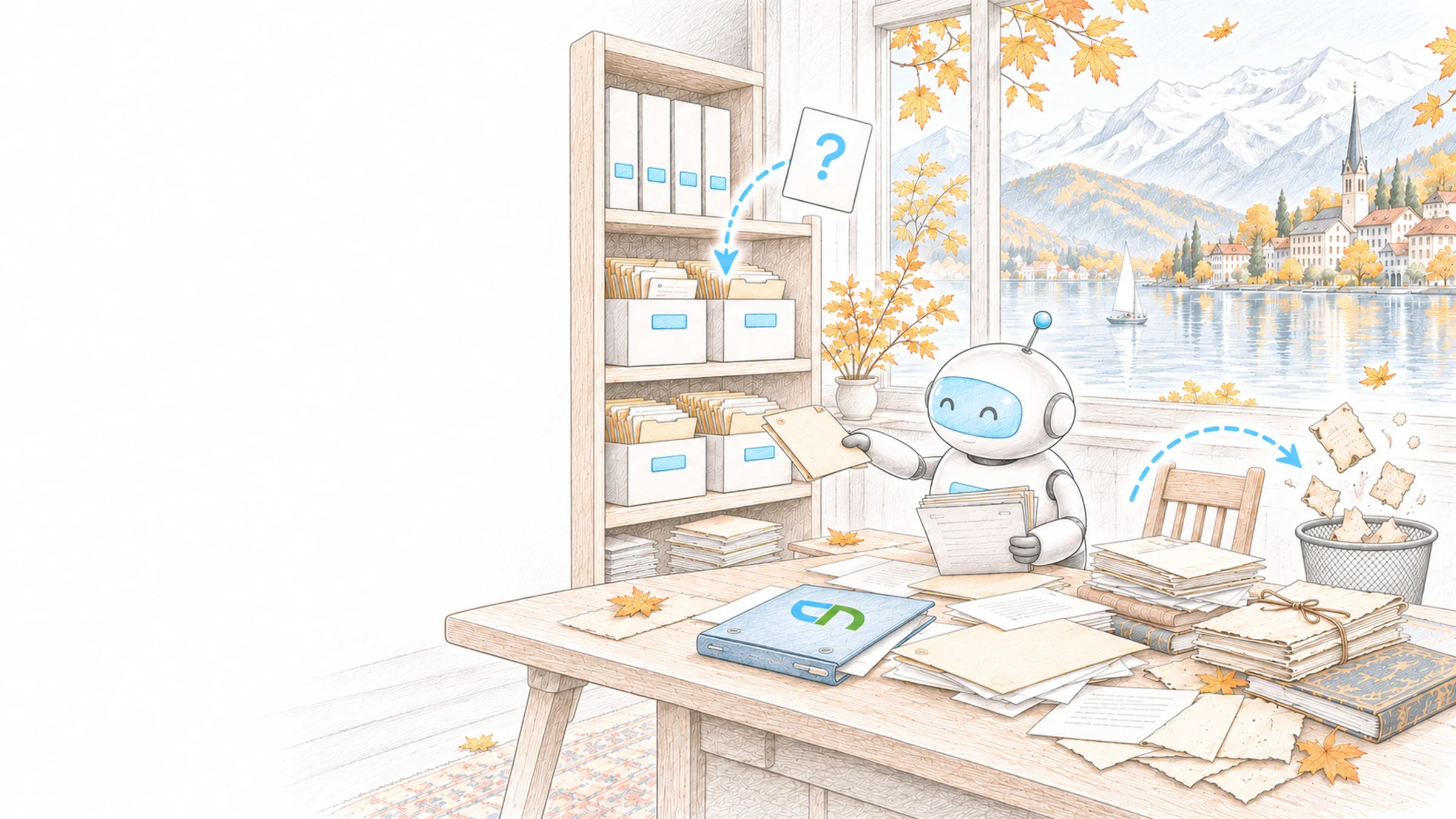
The discount question in sales
The head of sales asks the sales team's agent which discount level applies to a key account. The answer cites the 2026 terms sheet with its owner and validity date; the 2022 version sits in the archive, which is not among the agent's sources. Address and contact person come from the CRM, where the company's duplicate entry was merged before go-live. The agent cannot reach the personnel folders on the HR site.
From document to customer record
File stores and business systems grew with the work and served their purpose: whoever opened a document usually knew which version applied and who owned the list. An agent reads everything it may read, the 2019 draft included. So we first organise the areas your first agent is meant to answer from, together with the people responsible for them. The free Agentic AI Readiness Check and the SharePoint Checker are good starting points; the Assessment reads the actual state of your tenant.
- Valid versionsWith a site's owners we go through the libraries agents are meant to answer from and mark outdated versions, duplicates and documents that contradict each other, such as two price lists from different years. Every remaining document gets a responsible person and a validity date; what no longer applies moves to the archive under the rules of enterprise content management.Result: for each question there is one valid source with an owner.
- Details that show the versionContent types and columns such as document type, valid from, product or customer, with values from the shared term store. We set the details your questions actually distinguish by and fill them in for the existing holdings.Result: staff, search and agents can tell from the document what it applies to and since when.
- Who may read whatCopilot and agents answer with the permissions of the person asking and so also find what is shared too widely. For the areas of your first agent we check sharing with all employees and open links; sites under review stay out of Copilot and organisation-wide search with Restricted Content Discovery, and Restricted Access Control limits particularly sensitive ones to named groups.Result: an agent answers from what the person is meant to see.
- Confidentiality that travelsA label on a site or team does not pass to the files in it, so we show per library where sensitivity labels are missing at document level and apply them, automatically where recognisable patterns allow. When Copilot creates a new document from labelled sources, it takes the label with the highest priority.Result: Copilot shows in the answer how confidential the source is, and new drafts stay equally protected.
- Master data in ERP, CRM and DataverseWe check where customers, items or projects are recorded twice, which mandatory fields stay empty and which team maintains which field; in Dataverse, duplicate detection rules keep new entries clean. The data becomes reachable through Copilot connectors, directly from Dataverse or, where the volume calls for it, through Microsoft Fabric.Result: an agent gives the address and contact person that apply in the system, and every field has a responsible team.
- Sources and questions for an agentFor each agent we set which sites, libraries, tables and websites it uses, and with the business team we collect real questions together with the source that should answer them. Before go-live these questions run against Copilot or the agent; if an answer comes from an old or wrong source, we correct the source. Building the agent and measuring it over time are described under Agentic AI and Company Brain.Result: a source map that shows where each answer should come from.
Who says what is valid
A business team with real questions, such as sales or HR, and for each source a person who says which version applies. For master data, the teams responsible for individual fields, and read access to the ERP or CRM. A list of content that stays blocked for Copilot for now, decided by data protection and IT. At least one Microsoft Copilot licence in the tenant, because Restricted Content Discovery requires it; the sharing reports are also unlocked by the SharePoint Advanced Management add-on.
Tested against your questions
A source map for the first agent: which site, library, table or website answers which question, with owner and validity date. Cleaned-up libraries with details that show the valid version, and a list of the archived documents. A master data report with duplicates, empty mandatory fields and the person responsible for each field. Your questions with an expected source, put to Copilot or the agent before go-live, and the gaps they revealed.
Sound familiar? Tell us where you stand today.
ContactWhat's new.
As of: 11 October 2026
- As of 8 October 2026
Restricted Content Discovery takes sites out of Copilot for a while.
Once switched on for a site, its content no longer appears in organisation-wide search or in Copilot responses, and the site loses the Copilot button and AI actions, including creating agents. Permissions stay unchanged. Microsoft describes the setting as a temporary measure during review; it requires a Copilot licence, OneDrive is excluded, and for sites with more than 500,000 items the change can take more than a week to take effect.
Source: Microsoft Learn: Restrict discovery of SharePoint sites and content - As of 9 October 2026
The SharePoint Admin Agent answers governance questions in chat.
The agent is part of SharePoint Advanced Management and runs in the Copilot app, in Teams and in the admin center. Administrators ask, for example, which sites are overshared, which see little use or which agents access your sites and OneDrive storage most often; it gathers the reports and suggests next steps. It requires a dedicated administrator role for it in Entra ID.
Source: Microsoft Learn: SharePoint Admin Agent overview - As of 11 May 2026
Fabric data agents answer questions about structured data.
A data agent in Microsoft Fabric is generally available and queries up to five sources, such as a lakehouse, a warehouse or a Power BI model, read-only and with the permissions of the person asking. It can be connected to Microsoft Copilot and Copilot Studio. It needs a Fabric capacity of F2 or higher, shows at most 25 rows per answer and currently supports questions and instructions in English only.
Source: Microsoft Learn: Fabric data agent concepts
Where the work continues after preparation.
Self-checks to get started and the pages that build on well-organised data.
See for free which sources your first agent needs and who owns them.
SharePoint CheckerCheck the structure, sharing and storage of your file store for free.
Microsoft 365 AssessmentRecord sharing, labels and Copilot readiness directly in your tenant.
Agentic AIWhich tasks agents take on and how we build and measure them.
AI governance & complianceAgent inventory, logging and the legal frame for AI.
Search & findabilityTabs, bookmarks and filters your team uses to find the valid version.
IntegrationConnect customers, orders and vouchers from bexio or Abacus with Microsoft 365.
Data migrationMove holdings from file servers and legacy systems to Microsoft 365 in an orderly way.
Organised before anyone asks.
An inventory with clean-up and clarified ownership at Nexxiot, cleaned-up storage with rules for new sites at Sieber Partners, jointly maintained school master data in Dataverse for the Education and Culture Directorate of the Canton of Bern, and the choice of knowledge sources for the product agent the BMC team built with our support.
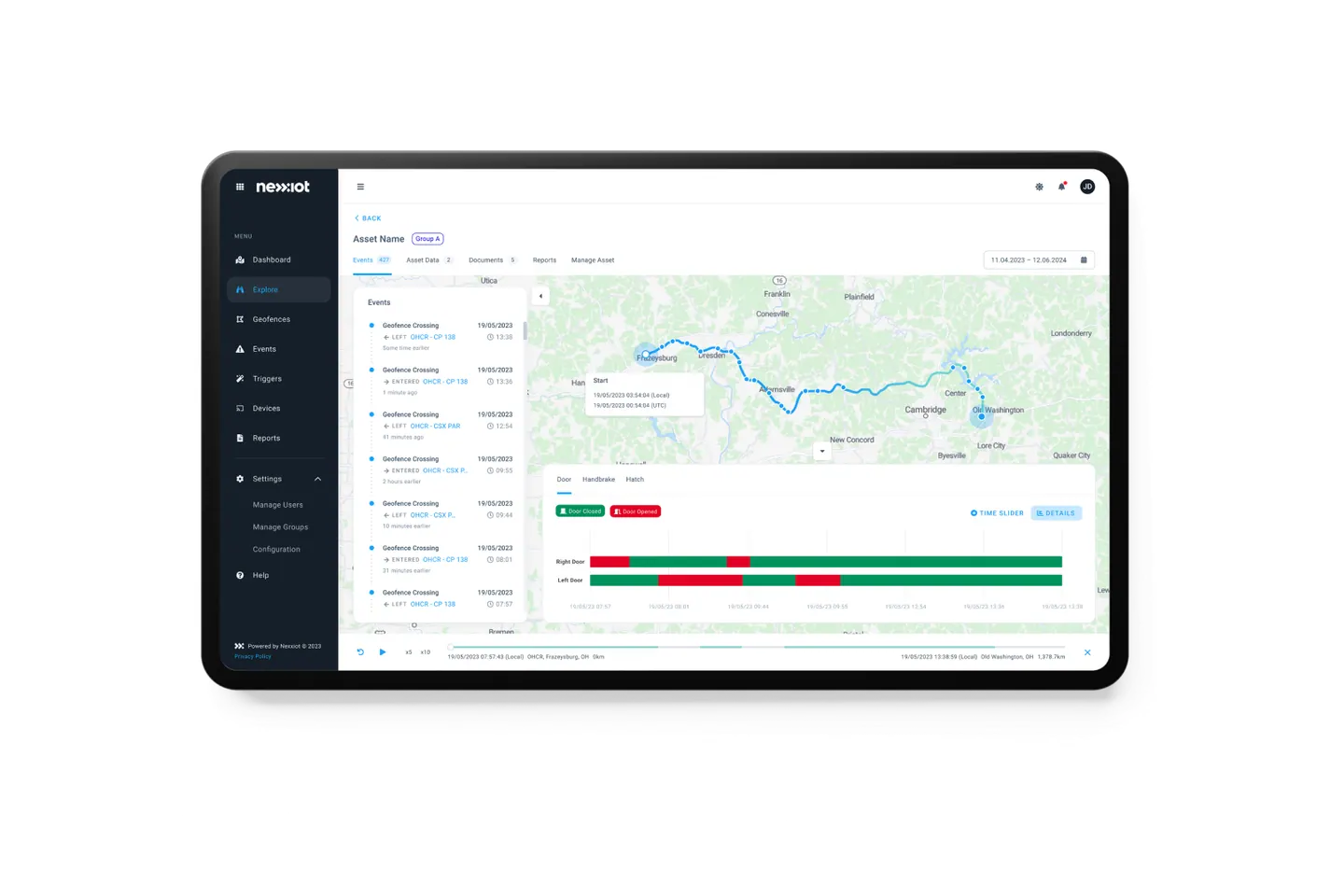
Nexxiot AG
Nexxiot: Bringing storage growth and SharePoint structures under control
View project
Dr. Pascal Sieber & Partners AG
Organising SharePoint repositories at Sieber Partners
View project
Bildungs- und Kulturdirektion Kanton Bern
Managing school master data in one place for Bern's BKD
View project
BMC Switzerland AG
BMC develops its Copilot agent with support from CNEXT
View projectMake duplicates and old versions visible.
Shows stale files, old versions and possible duplicates in sites and OneDrive before the owners decide what applies.
Related to your task
Retention and archive for documents that no longer apply.
Microsoft 365 GovernanceOwnership, sharing and access reviews for all sites and teams.
Compliance & Data ProtectionSensitivity labels, data loss prevention and retention under the Swiss data protection act.
Company BrainAnswers with sources from the holdings prepared here.
Intelligent WorkplaceAgents that work in sites, libraries and Teams channels.
Before Copilot and agents start reading.
How much do we need to organise before an agent goes live?
The areas it is meant to answer from. For a sales agent these are, for example, terms, product library and customer records. Further areas follow with the next agent, and sites with sensitive content stay out of Copilot and organisation-wide search until they have been reviewed. That way the benefit starts early, and the order grows with every use.
Where is the best place to start?
With one of the free self-checks: the Agentic AI Readiness Check asks about task, data and ownership for your first agent, the SharePoint Checker about structure, sharing and storage. Both evaluate your answers and connect to no system. If you want to see the actual state of your tenant, order the Assessment; its findings on sites and sharing are the starting point for this work.
How does an agent recognise the valid version?
From what the document and its details say: title, validity date, document type, location. If two versions of the delivery terms sit side by side, it may cite both. That is why every source has an owner and a validity date, invalid versions move to the archive, and the source map sets which libraries an agent reads from at all.
Do we need sensitivity labels on every document?
On the documents whose confidentiality Copilot should know. A label on a site or team does not pass to the files in it, so Copilot does not show it in answers. Labels with encryption that does not allow copying keep content out of Copilot's summaries; the file then appears only as a link. Which levels exist you decide with Compliance & Data Protection.
Can agents use data from our ERP or CRM?
Yes, in several ways. Copilot connectors bring a system into the index with its permissions or query it live, an agent in Copilot Studio uses Dataverse tables directly as knowledge, and Microsoft Fabric prepares large data volumes for a data agent to query. Data volume, freshness and licences decide which route fits. Connecting bexio or Abacus is described under ERP integration, key figures in Power BI under Reporting.
Who keeps the data in order after go-live?
The owners of the sources: they approve new versions and send invalid ones to the archive. In the customer records every field has a team that maintains it, and duplicate detection flags new duplicates at entry. Questions an agent cannot answer show where a source is missing; your IT sees in the sharing reports where to follow up.
Agree on a useful next step
Tell us about your current workflow, the systems involved and the result you need. In our first conversation, we identify what else we need to know to plan a useful next step.