Modern Workplace
Enterprise content management from intake to archive.
Post, email attachments and vouchers from your ERP run through Microsoft 365 to the archive. A retention label decides when someone rules on deletion.
For finance, HR and management teams keeping receipts and files in Microsoft 365 with retention periods under the Swiss Code of Obligations.
- Microsoft Purview
- Records Management
- Document processing
- Microsoft 365 Archive
- SharePoint Online
- Power Automate
- Microsoft Graph
Monday in accounts
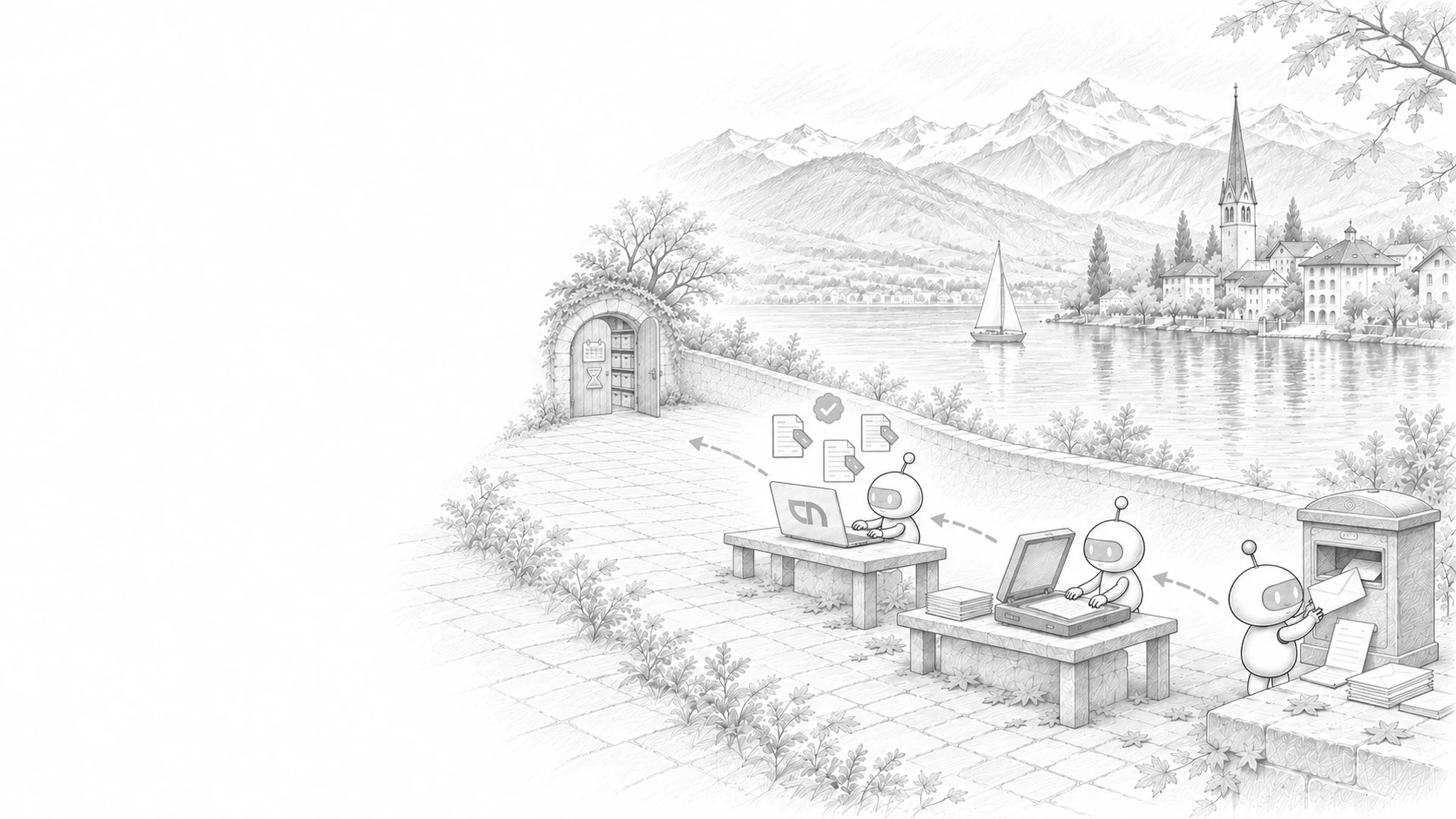
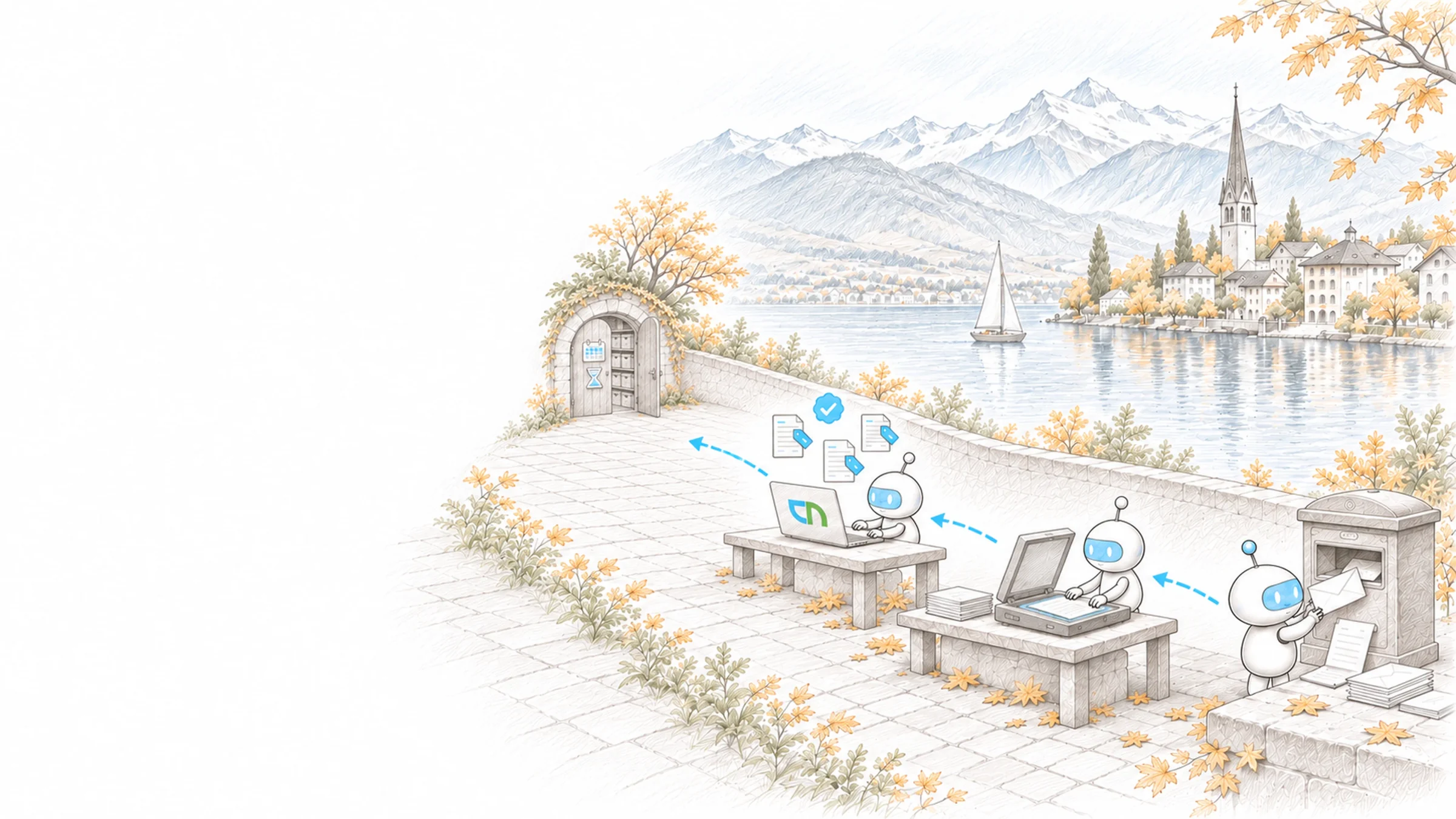
Monday, accounts. Scanned supplier invoices and email attachments sit in the intake library, with number, date and supplier already in the columns. The head of finance receives the review request for vouchers whose retention period has expired: she approves deletion and extends one file with an open legal case. The 2021 project sits in the archive and still appears in search.
From intake to deletion
Every piece of content passes the same stations: it arrives, gets a class and a retention period, becomes a record, moves to the archive, and at the end a person decides whether it is deleted. We build this chain with one document type and its real holdings, such as accounts payable vouchers or personnel files, and hand over a file plan your team uses to connect further holdings. How libraries, metadata and versions work day to day is described on the document management page.
- CaptureScanned post, email attachments and forms land in an intake library; text recognition, prebuilt models for invoices and contracts and autofill columns from document processing for Microsoft 365 read number, date and business partner.Result: an incoming document carries its details as soon as it is filed, and the approval workflow takes it from there.
- Assign retention automaticallyA policy in Microsoft Purview applies retention labels by keywords and properties such as the content type, by sensitive information types or by trainable classifiers. A simulation shows beforehand which documents it would catch, and we sharpen the conditions until the selection is right.Result: the retention period sits on the document without staff having to choose it.
- Records and deletionClosed vouchers, contracts and files become records whose content and deletion are locked; we use regulatory records only where a regulation calls for the irreversible lock. Retention periods start at creation or at an event such as contract end or an employee leaving, and the named owners decide before anything is deleted.Result: every deletion is approved and documented.
- ArchiveCompleted projects and inactive sites, and individual files if you wish, move to Microsoft 365 Archive, following rules you set per area, for example at project close.Result: active storage serves current work, and the archive stays reachable through search and eDiscovery.
- Connection to ERP and line-of-business systemsVouchers and contracts from the ERP or a line-of-business application reach the right library through connectors in Power Automate or through Microsoft Graph, with supplier, posting or case number, and a link leads from the ERP record to the file.Result: your team sees the case in the business system and the documents for it in Microsoft 365, under the same number.
- Existing ECM systemYour current system has carried files and retention periods for years. Holding by holding, we decide with you what moves to Microsoft 365 and what stays readable there until its retention period ends, and we carry over file plan, classes and periods as content types and labels.Result: during the transition, every holding has one leading system and one owner.
Retention periods, holdings and licences
For each document type a retention period and the event that starts it, set by your specialists: for accounting records and vouchers, Art. 958f of the Swiss Code of Obligations requires ten years from the end of the financial year; other document types follow your own rules. People who decide before deletion. An overview of your intake channels, your current archive or ECM system and the interfaces to the ERP. Plus a check of your Microsoft 365 plan, since records, event-based periods and review before deletion need higher licences.
What the trial settles
A chain in your Microsoft 365, tested with your holdings: a scanned voucher arrives with its details and receives its label, a closed contract becomes a record, a project moves to the archive and is found again, and an expired retention period reaches the responsible person for review. A file plan that records class, retention period, event and reviewers per document type. A training session for the people who approve deletions.
Sound familiar? Tell us where you stand today.
ContactWhat's new.
As of: 11 October 2026
- As of 31 August 2026
Microsoft 365 Archive archives sites and individual files.
Archived sites and files move to a cold storage tier within SharePoint and no longer count against the active storage quota. They stay findable through search, Content Search and eDiscovery, and a site keeps all its metadata and permissions when reactivated. Some apps cannot open archived files yet, such as Word and PowerPoint for the web; a reactivated file cannot be archived again for 120 days.
Source: Microsoft Learn: Overview of Microsoft 365 Archive - As of 26 February 2026
Apply retention labels automatically, simulate first.
A policy applies retention labels based on sensitive information, keywords and searchable properties, or trainable classifiers; it never replaces a label that is already applied. For information types and queries, a simulation mode shows in advance which content would match. Labels can take up to seven days to be applied, and classifiers only cover SharePoint and OneDrive content from the last six months.
Source: Microsoft Learn: Automatically apply a retention label - As of 22 July 2026
Up to five review stages before deletion.
A retention label can trigger a review at the end of the retention period: the named people receive an email, see the content and approve deletion, extend the period or apply a different label. Up to five stages can run one after another, optionally with auto-approval after 7 to 365 days. After the final approval, content is permanently deleted within 15 days, and disposed records remain documented in the overview.
Source: Microsoft Learn: Disposition of content
Where retention counts as well.
Pages that manage particular holdings, and the technology beneath the filing.
Controlled documents with review date and read acknowledgement.
Contract managementContracts with register, notice periods and signature.
Search & findabilityTabs and filters your team uses to find holdings again.
Microsoft 365 governanceOwnership, naming and lifecycle of sites and teams.
Security & CompliancePurview and the other Microsoft products for protection and evidence.
Microsoft 365 in SwitzerlandData location and licences for Swiss organisations.
SharePoint & TeamsWhat the platform beneath the filing can do today.
Holdings with retention and archive.
Archived storage and retention rules at Sieber Partners, a clean-up with archiving and agreed rules at Nexxiot, protected archives with retention labels after the move at Kwaxx, and personnel files with retention rules at BZ Pflege.

Dr. Pascal Sieber & Partners AG
Organising SharePoint repositories at Sieber Partners
View project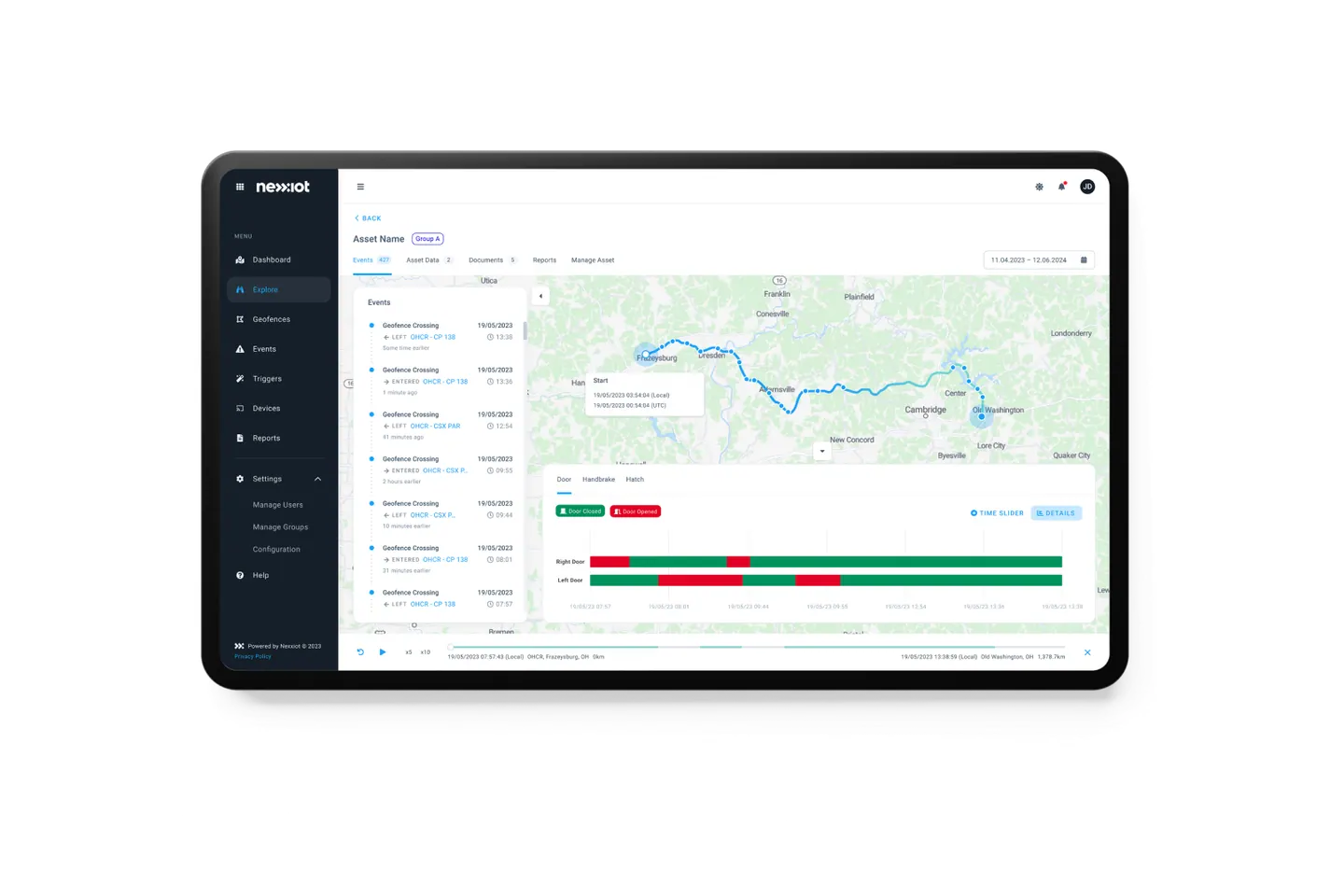
Nexxiot AG
Nexxiot: Bringing storage growth and SharePoint structures under control
View project
Kwaxx AG
In progressOrganised file storage for Kwaxx's payroll service
View project
Berner Bildungszentrum Pflege AG
BZ Pflege: Managing personnel files with clear access rules
View projectWhat sits idle in storage.
Shows stale files and version history per site and owner before you decide what moves to the archive.
Related to your task
Libraries, metadata, versions and templates for everyday filing.
Approvals & document workflowsHave captured vouchers reviewed, approved and signed.
Compliance & Data ProtectionData protection under the Swiss act, confidentiality and data loss prevention.
Data migrationMove holdings from existing systems in an orderly way.
IntegrationConnect data from bexio or Abacus with Microsoft 365.
Before the first retention period runs out.
Does Microsoft 365 meet the Swiss Ordinance on Business Records?
The platform has the means: changes stay detectable in the version history, records lock content and deletion, and the audit log records activity. Under the GeBüV, cloud storage counts as a rewritable medium; it is permitted when technical procedures secure integrity, the time of storage can be proven and the logs are kept as well. Whether your solution is sufficient is judged by your auditors and specialists; we document which setting covers which requirement.
May we destroy paper vouchers after scanning?
For accounting records and vouchers, Art. 958f of the Swiss Code of Obligations allows electronic storage as long as they match the underlying transactions and can be made readable again at any time. The law requires the annual report and the audit report in writing and signed. For contracts and other documents with evidential value, your specialists decide whether the original stays; we file the scanned version as a record.
Is Microsoft 365 E3 enough for records and review before deletion?
For retention policies and labels that employees apply themselves, yes, and the same goes for Business Premium. Auto-applied labels, default labels for libraries and document sets, records, periods that start with an event and review before deletion require E5 or an add-on such as Microsoft Purview Suite. Document processing and Microsoft 365 Archive are billed by usage. What you need per document type goes into the proposal.
When does a retention period start?
At creation, at the last modification, when the label is applied or at an event such as contract end or an employee leaving. Your team reports an event in the Purview portal, or a flow does, for example when a departure is recorded in the HR system; the period then starts for all documents with the same employee or contract number. Which event applies to which document type is set out in the file plan.
What do staff see of an archived project?
The documents appear in search, but they open only after reactivation. Your SharePoint administration reactivates whole sites, and individual files can be brought back at their original location; metadata and permissions are as before. We agree with you which areas move to the archive and when, and we inform the owners beforehand.
Do we have to replace our existing ECM system?
We decide that holding by holding. Where the existing system carries business processes that run well, we connect it with Microsoft 365, for example with a link from the file into the system. In a switch, a closed holding often stays readable in the existing system until its retention period ends, and only active files move. We plan the move itself as a data migration.
Agree on a useful next step
Tell us about your current workflow, the systems involved and the result you need. In our first conversation, we identify what else we need to know to plan a useful next step.