Microsoft Azure
Azure: one landing zone for apps, agents and data.
The new quoting platform of Muster AG runs in Switzerland North, with a budget, tags and backup from day one. We build the Azure environment it stands on.
For IT leads and developers bringing a first application, agents or servers from their own data centre to Azure.
- Azure Landing Zone
- Azure Policy
- Azure Functions
- Azure Container Apps
- App Service
- Azure Backup
- Cost Management
A subscription with guardrails
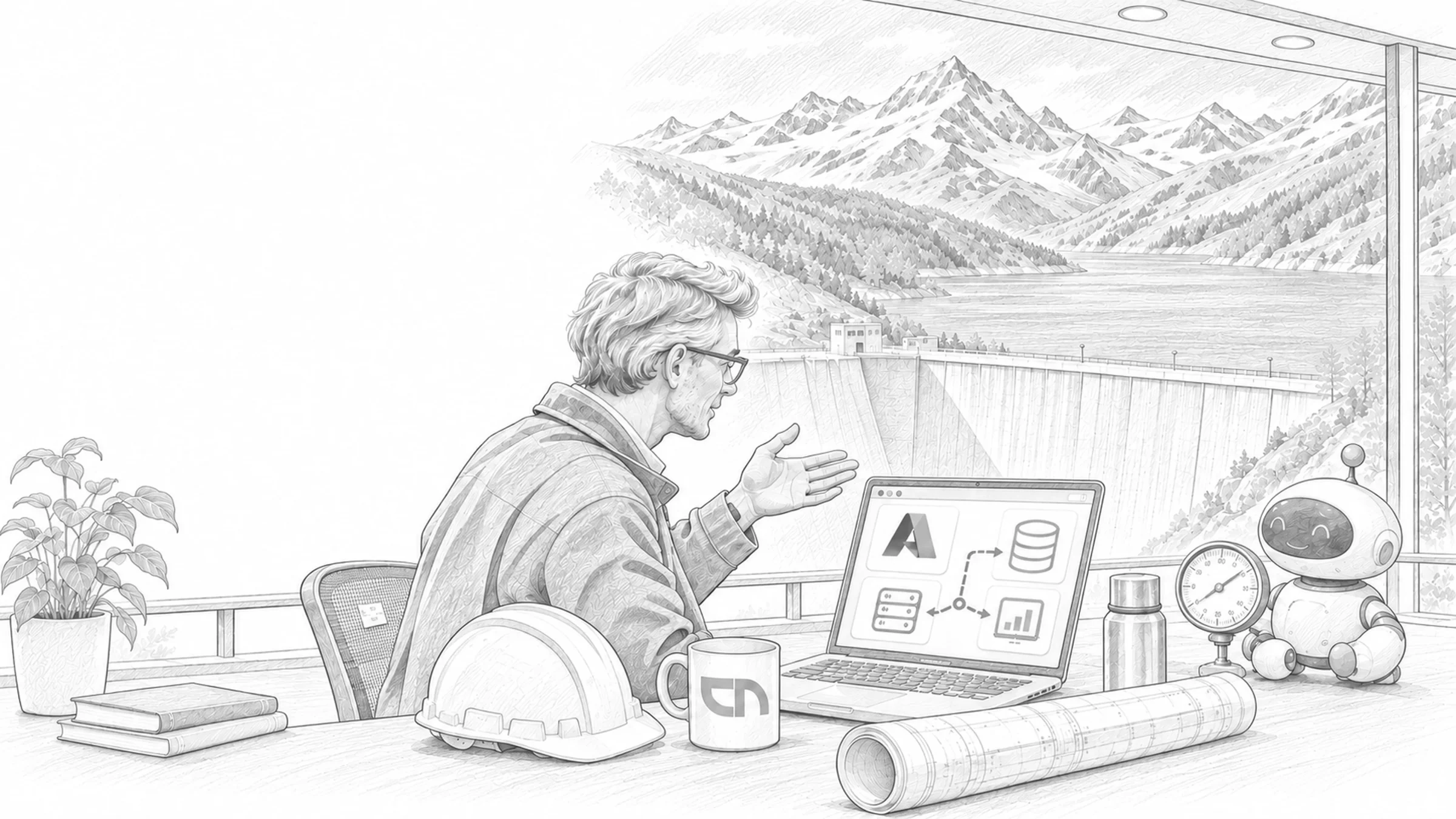
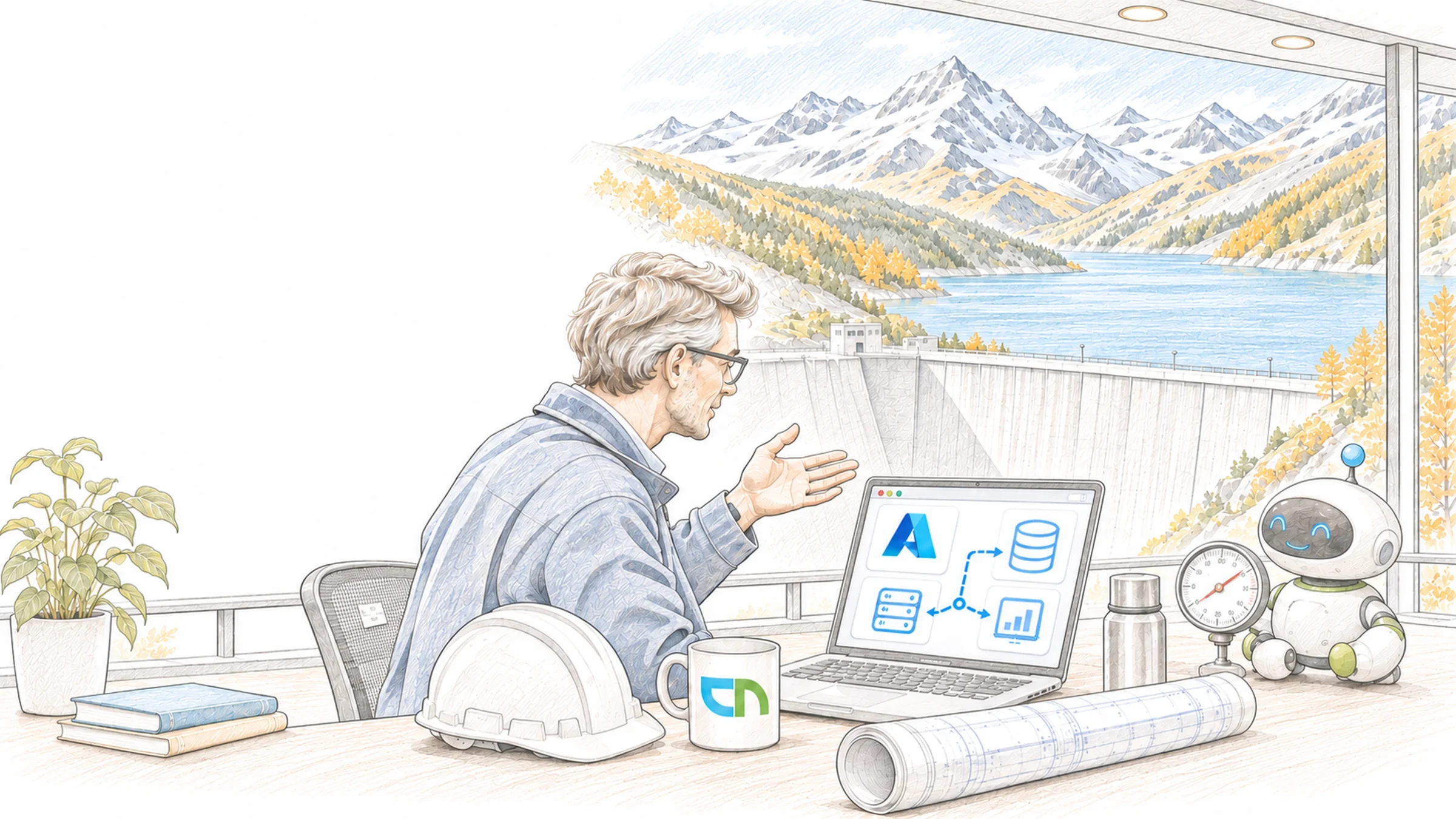
The developer creates the application for quote requests. Her subscription comes from the landing zone: the network hangs off the central hub, Azure Policy allows only the approved regions and services, every resource carries cost centre and owner as tags, and the database is in the backup before the first quote is saved. Agents in Microsoft Foundry, business applications of your own and interfaces to the ERP run on the same foundation. Servers from your own data centre move into the same structure step by step.
What we build in Azure
Together with your IT team we first build the platform landing zone, then create a workload landing zone per application with development, test and production. Everything is written as infrastructure code, so every change has a history. The building blocks:
- Landing zoneManagement groups, subscriptions per application and environment, a network hub with firewall, logs in Log Analytics and Defender for Cloud across all subscriptions, deployed with Bicep or Terraform.Result: a new subscription inherits rules, network and monitoring when it is created.
- Rules and tagsAzure Policy restricts regions and services, requires tags for cost centre, owner and environment and inherits them from the resource group; roles are assigned through groups from Entra ID.Result: every resource has an owner, and deviations show up in the compliance report.
- Apps and agentsAzure Functions for events and schedules, App Service for web applications and APIs, Container Apps for services and agents in containers, with managed identities and private endpoints to database and storage.Result: applications reach your data without stored passwords and without open access from the internet.
- CostBudgets per subscription and resource group with alerts on actual and forecast cost, analysis by tags and reservations for services that run continuously.Result: the person responsible learns before month end when an application runs over its frame.
- BackupAzure Backup for virtual machines, databases and file shares, with policies per environment, soft delete in the vault and geo-redundant storage where your requirements call for it.Result: a logged restore test shows how long the way back takes.
- Servers and desktopsExisting servers move as virtual machines or onto platform services; Azure Virtual Desktop and Windows 365 are planned as part of the managed workplace.Result: for every server it is settled whether it moves, is replaced or is switched off.
Agreement, tenant, region, budget
An Azure agreement through Microsoft Customer Agreement, CSP or Enterprise Agreement, and your Entra ID tenant for sign-in and roles. A decision on the region: Switzerland North offers three availability zones, while its paired region Switzerland West is reserved for scenarios such as disaster recovery and is requested per subscription. For each service we check whether it is offered in Switzerland; where AI models process data is described on the Microsoft Foundry page. Plus one person per application who owns the budget, and your requirements for retention and recovery time.
Checked before the first app moves in
A landing zone in your tenant, described as infrastructure code in your repository. A test subscription in which Azure Policy rejects a resource in a region that is not approved and flags a resource without tags. A budget alert that reaches the person responsible, and a restore from backup, carried out and logged. Support & Operations can take over day-to-day operation.
Sound familiar? Tell us where you stand today.
ContactWhat's new.
As of: October 2026
- As of 1 October 2026
Landing zones separate platform and workloads.
Microsoft describes the Azure landing zone as one platform landing zone per tenant with management groups and central services, and one workload landing zone per application with development, test and production. The reference architecture shows Microsoft Foundry as a building block that individual workloads add when needed; accelerators deploy both as infrastructure code.
Source: Microsoft Learn: What is an Azure landing zone? - As of 23 September 2026
Switzerland North with three availability zones.
The Switzerland North region in Zurich offers three availability zones. Its paired region Switzerland West in Geneva is reserved for specific scenarios such as disaster recovery; access is requested per subscription. Whether an individual service runs in both regions and with zones is something we check before planning.
Source: Microsoft Learn: List of Azure regions - As of 24 July 2026
New virtual networks have private subnets.
With API versions released after 31 March 2026, subnets in new virtual networks no longer get default access to the internet; virtual machines need an explicitly configured way out, such as a NAT gateway or the firewall in the hub. Existing networks stay unchanged. In the landing zone we plan outbound traffic from the start.
Source: Microsoft Learn: Default outbound access in Azure - As of 14 August 2026
Soft delete in the Recovery Services vault stays on.
Deleted backups stay recoverable for 14 days by default, adjustable up to 180 days, and soft delete can no longer be switched off. For Recovery Services vaults this is generally available in all public regions; for Backup vaults it is still a preview outside three regions.
Source: Microsoft Learn: Secure by default with soft delete for Azure Backup
Azure in our projects.
BMC's server environment in Azure with centrally managed access, an HR platform with Azure Blob Storage as its store at Kwaxx, and a concept with Azure Speech and Azure OpenAI.



Related to your task
Business applications and interfaces that run in your Azure environment.
IntegrationConnect data from bexio, Abacus or the ERP through Functions and APIs.
Managed workplaceAzure Virtual Desktop and Windows 365, managed like any other device.
Data for AIPut documents and master data in order before agents in Azure use them.
Enterprise AIOne AI platform for every department, on your landing zone.
What IT management and developers ask about Azure.
Does our data stay in Switzerland?
Services you deploy in Switzerland North or Switzerland West store their data in that region; Microsoft documents exceptions such as global services per service. For AI models, where processing happens depends on the model and the deployment type, and many newer models process in a data zone outside Switzerland or globally. We record for each service where it runs before it goes live.
Is a landing zone worth it for a single application?
Yes, in a small form: one subscription per environment, rules for regions and tags, a budget, logs and backup. The landing zone grows when further applications join, and the first application does not have to move for that.
Functions, App Service or Container Apps?
Azure Functions for short tasks that react to an event or a schedule, such as an incoming invoice. App Service for web applications and APIs with even load. Container Apps for services and agents in containers that grow with the load and scale back to zero in quiet periods. Many applications combine two of them.
Does a budget stop the resources?
No. A budget in Cost Management reports when actual or forecast cost reaches a threshold; the resources keep running. If an application should stop when it overruns, the alert triggers an automation through an action group that we define with you.
How do Azure and Microsoft Foundry fit together?
Models and agents run in Microsoft Foundry. The landing zone provides the subscription, network, identities, rules and cost overview that a Foundry application is embedded in. We build both so that an agent reaches your data through private endpoints.
Who runs the environment after the build?
Your IT team, us or both together. We hand over the landing zone as infrastructure code with documentation; on request Support & Operations takes over monitoring, updates, backup checks and the monthly review of costs.
Agree on a useful next step
Tell us about your current workflow, the systems involved and the result you need. In our first conversation, we identify what else we need to know to plan a useful next step.