Modern Workplace
Intune and Azure: devices and infrastructure, kept in order.
We set up your devices in Intune and your servers in Azure and manage both in your own tenant. A new laptop sets itself up the first time it is switched on.
For companies, offices and schools that want their laptops, phones and servers managed centrally with Intune and Azure, on the road too.
- Microsoft Intune
- Windows Autopilot
- Windows Autopatch
- Windows 365
- Azure Virtual Desktop
- Microsoft Azure
- Entra ID

A new laptop on Monday
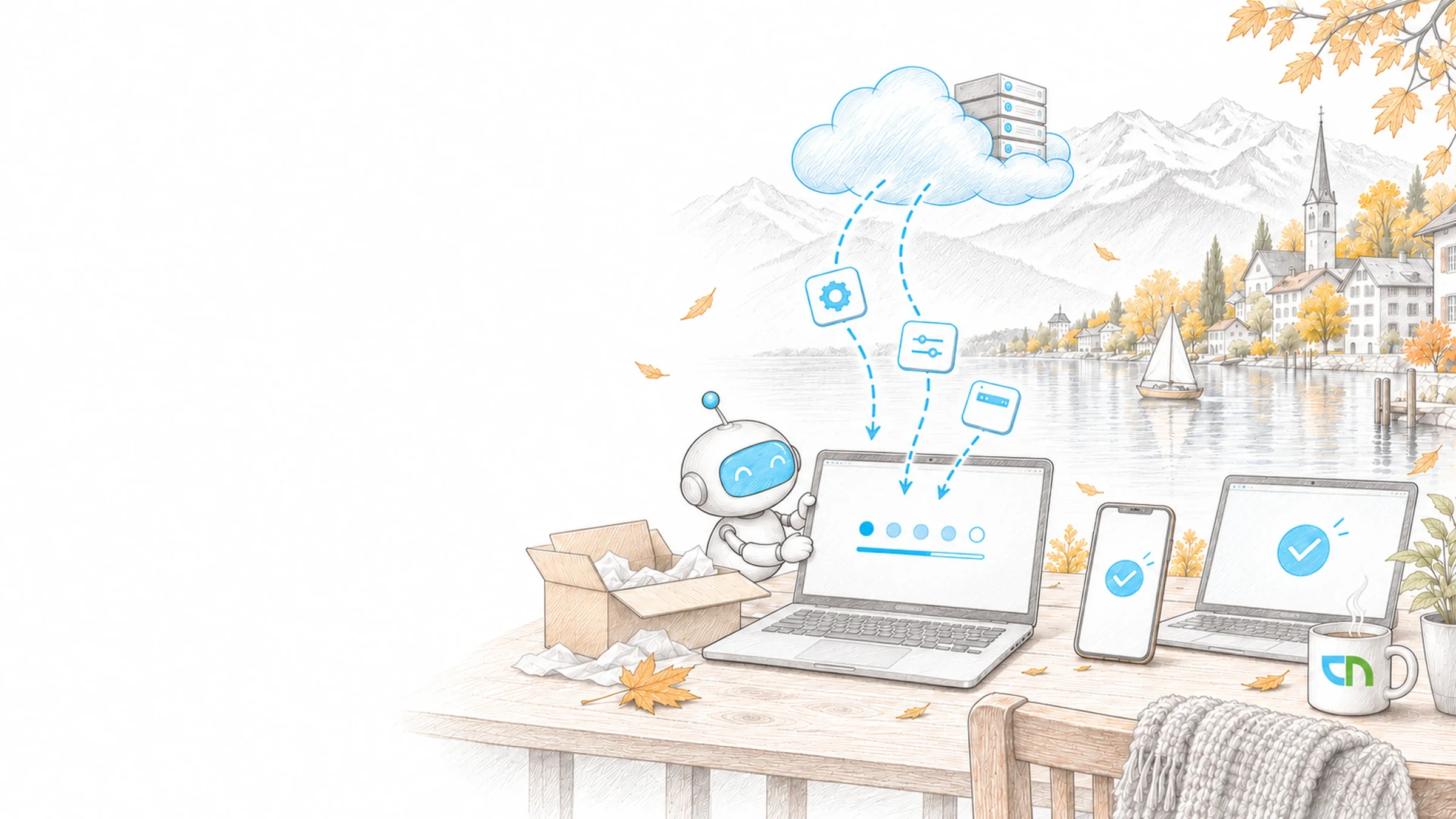
Monday, a new project manager starts. Her laptop came straight from the reseller to her home; she signs in with her work account, and Windows Autopilot sets up apps, settings and encryption before she sees the desktop. On her own phone, an app policy protects company data in Outlook. Her team's line-of-business application runs on a server in Azure, backed up and monitored.
From the phone to the server
We look after devices and infrastructure as one: Intune manages what your staff work with, Azure carries the servers and services behind it, and both rely on the same identities in Entra ID. It starts with an inventory of your devices, policies and servers; whatever is well set up in your environment we take over and build on. Everything runs in your own tenant and subscription.
- Devices in IntuneEnrolment, configuration and compliance policies, apps and updates for Windows devices, rolled out in stages from a pilot group to the whole organisation. We steer updates with Windows Update for Business or, where it fits, with Windows Autopatch, which also keeps Microsoft 365 Apps, Edge and Teams current.Result: every device has a known state, and the report shows which one deviates.
- Windows AutopilotThe reseller or your IT registers new devices in the tenant, and they go straight to the person who uses them. At first start she signs in, the device joins Entra ID, receives apps, policies and encryption and shows its progress.Result: a new or reset device is ready to use without anyone in IT setting it up first.
- Mobile devicesCompany iPhones and Android devices enrolled and configured; on personal devices, app protection policies protect company data in Outlook, Teams and OneDrive, block copying into personal apps and wipe only that data when someone leaves.Result: staff can work on their own phone too, and company data stays in your hands.
- Cloud PCs and virtual desktopsWindows 365 where a dedicated Cloud PC per person fits, for example for external staff or work from a personal device; Azure Virtual Desktop where several people share session hosts or a line-of-business application should run close to its data. We manage both like a physical device.Result: a workplace is created from a policy and removed again when the assignment ends.
- Infrastructure in AzureIdentities in Entra ID, servers moved over with Azure Migrate, virtual networks connected to your sites, Azure Backup for servers and files, and Azure Monitor for alerts on load, availability and backups. Built to Microsoft's landing zone guidance, with policies, tags and cost alerts.Result: the design, costs and backup of your servers are documented and clear to your IT.
- Ongoing managementWe maintain policies, update rings, Autopilot profiles, apps and cloud resources in your tenant, check compliance, update status, backups and alerts every month and assess changes from Microsoft before they reach your devices.Result: a monthly report shows your IT which devices and servers deviate and what we have done about it.
What we record first
An overview of your devices and servers with operating system, age and ownership, plus the policies in force today, whether in Intune, as Group Policy or in Configuration Manager. An Azure subscription or the decision to create one. Access for us through time-limited admin roles. A pilot group with typical devices and one person on your side who approves changes.
What runs in your tenant
Policies for Windows and mobile devices, active and documented, update rings with a report and an Autopilot profile that has set up a pilot device from first start to desktop. The cloud environment with network, backup and alerts, a rehearsed restore of a server and an overview of running costs. A monthly report for devices and infrastructure. The service desk, response times and contingent are set out in the Support & Operations contract.
Sound familiar? Tell us where you stand today.
ContactWhat's new.
As of: 10 October 2026
- Since 27 August 2026
Autopilot associates devices with your tenant before enrolment.
Windows Autopilot device preparation supports device association: a Windows 11 device is bound to your organisation before enrolment, is automatically marked as corporate-owned and can receive device-targeted policies, a device name and further out-of-box customisations. Since 11 May 2026 automatic mode for Cloud PCs in Windows 365 is also generally available; it delivers apps and settings before anyone signs in.
Source: Microsoft Learn: What's new in Windows Autopilot device preparation - As of 13 July 2026
Windows Autopatch comes with Business Premium and E3.
Since April 2025 Windows Autopatch no longer needs separate activation; its features are available with Microsoft 365 Business Premium, A3 and above, E3 and above and F3. Autopatch rolls out updates for Windows, Microsoft 365 Apps, Edge and Teams in rings, and hotpatch installs monthly security updates on eligible devices without a restart.
Source: Microsoft Learn: What is Windows Autopatch? - Since late September 2026
Intune requires iOS and iPadOS 18.
For standard device management, the Company Portal and app protection policies, Microsoft Intune requires iOS or iPadOS 18 or later. Microsoft advises identifying and upgrading affected devices; userless devices enrolled through Automated Device Enrollment have a separate support statement.
Source: Microsoft Learn: What's new in Microsoft Intune
Licences, identities and rules.
Where the licences and identities for your devices come from, which rules apply to the workplace and how new devices reach your staff.
The Microsoft products for protection and device management at a glance.
Entra IDThe identities people and devices sign in with.
Business or EnterpriseWhich Microsoft 365 plans include device management.
Microsoft 365 in SwitzerlandData location and licences for Swiss organisations.
Microsoft 365 governanceAdmin roles, ownership and lifecycle in the workplace.
Rollout & AdoptionTraining and communication when new devices or Windows 11 arrive.
Instant helpSettle a specific question on devices or servers, without a contract.
Devices and servers, in our projects.
Servers moved to Azure and identities managed centrally in Entra ID at BMC, school devices in Intune at Hotel & Gastro formation, and a staged move to Windows 11 at the office of Maurus Schifferli.



Related to your task
Conditional access, MFA and admin rights, where device compliance counts.
Security OperationsRegular Maester tests that check your tenant's configuration holds.
Data migrationMove files, mailboxes and storage to Microsoft 365.
Support & OperationsService desk, response times and an hours contingent for your environment.
Before the first device is in Intune.
Is Intune already part of our Microsoft 365 plan?
In many cases, yes: Microsoft 365 Business Premium, E3, E5 and E7 include Intune Plan 1, the basis for device and app management. Remote Help and advanced analytics belong to Plan 2 or the Intune Suite. Windows 365 needs licences of its own, and Azure is billed by consumption. We check what your plan covers before the first step.
Our devices are in an on-premises domain. How do they get into Intune?
Step by step. Existing devices stay in the domain and are also managed from the cloud, through hybrid join or co-management with Configuration Manager; we move your Group Policies into cloud policies bit by bit. New devices we set up directly with Entra join, because Autopilot device preparation supports only that route. The fleet changes over at the pace of your device replacement.
What does IT see on personal phones?
Only the company data in the protected apps. App protection policies work without enrolling the device: Outlook, Teams and OneDrive ask for a PIN or biometrics, company data cannot be copied into personal apps, and when someone leaves we wipe only that data. Photos, messages and personal apps stay invisible to your IT.
Windows 365 or Azure Virtual Desktop?
Windows 365 gives each person a dedicated Cloud PC at a fixed monthly price with little effort for your IT. Azure Virtual Desktop shares session hosts among several people, is billed by consumption and allows more settings, at the cost of more upkeep. For most workplaces a managed laptop is enough; we use Cloud PCs where they serve a clear purpose.
Which servers move to Azure?
We decide server by server with you, after an inventory with Azure Migrate: load, dependencies, licences and running costs. Line-of-business applications and databases move over as virtual machines. What Microsoft 365 already covers, such as file shares and mail, moves there; that move is handled by data migration. A server that stays on site can still draw backup and monitoring from the cloud.
Who at CNEXT has access to our tenant?
The people who look after your environment, with roles you approve: through granular delegated admin privileges for Microsoft partners or time-limited roles in your tenant, each limited to the task and logged. In the subscription, roles apply per resource group. You can see at any time who holds which role and end any access.
Agree on a useful next step
Tell us about your current workflow, the systems involved and the result you need. In our first conversation, we identify what else we need to know to plan a useful next step.