Modern Workplace
Employee directory and people search in Microsoft 365.
Staff find the right person in Microsoft 365 by role, location and expertise. HR maintains the details in one place, and Entra ID passes them on.
For organisations whose people data sits in the HR system, the directory and a phone list, and whose staff should find the right person.
- Entra ID
- Profile card
- People Skills
- SharePoint Online
- Viva Engage
- Copilot connectors
- Microsoft Graph
First day in a new team
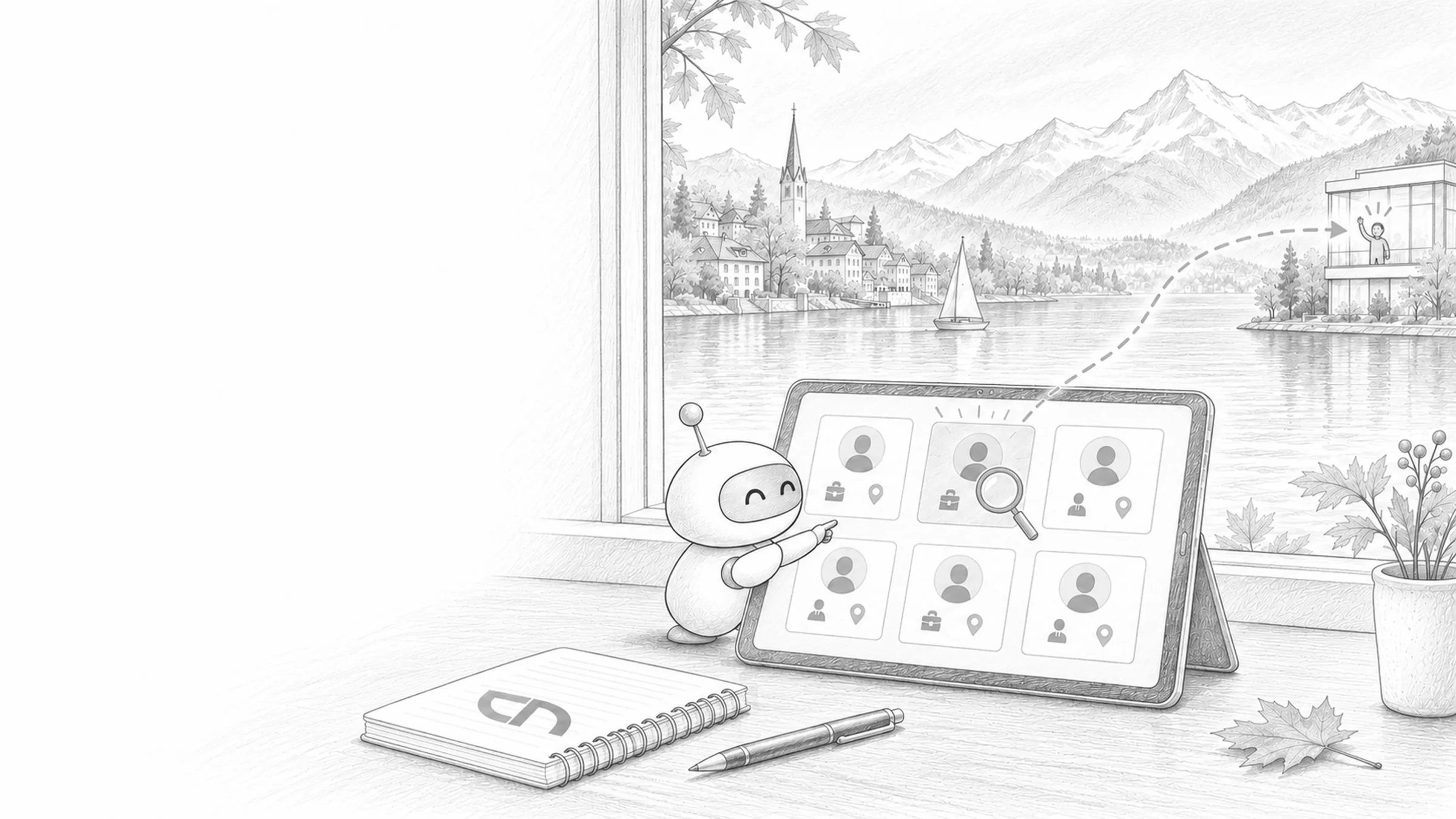
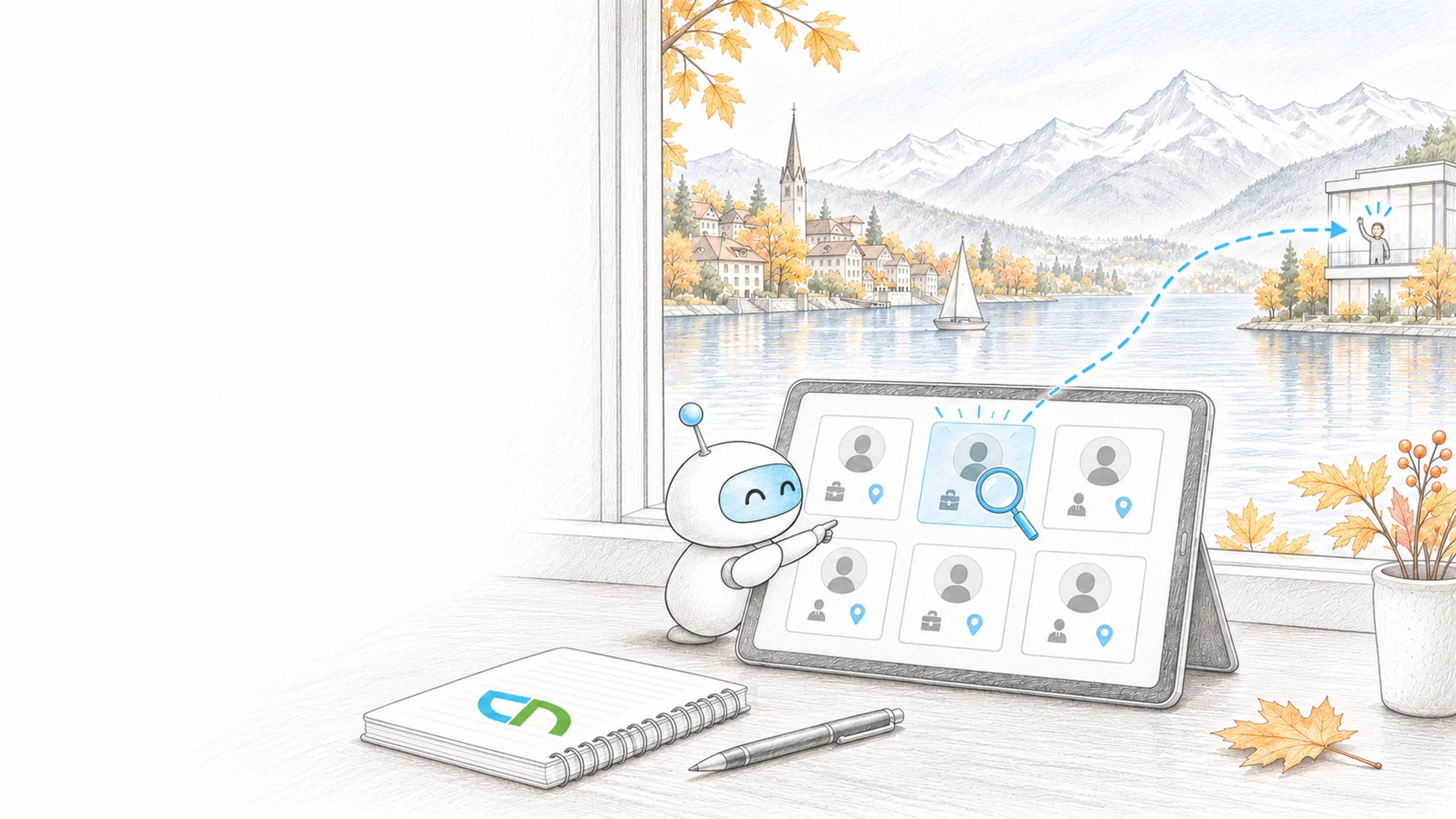
Wednesday, first day at work. The new project manager opens the welcome page and sees his team with photo, role and location. He searches for fire safety and finds the specialist in Thun; her profile card shows phone, manager and skills. In the project managers' community he asks his first question, and two colleagues reply in the afternoon.
From the HR system to the profile card
Every detail on a profile card has a source and a person who maintains it. Your directory and your phone list have grown with you and know the right people; we bring those details to where your team already looks, in Outlook, Teams and SharePoint. First we agree with HR which detail comes from which system, then we set up profile card, search and pages with one department or site.
- Profiles from the HR systemDepartment, location, phone, role and manager flow from your HR system or your Active Directory into Entra ID, through inbound provisioning or your existing synchronisation; a Copilot connector for people data adds further details. You decide what staff maintain themselves, such as an introduction or their skills, and we lock fields that come from the HR system against editing.Result: every detail has one source and one place where it is corrected.
- Profile card and organisationOn top of the default details we switch on fields such as division, role or cost center where they help your team, plus custom attributes from Entra ID, such as languages or first aiders, with labels in your languages. From the managers, the profile card builds the organisation with reporting line and team.Result: one click on a name shows contact, role and team.
- People and expert searchSearch in SharePoint and Microsoft 365 finds people by name, department and location. For the question of who can do what, skills from People Skills or from your HR system do the work, because custom attributes on the profile card stay invisible to search.Result: whoever types fire safety finds the people who list that skill in their profile.
- Team pages, news and communitiesSharePoint pages introduce teams and their contacts with the People web part, news about new colleagues, anniversaries or projects allows comments and likes, and in Viva Engage communities specialists exchange ideas across departments. Storylines show what someone is working on, in Teams chat too.Result: your team sees who stands behind a name and what that person is working on.
- Start for new employeesA welcome page per department or site shows the contacts for the first weeks, the manager, the buddy and the team, each name with its profile card. New colleagues appear there as soon as HR has recorded them.Result: on the first day the new person knows whom to ask for what.
- VisibilityFor each field, you decide with HR and your data protection officer whether it belongs on the profile card; the whole organisation sees fields that are switched on and details from a connector. Private numbers, dates of birth or employee numbers stay in the HR system as long as nobody needs them for collaboration.Result: the directory shows what the work requires, and personal data stays proportionate.
What HR and data protection decide
An overview of where people details are maintained today: in the HR system, in Active Directory, in the phone list or on the intranet. A responsible person from HR and your data protection officer for the question of which fields become visible. An admin role in Microsoft 365 for the profile card and the connector, plus access to the HR system. One department or site with which we build the first welcome page and a team page.
What every profile card shows at the end
A test with names from your organisation: the profile card shows department, location, phone and manager correctly, a change in the HR system arrives there, a search for a skill finds the right people, and details meant to stay internal appear nowhere. A welcome page and a team page that your editorial team maintains itself. A list of all visible fields with source and responsible person.
Sound familiar? Tell us where you stand today.
ContactWhat's new.
As of: 11 October 2026
- As of 18 August 2026
Profile card: fixed default fields, more fields on request.
Name, email, chat, work phone, mobile, work location, company, job title, department and business address appear on the profile card as soon as data exists, and cannot be hidden. Division, role, employee number, employee type, cost center and further fields stay hidden until someone with the Global or People Administrator role switches them on in the Microsoft 365 admin center. Changes appear within 24 hours; hiding a field does not delete the data.
Source: Microsoft Learn: Customize profile cards - As of 18 August 2026
People Skills brings skills to the profile card and people search.
Skills from People Skills appear on the profile card, in the profile editor and in SharePoint people search; with Microsoft 365 E3 or E5 this is included without an additional licence. Suggestions that AI infers from a person's work require Microsoft Copilot or a Viva plan; tenants with Copilot licences can switch them on for E3 and E5 users. People Skills is not available for education tenants.
Source: Microsoft Learn: Overview of People Skills - As of 3 June 2026
Viva Engage in Teams: storylines available, communities in preview.
Storylines and communities from Viva Engage appear in Teams and are switched on by default; each of the two can be switched off separately in the messaging settings of the Teams admin center. Storylines in Teams are generally available, communities in Teams run as a public preview. Creating communities and assigning leaders still happens only in Viva Engage itself.
Source: Microsoft Learn: Manage Viva Engage experiences in Microsoft Teams
Around profiles and people.
Pages on identities, the platform and answers from your knowledge.
Questions in full sentences, answered from your documents with a source.
Zero Trust & Identity SecuritySign-in, conditional access and protection of identities.
Microsoft 365 governanceOwnership, sharing and guests in sites and teams.
Entra IDUsers, groups and attributes behind every profile.
SharePoint & TeamsPages, web parts and the SharePoint app in Teams.
Microsoft TeamsChat, channels and communities at work.
Microsoft CopilotHow Copilot draws people and skills into its answers.
Microsoft 365 in SwitzerlandData location and licences for Swiss organisations.
Directories and first days.
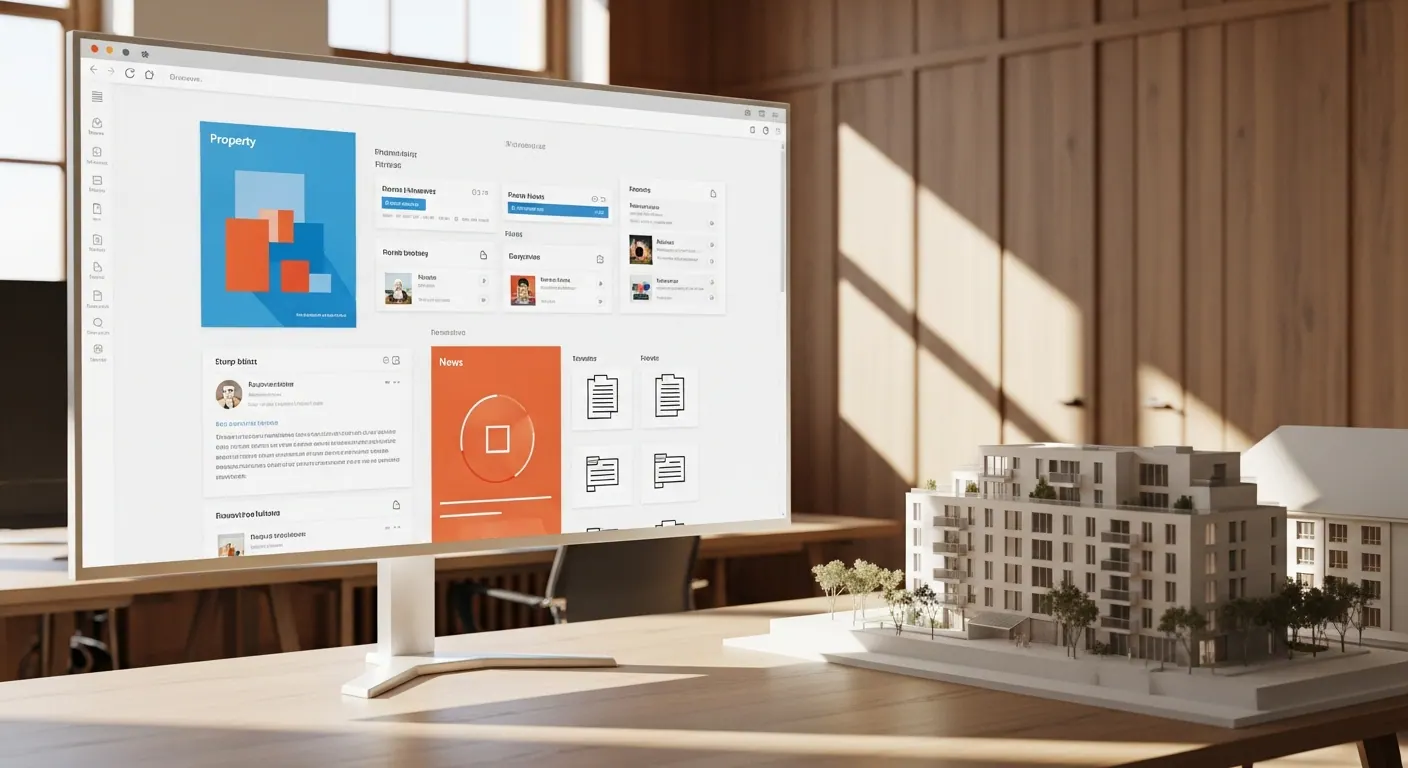
An employee directory with profiles and skills in the Dr. Meyer Immobilien intranet, and steps for welcoming new employees in the Lia Rumantscha intranet.

Related to your task
Home page, navigation and editorial team in which directory and team pages are embedded.
Search & findabilityTabs, bookmarks and filters your team uses to find documents and pages.
Compliance & Data ProtectionThe legal side of personal data under the Swiss data protection act.
Collaboration in TeamsTeam and project spaces where the people you find work together.
Rollout & AdoptionChampions, training and communication so that profiles are kept up to date and communities are used.
Before the profile card shows more.
Who maintains the details in the directory?
HR maintains name, role, department, location and manager in the HR system, or your IT does in Active Directory; from there they reach Entra ID and the profile card. Staff add in the profile editor what you allow, such as an introduction or skills. If a detail is wrong, exporting your own profile card shows which source it comes from, and it is corrected there.
Who sees which details?
The whole organisation sees the default fields such as name, phone, role and department as soon as they are filled. Further fields and details from a connector are also visible to everyone once switched on. So only what collaboration needs goes on the profile card; what the Swiss data protection act requires is covered on the Compliance & Data Protection page.
Does it work without a Copilot licence?
Yes. Profile card, people search and the organisation built from managers are part of Microsoft 365. Skills from People Skills on the profile card and in people search are included with E3 or E5. Skills suggested by AI require Copilot or a Viva plan, and skills in Copilot's answers require a Copilot licence. People Skills is not available for schools and other education tenants.
Can we bring skills over from our HR system?
Yes, through a Copilot connector for people data. The HR system stays the source, the imported skills are read-only on the profile card, and a precedence order decides which source applies when two provide the same detail. If People Skills is switched on, the profile card shows only skills from People Skills; the skills from the HR system then remain findable in people search and in Copilot Chat.
Do we need Viva Engage?
For news with comments, team pages and the directory, SharePoint is enough. Viva Engage pays off when specialists exchange questions across departments and sites, or when leaders want to report regularly. Communities and storylines also appear in Teams; analytics and leader announcements in storylines require Viva Engage Premium.
What happens to our existing phone list?
It has connected your team reliably for years and often holds details that are in no system. We compare it with Entra ID, carry missing details into the source they will come from in future, and agree with you whether the list carries on or is generated from Entra ID from now on.
Agree on a useful next step
Tell us about your current workflow, the systems involved and the result you need. In our first conversation, we identify what else we need to know to plan a useful next step.