Modern Workplace
Collaboration in Teams: from project kick-off to archive.
Every project gets a workspace in Teams with channels, files, meetings and partners, until it is archived. A template sets up each workspace the same way.
For companies running projects in Teams with partners that want every project space set up the same way and closed in good order.
- Microsoft Teams
- SharePoint Online
- Planner
- Loop
- Power Automate
- Entra ID
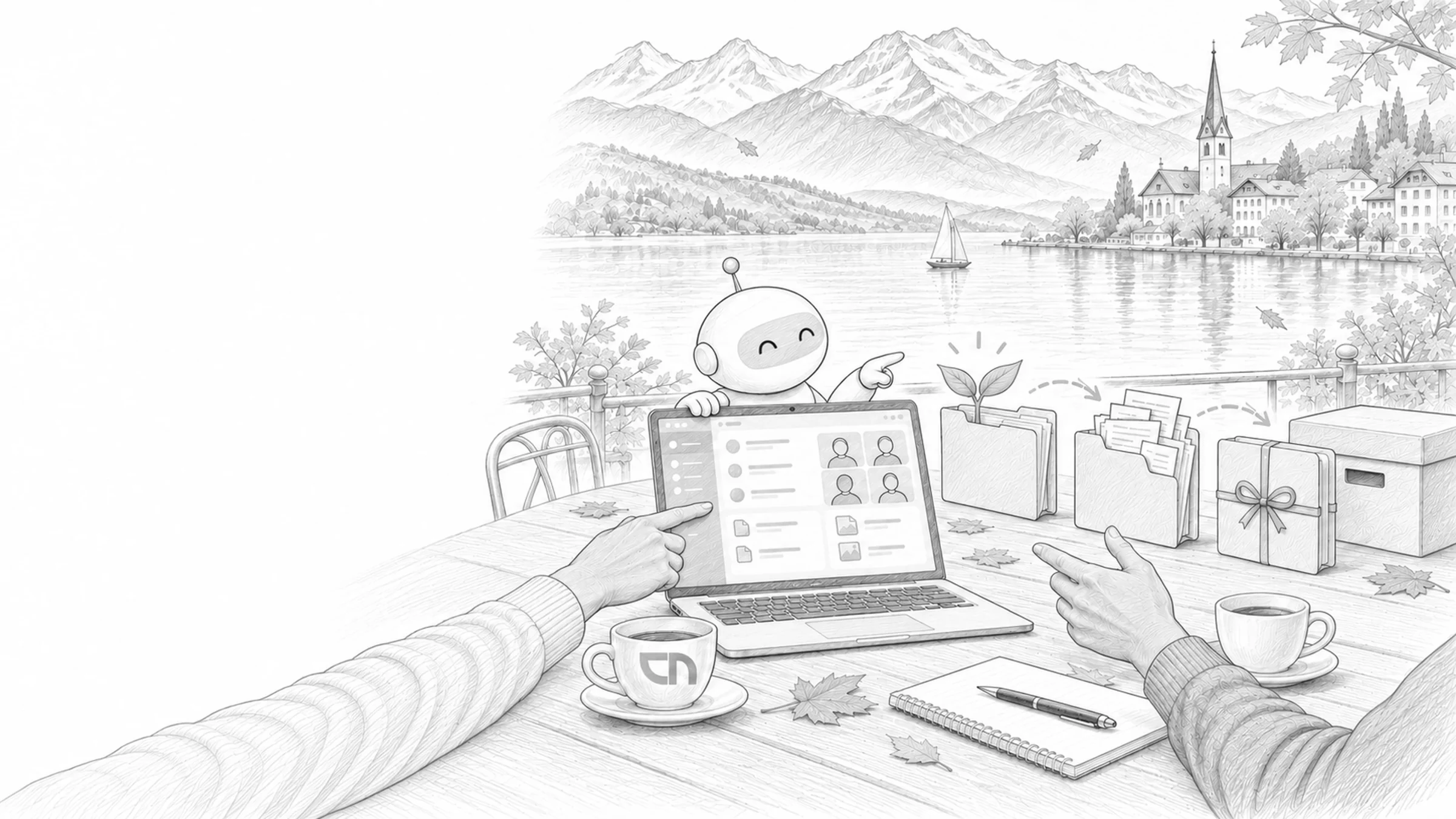
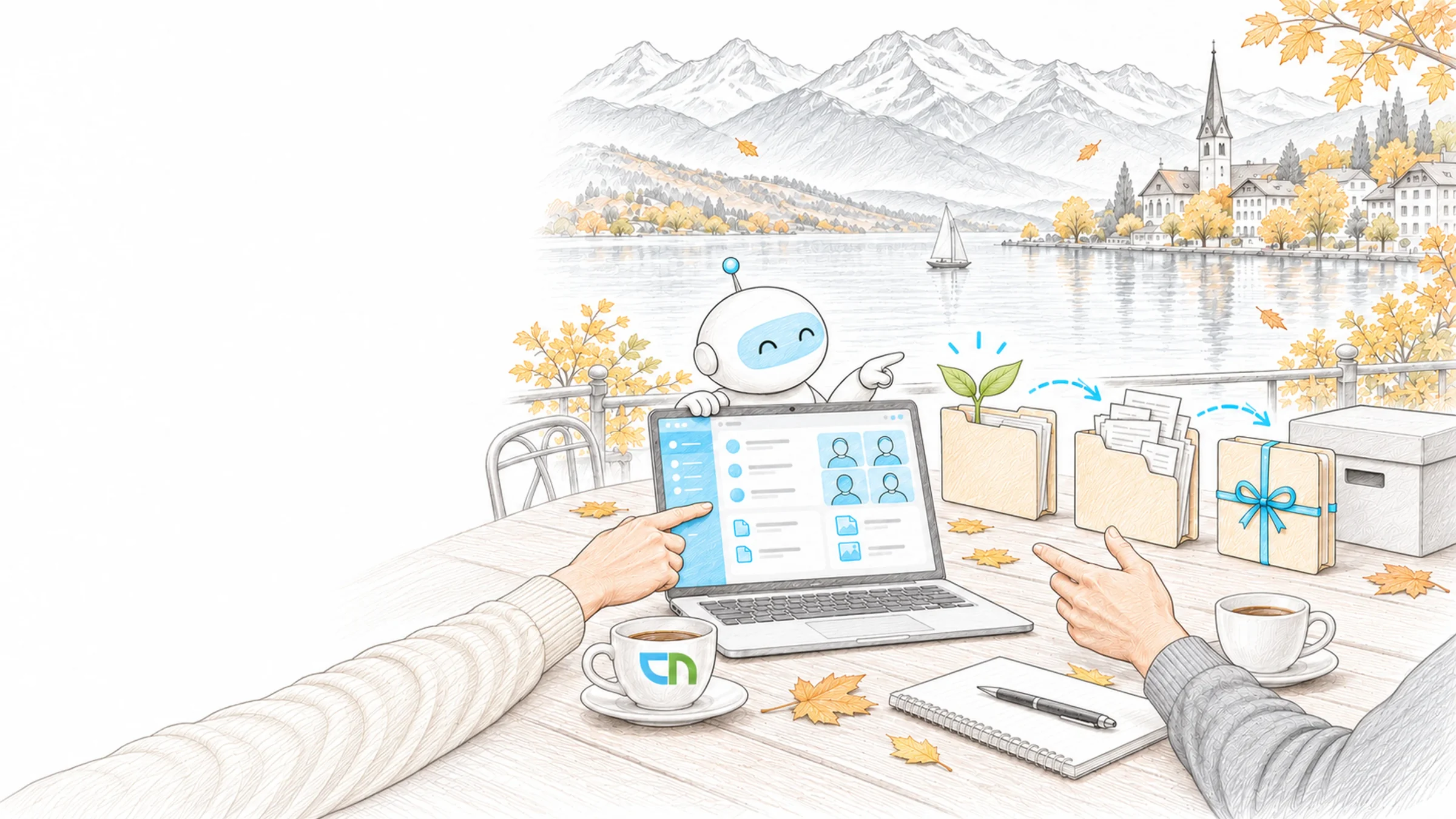
Monday, project kick-off
Monday, project kick-off. The project lead requests the workspace with a short form; soon after it is ready, with channels for planning and delivery, a file structure by project phase and a plan with the first tasks. The civil engineer from the partner firm works in the shared channel and sees exactly that channel. After acceptance the workspace is archived and stays readable.
From request to archive
A project workspace is built from five parts, and each follows your project types and roles. We set them up with one project lead on a live project and hand over so that your team adjusts templates, channels and workflows on its own. Naming rules and guest policies for the whole tenant belong to Microsoft 365 governance.
- Workspace from a templateA form captures project type, owner and confidentiality; Power Automate creates the team with channels, tabs and folder structure, with project number and customer from the ERP if you wish.Result: every project workspace has the same layout, and whoever moves to the next project finds their way at once.
- Channels and filesOne channel per work package, private channels for confidential material such as quotes, files in the channel's library with folders by project phase.Result: documents sit next to the conversation they come from, and everyone opens the same version.
- External partnersGuests for partners who work across the whole project, shared channels for organisations that follow a single strand; the project lead invites, and access ends with the project.Result: partners work in the same files, and your internal channels stay internal.
- Planner and LoopOne plan per project with buckets by phase, tasks from meetings straight into the plan, Loop components for agenda items and decisions in the channel.Result: who does what by when is in one place, and everyone edits the same list.
- Close and archiveAt project end a workflow asks the owner for the closing report and open tasks, removes guests and archives the team with a read-only site.Result: completed projects stay readable and findable, and the list of active workspaces shows what is running.
What your project leads bring
Your project types: which channels, folders and tasks each needs and which partners usually take part. One person per project type who signs off the template, and project leads who use it in the first project. From existing workspaces we carry over what has proven itself; whether guests and shared channels are allowed in the tenant, we clarify with your IT beforehand.
What is in place when the project ends
Templates for your project types, live in the tenant and tested on a real project: request, creation, inviting a partner, closing and archiving. A short guide for project leads and a training session for the first project teams. An overview of which project workspaces are active, closed or without an owner. For adjustments after handover, our support and operations team is ready.
Sound familiar? Tell us where you stand today.
ContactWhat's new.
As of: 9 October 2026
- As of 1 October 2026
An archived team can be reactivated, a deleted one only through its group.
Archiving stops all activity in the team and also archives private channels with their sites; channels, files and chats stay readable. Administrators can make the SharePoint site read-only for members at the same time, while owners can still edit. A deleted team only comes back if its Microsoft 365 group is restored within 30 days.
Source: Microsoft Learn: Archive or delete a team - As of 9 February 2025
Shared channels admit external people through B2B direct connect.
Guest accounts cannot be added to a shared channel. People from other organisations take part with their own account through Microsoft Entra B2B direct connect, and both organisations configure their cross-tenant access settings for it. Each shared channel has its own SharePoint site, whose files only the channel's members can see.
Source: Microsoft Learn: Shared channels in Microsoft Teams - As of 17 June 2026
Loop workspaces in channels live in SharePoint Embedded.
A shared Loop workspace in a Teams channel stores its content in its own SharePoint Embedded container, while Loop components in channel posts sit in the channel folder of the team's site. Both count towards your organisation's storage quota. Creating workspaces is controlled by a Cloud Policy, Loop components in chats and channels by a tenant-wide setting.
Source: Microsoft Learn: Manage Loop in your organization
What sits behind a project workspace.
The platforms under channels, files and workflows, and a tool to check your environment.
Team, channel, meeting and telephony from the platform's point of view.
SharePoint & TeamsThe sites and libraries behind the files of every channel.
Power AutomateThe service that creates project workspaces and archives them at the end.
Entra IDGuest accounts, B2B direct connect and sign-in conditions.
IntegrationProject number and customer from the ERP straight in the workspace.
SharePoint CheckerCheck existing sites for structure, sharing and storage.
Project workspaces already in use.
Shared workspaces for BMC and its partners, and templates with an orderly close for the consulting projects at Sieber Partners.


Project workspaces from Abacus.
If Abacus is your system of record, the workspaces with project and customer data come straight from präziis.
Related to your task
Naming rules, guest policies and lifecycle for all teams and sites.
SharePoint intranets & portalsExtranet areas for customers and partners beyond single projects.
Rollout & AdoptionChampions and training that help project leads use the templates day to day.
Meeting AIMinutes and tasks from meetings in the project channel.
Microsoft LoopWorkspaces and pages beyond the channel, with storage and retention.
Support & OperationsHave templates and workflows supported and adjusted after handover.
What project leads ask before their first workspace.
When is a separate team worth it, and when is a channel enough?
A separate team is worth it when a project has its own members, its own files and an end date. Ongoing topics of an existing group get a channel in the team they already have. We record the line per project type in the template, so project leads do not have to draw it each time.
What does a template bring along?
A team template brings channels, apps, pinned tabs and settings. Members, files and private or shared channels are outside its scope. A Power Automate workflow adds these at creation, together with folders, owners and project data.
Guest or shared channel: how do partners take part?
A guest works across the whole team with a guest account in your tenant. A shared channel admits people from another organisation with their own account; both organisations set up B2B direct connect for it. Which path fits, we decide per project type; the guest policy for the tenant belongs to governance.
What happens to conversations and files when the project ends?
The team is archived: conversations and files stay readable, new posts are no longer possible, and the site becomes read-only for members. If a follow-up engagement comes, the team is reactivated. How long content is kept is set by retention policies under Compliance & Data Protection.
Where does Loop content from a channel live?
Loop components in channel posts are stored as files in the team's site. A shared Loop workspace in the channel stores its pages in a container of its own. We show your team which place is meant for which content, and take both into account when archiving.
Can we bring existing workspaces into the new structure?
Yes. We record your existing workspaces with owners, members, guests and last activity. Running projects receive the template's channels and folders afterwards, completed ones we archive with their owners. Larger moves between workspaces or from file shares we plan as a data migration.
Agree on a useful next step
Tell us about your current workflow, the systems involved and the result you need. In our first conversation, we identify what else we need to know to plan a useful next step.