Artificial Intelligence
AI Lab: see in up to three days whether your idea works.
From a process in accounts to a product idea, your team builds a working AI prototype with us. The people who do the work every day test it on real cases.
For departments with a concrete AI idea, in customer service or accounting for example, who want to see whether it works before a pilot.
- Copilot Studio
- Microsoft Foundry
- Power Automate
- Dataverse
- Replit
- Claude Code
- Codex

The demo for the management team
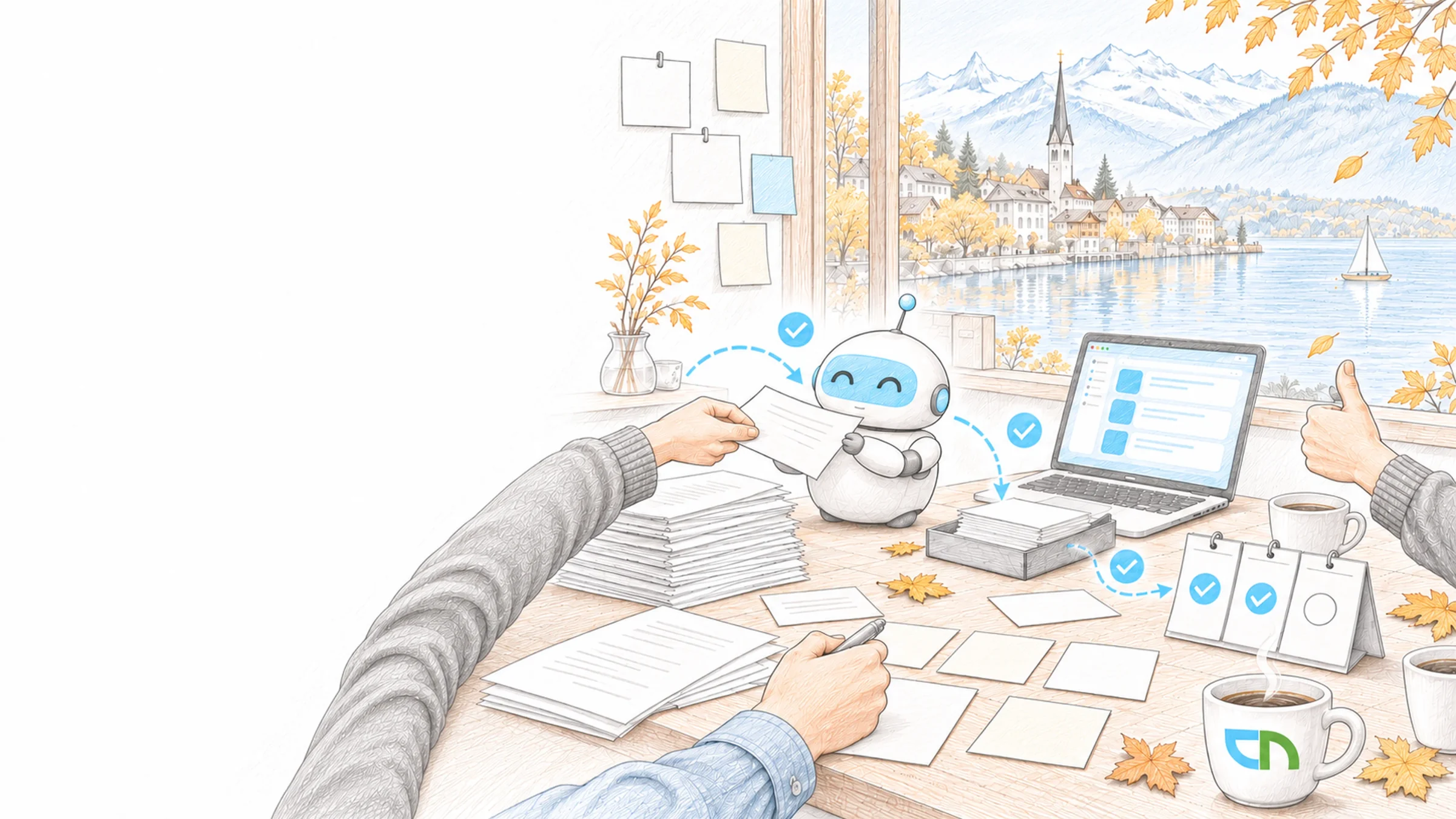
On the last afternoon of the lab, the head of customer service shows the management team what has been built. An agent reads anonymised complaints from the last quarter, assigns each to a product and cause and drafts the reply. Two case handlers checked every reply and noted where it went wrong. Management decides: a pilot in customer service, once the product data sheets are in order.
From the case to the findings note
Your team knows the process, its exceptions and the ideas that have been on the list for a while. In CNEXT SI Labs we add the tools and the pace and take on one thing with you: a process, an idea, a requirement or a task that takes a lot of time. A lab lasts up to three days and runs in your tenant or in a sandbox with anonymised data.
- Case and examplesBefore the lab we choose with you the thing we will work on and the person in the business who owns it. They collect real examples, such as emails, forms or receipts, and note for each what a good result looks like.Result: a case everyone understands the same way, and examples with an expected result.
- Access and data rulesWith your IT we settle before the first day where we build: in your tenant with a separate test area or in a sandbox with anonymised data. We record which data may go into which model and which accounts the prototype works with.Result: a workspace for the lab that data protection and IT have approved.
- Understanding the processAt the start we walk through the process with the people who do it every day: where the information comes from, where decisions are made and which exceptions occur. Together we decide which part AI takes on and at which point a person checks and approves.Result: a process map with the prototype's part marked on it.
- Building with the right toolAn agent in Microsoft 365 is built in Copilot Studio, a flow across several systems with Power Automate, an application of your own with models in your Azure environment on Microsoft Foundry. Code-based prototypes we build with Replit, Claude Code or Codex.Result: a prototype that runs on your examples, with its configuration or code staying with you.
- Testing with the people who know the workThey give the prototype the collected examples plus the difficult cases that only show up in daily work. Whatever goes wrong we correct in instructions, sources or flow while the lab is still running, and the examples run again.Result: a verdict from your specialists on every example, recorded with the prototype's state.
- Demo and findings noteAt the end your specialists and we show the decision makers the prototype on your cases, including the ones that do not work yet. The findings note records what works, what is missing, which risks and licences apply and what running it would take, from identity and access to monitoring.Result: a recommendation for a pilot, for data or governance first, or for closing the project.
Who takes part, what is ready
One person from the business who owns the case and decides at the end, and one person from IT who sets up access and knows the data rules. Also the specialists who do the work every day, for the start and for testing. Real or anonymised examples with the expected result. For work in your own tenant, a test area and the licences the chosen tool requires; otherwise we set up a sandbox.
What you have after the lab
A prototype that runs on your examples, in your tenant or as an export from the sandbox, with its configuration or code. Your examples with the expected result and your specialists' verdict, ready to reuse as a test set for a pilot. The findings note with what works and what is missing, with risks, licences and the requirements for running it. And the recommendation your decision makers discussed after the demo.
Sound familiar? Tell us where you stand today.
ContactWhat's new.
As of: 11 October 2026
- As of 5 October 2026
Copilot Studio tests agents with whole test sets.
Agent evaluation sends an agent many test cases at once: single questions or whole conversations, optionally with the expected answer, generated from knowledge and topics, imported or written by hand. Copilot Studio scores each test case, shows the sources used and adds four safety evaluators. The evaluation runs as the signed-in account, can be triggered through REST APIs or Power Automate and does not support agents with manual authentication.
Source: Microsoft Learn: About agent evaluation - As of 3 August 2026
The Copilot Studio trial builds and tests agents.
With a work or school account, a person signs up for the trial themselves and tries out agents in the test chat; they cannot be published with it. When the trial expires it can be extended by 30 days, and agents keep working for up to 90 days. Your IT can switch off self-service sign-up in the tenant.
Source: Microsoft Learn: Get access to Copilot Studio - As of 31 March 2026
The Power Apps Developer Plan provides a free environment for testing.
The developer environment includes Power Apps, Power Automate, Dataverse, premium connectors, custom connectors and the on-premises data gateway. It is meant for development and testing, limited to 750 flow runs a month and a 2 GB database, and it is disabled after 30 days without use. Each person can have up to three such environments; AI Builder is not included.
Source: Microsoft Learn: Power Apps Developer Plan
Tools and next steps.
The platforms we use in the lab, and where a prototype leads afterwards.
See for free how clear the task, data and ownership for your case already are.
WorkshopsChoose a use case with your team before the lab begins.
Agentic AIWhere agents work today and how a prototype becomes a pilot.
Enterprise AIModels, data boundaries and cost control for AI across the organisation.
Copilot Studio agentsAgents in Teams, SharePoint and Microsoft Copilot that your team develops further itself.
Microsoft FoundryAI applications and agents of your own in your Azure environment.
Process automationFlows across several systems when the prototype goes into daily use.
Custom applicationsSoftware of your own when the prototype is meant to become more.
Tested on the emerging product.
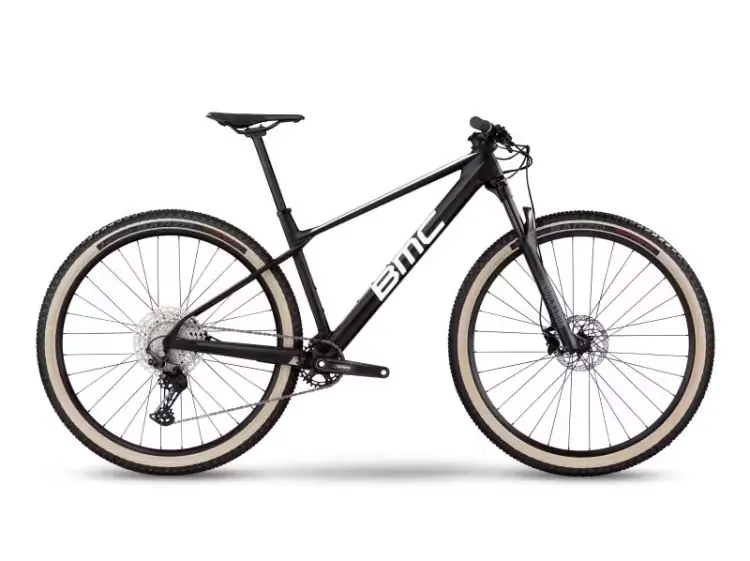
At abonax the specialist team shaped features and content in short development cycles directly on the emerging platform. At BMC the in-house team built an agent for product and supplier knowledge with our workshops and reviews, and it is now in use in Teams.
Related to your task
A joint session in which we try out a first agent on your task.
EnvisioningRank many ideas by value before a lab goes deep on one of them.
Microsoft 365 AssessmentRecord the state of your tenant, from sharing to licences.
Data for AIOrganise sources when the lab shows they are not yet ready for an agent.
AI governance & complianceRules and evidence before a prototype goes into a pilot.
Before your lab begins.
How does a lab differ from the Agent Live Build?
In the Agent Live Build you bring a bounded task and anonymised examples, and in a joint session we try out a first agent and record the open points. A lab takes up to three days for one thing, with the business and IT, in your tenant or a sandbox. It ends with a demo for the decision makers and a findings note that takes running it into account. A Live Build can be the start, and the lab then goes into depth.
We have many ideas. Which one do we bring to the lab?
One that comes up often or takes a lot of time, for which examples exist and where someone in the business wants to decide. If several ideas carry equal weight, Envisioning ranks them by value and sets out a target picture; a workshop picks a single case. The lab then works on one of them.
Do we work with real data?
Where possible, yes: in your tenant, in a separate test area and with the permissions your IT grants for it. If the data is particularly sensitive or access is not ready in time, we work in a sandbox with anonymised examples. Data protection and IT decide before the first day which data may go into which model, and the findings note records where the chosen model processes it.
Who from our team needs to take part?
The owner from the business at the start and for the demo, the specialists from the process for understanding and testing, and someone from IT mainly beforehand, for access and data rules. Whoever decides sees the demo. That keeps the effort for your team predictable, and the verdict on the prototype comes from the people who know the work.
What if the lab shows that it does not work?
Then you know before a project ties up budget. The findings note shows the reason: sources that are missing or contradict each other, a rule that is still open, or a task that needs a narrower scope. The next step follows from it, such as putting the data in order first, reducing the case or closing the project.
What happens to the prototype after the lab?
The configuration or code stays with you. For daily use the prototype needs what the findings note lists: its own identity, reviewed access, monitoring and a person who maintains it. If you decide on a pilot, we set it up with you following the Agentic AI approach, with the test set from the lab as the starting point.
Agree on a useful next step
Tell us about your current workflow, the systems involved and the result you need. In our first conversation, we identify what else we need to know to plan a useful next step.