Business Applications
Process automation with Power Automate and RPA.
We automate workflows between your systems, including applications without an interface. Process mining shows beforehand which step is most worth it.
For teams that move orders, service jobs or translation requests between ERP, portals and business applications every day.
- Power Automate
- Power Automate for desktop
- Hosted RPA
- Process Mining
- Copilot Studio
- Dataverse
Orders overnight
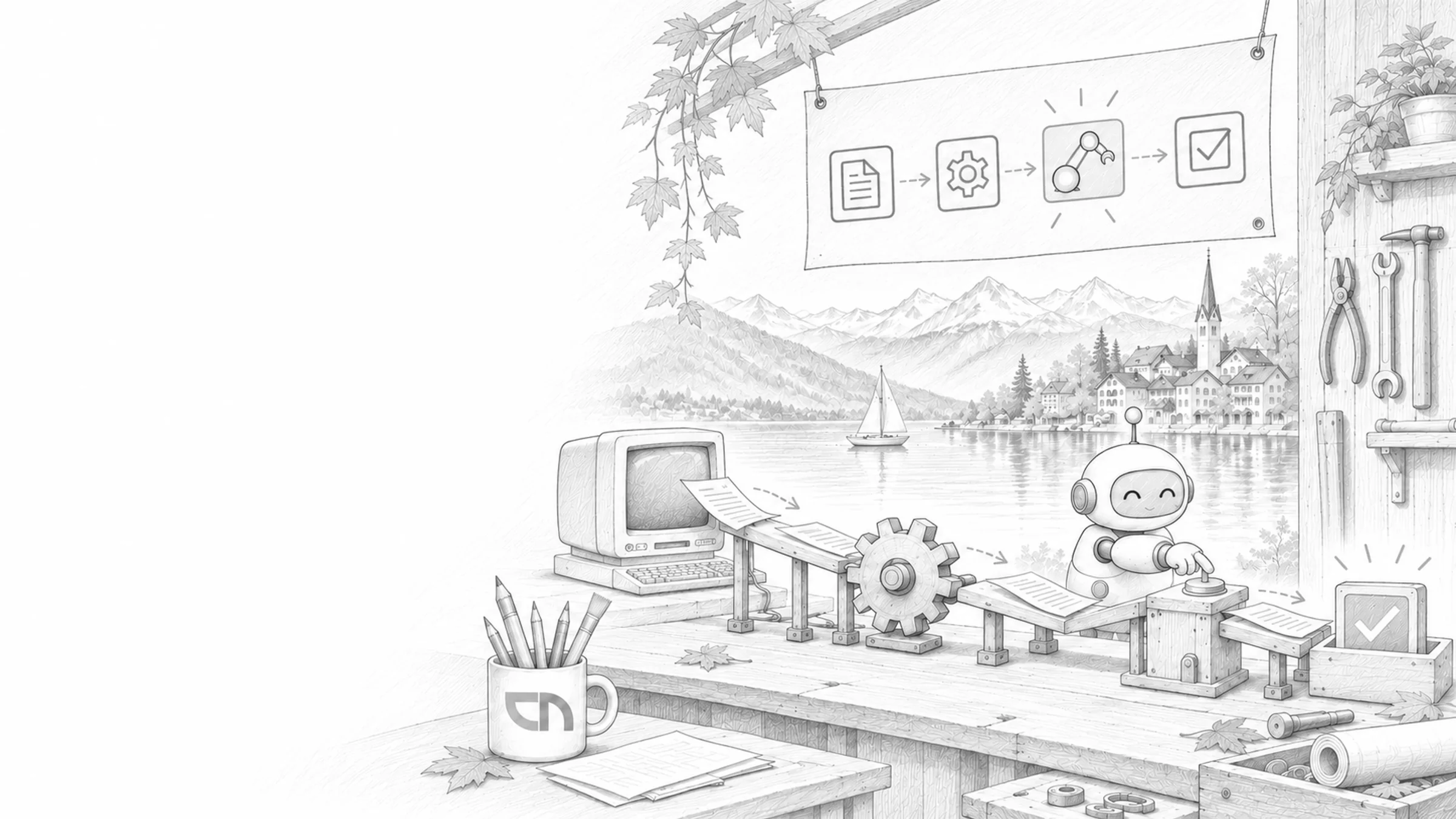
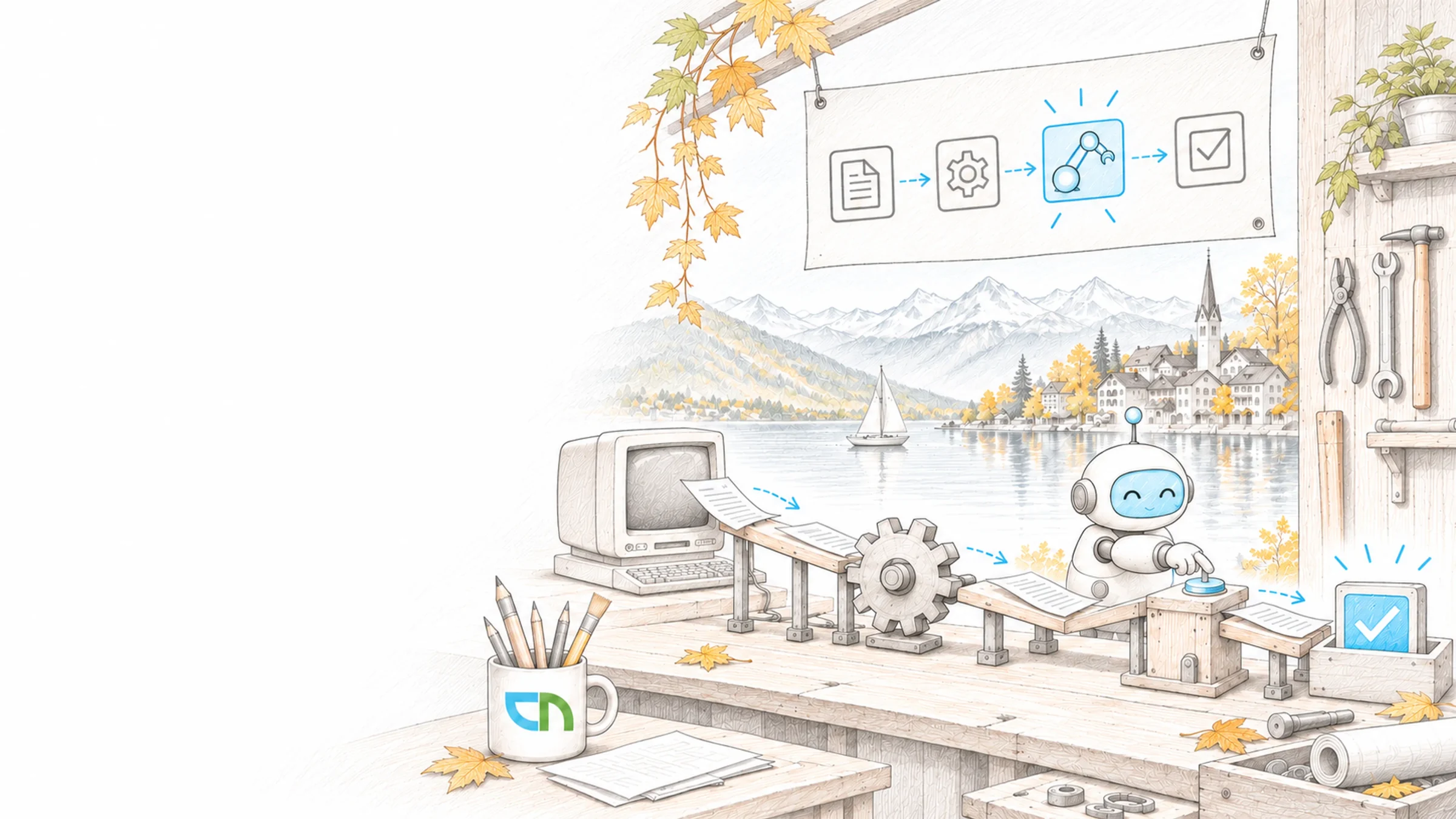
Tuesday, seven o'clock. Orders came into the web shop overnight. A cloud flow creates them as orders in the ERP and tells sales in Teams which customers are new. In the supplier portal, which has no interface, a desktop flow enters the delivery dates. If a detail is missing, the case goes to a person, with everything the flow has already gathered.
Typical workflows we automate
We choose the first workflow with you based on the data: where many cases wait, steps repeat or details are copied by hand. We build on real cases, with the people who handle the workflow today, and pick the right means for each step: a connector, a desktop flow or an agent flow where text needs to be read.
- Workflows between systemsA cloud flow reacts to an event, such as a new order, a completed form or a changed record, and transfers the details to the ERP, the CRM or SharePoint; if a system briefly does not respond, it tries again.Result: a detail is entered once and then appears in every system that needs it.
- Desktop flows (RPA)For business applications without an interface, a desktop flow operates the screen like a person, signs in, reads values and enters them, attended at the workstation or unattended on your own machine or one run by Microsoft.Result: applications without an API become part of the automated workflow too.
- Process miningThe event logs from your ERP or CRM become a process map that shows which paths an order actually takes, where it waits and which steps repeat; orders, deliveries and invoices can be analysed together.Result: a reasoned order of which workflow to automate first.
- Agent flowsWhere a step needs to understand language, such as classifying a customer enquiry or reading details from a PDF, an agent flow in Copilot Studio calls a language model; uncertain cases go to a person for review.Result: the workflow still follows fixed rules, and the language step is traceable.
- Monitoring and failuresEvery flow runs under a service account, has a responsible person and reports failures to a named contact; work queues show open cases, and a dashboard shows runs and time saved.Result: your team notices a failure before a customer does.
Accounts, access and licences
One workflow, described by the people who handle it today, with its exceptions and a set of real cases. Access to the systems involved through service accounts, and for desktop flows a machine or hosted machines and an account the flow signs in with. For process mining, an export of the event logs; licences depend on whether flows run attended, unattended or hosted.
How you measure the automation
Flows in a solution with test and production environments, checked with your cases, including one with missing details, a system that does not respond and a changed screen in the business application. A list of all flows with purpose, trigger, account and responsible person. Monitoring reports failures to your team, and on request our support team looks after the flows.
Sound familiar? Tell us where you stand today.
ContactWhat's new.
As of: 9 October 2026
- As of 22 September 2026
RPA is licensed per bot: attended, unattended or hosted.
Power Automate Premium includes one attended bot per person on their own registered machine, plus access to process mining. The Power Automate Process capacity licence is allocated to a machine and provides an unattended bot that runs one desktop flow at a time; parallel runs need correspondingly more licences. Hosted Process provides a bot on a machine run by Microsoft, on its own or in a group that scales with the load. The machine is registered by a person with a Premium licence.
Source: Microsoft Learn: Types of Power Automate licenses - Since 5 June 2026
Object-centric process mining is generally available.
One event can now belong to several objects and object types, such as an invoice for an order or a delivery with items from several orders. Process mining takes the event logs from Azure Data Lake or OneLake, shows the process map and throughput times and can be filtered to individual paths. The feature is switched on for all Power Automate Process Mining customers.
Source: Microsoft Learn: Analyze processes using object-centric process mining - Since 13 May 2026
Desktop flows have a version history.
Power Automate for desktop keeps drafts apart from the published version, shows who changed what and when, and compares the current version with an earlier one or any two versions with each other. The version information also appears in the console on the workstation.
Source: Microsoft Learn: Enable version control for desktop flows
What the workflows run on.
The services behind cloud flows, desktop flows and agent flows, and where their data lives.
Triggers, conditions, actions and error handling in the product.
Agents with Copilot StudioWhere agent flows are built and called by agents.
Agentic AIWhen an agent takes over whole cases and uses flows as a tool.
DataverseWork queues, flow history and process data in one place.
Power BIReports from process mining and the flows' runs.
Entra ID and accessService accounts and rights that flows sign in with.
Dynamics 365When the workflow belongs in Microsoft's CRM or ERP.
Flows already at work.
Service orders from maintenance planning for the AEW Wärmebox, ERP data for SharePoint and Power BI at REV Ritter, personalised mailings in the AEW myHome campaigns and the assignment of translations by idiom at Lia Rumantscha.
AEW Energie AG
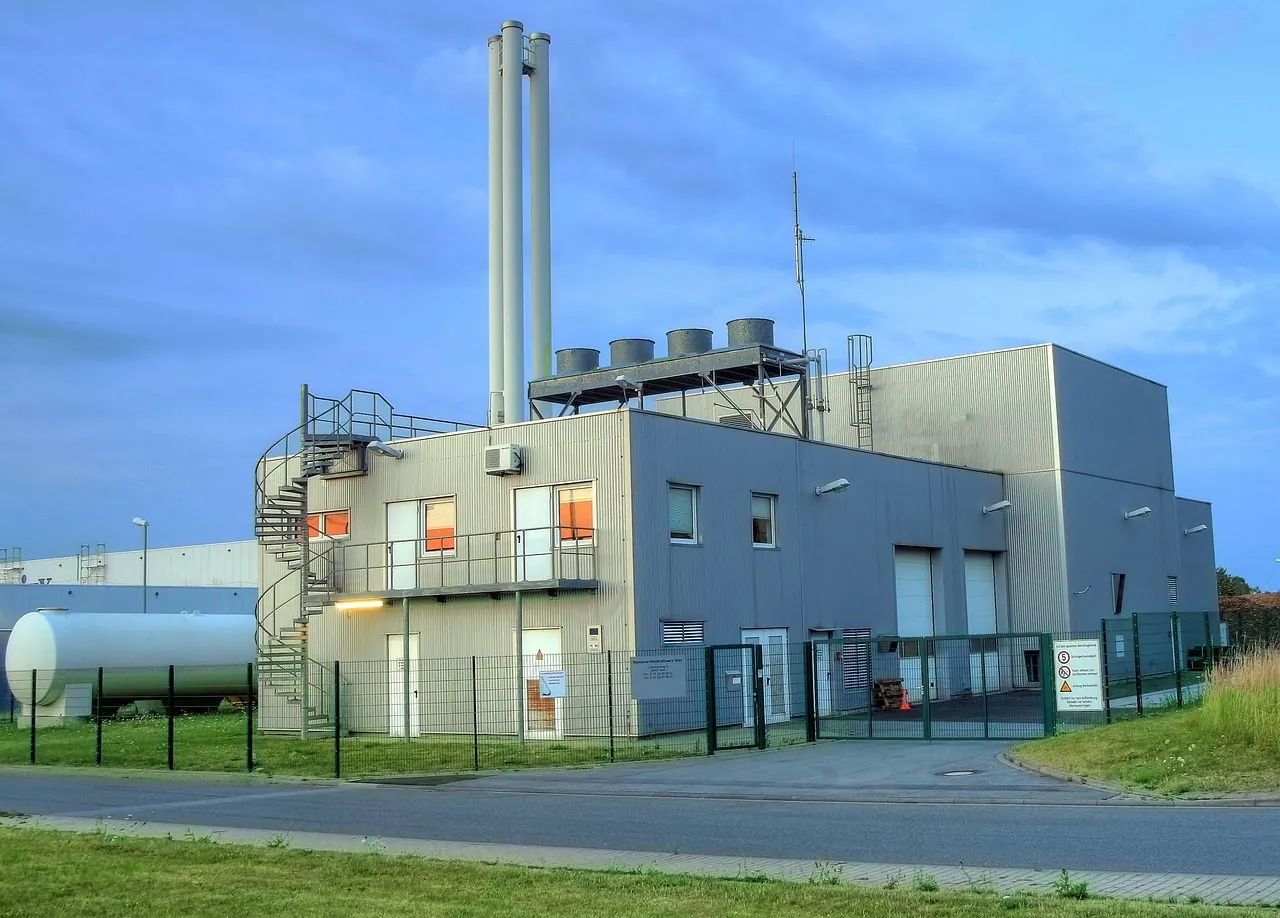
Coordinating installation and service for AEW Wärmebox
View project
REV Ritter GmbH
Connecting documents, information and business processes at REV Ritter
View project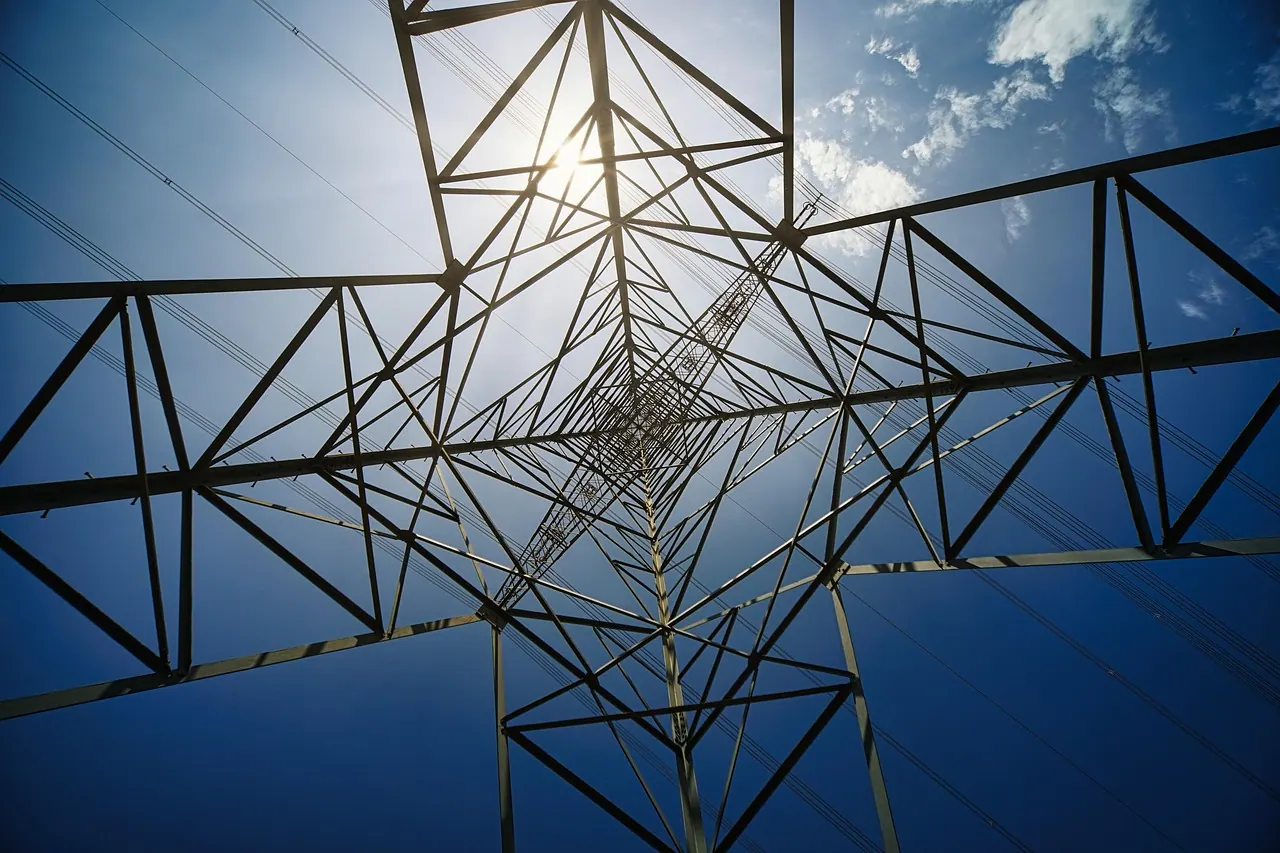
AEW Energie AG
AEW: Tracking campaigns and redemptions in one place
View project
Lia Rumantscha
Coordinating translation orders together at Lia Rumantscha
View projectRelated to your task
When the workflow needs its own interface for requests or capture on site.
Approvals & document workflowsReview, approval and signature of documents, with deadlines and history.
IntegrationData from bexio or Abacus that many flows build on.
Power Platform governanceEnvironments, data policies for connectors and an overview of all flows.
Support & OperationsHave flows monitored and adjusted when a system changes.
What IT and business teams settle before the first flow.
Cloud flow or desktop flow?
A cloud flow when the system has a connector or an API; it is more robust and needs no machine. A desktop flow when an application only offers a screen. Often it is a combination: the cloud flow drives the workflow and calls the desktop flow only for the one step in the business application.
How is RPA licensed?
Per bot. The Premium licence covers attended desktop flows on a person's own workstation and process mining. Unattended runs need one Process licence per machine, and each licence runs one desktop flow at a time; for machines run by Microsoft there is Hosted Process. Which mix your workflow needs, we record before the build.
Do we need our own machines for unattended flows?
Not necessarily. Hosted machines run at Microsoft in Azure, and hosted groups start further bots on demand up to the limit your administrators set. If the flow needs a particular application, you bring your own image. If an application is only reachable inside your network, we clarify the connection or use a machine on your side.
What does process mining show if our team knows the workflow?
How often each path occurs, where cases wait and which variants exist beside the normal case. Your team explains why; the data shows how often. This needs an export of the event logs from the leading system, and we agree beforehand which fields with personal data are left out or pseudonymised.
When do we use an agent flow?
When a step needs to understand text: classifying an enquiry, reading details from a document or drafting a reply. Agent flows follow fixed rules, the language model works only in that one action, and uncertain cases go to a person. They consume Copilot Studio capacity per action; which workflows run as agent flows and which as cloud flows, we decide flow by flow.
What happens when the business application changes?
A desktop flow recognises fields by their attributes on the screen; after an update a step can fail. The flow reports it, and the case stays in the work queue and is not lost. The version history shows what changed in the flow, and after every update of the application a short test runs with known cases.
Agree on a useful next step
Tell us about your current workflow, the systems involved and the result you need. In our first conversation, we identify what else we need to know to plan a useful next step.