How we work
AI and digital strategy: from target picture to first pilot.
With management and your business teams we work out where Microsoft and AI help you most. Every use case is ranked by value and feasibility.
For management teams whose departments have many ideas for AI and digitalisation and who want to decide where to begin.
- Microsoft 365
- Microsoft Copilot
- Copilot Studio
- Power Platform
- Microsoft Foundry
- Microsoft Purview


Ideas on the wall
In the meeting room, the ideas from your business teams hang on the wall: sales wants to prepare quotes faster, accounting wants receipts matched automatically, customer service wants incoming requests pre-sorted. We show two of them live with examples from your daily work. Management then ranks every idea by value and feasibility and decides which one starts as a pilot.
From direction to first step
Your business teams know their processes best and usually bring ideas of their own. We add what Microsoft 365, the Power Platform and agents can do today and show it on your examples. Together this becomes a target picture with a first step that everyone involved supports. Where needed, the technical stocktake of your tenant follows in the assessment.
- Direction with managementIn the envisioning workshop we discuss where your company wants to go in the coming years, where growth, quality or relief matter most and what role Microsoft 365, AI and agents should play. Existing strategy papers are the starting point.Result: a few jointly worded goals against which every later use case can be measured.
- Use cases from the business teamsIn sessions with sales, finance, HR or production we collect where recurring work takes up time, where knowledge is searched for and where decisions wait for data. Each idea gets a short description with the activity, the people involved and the expected result.Result: a collection of use cases in the language of your business teams.
- What is possible todayLive demos on examples from your daily work, such as Copilot preparing a meeting from emails and documents, an agent that classifies a request and passes it to the right team, or an app in which a request lands in a list with its status.Result: everyone involved judges their ideas on the basis of what the tools deliver today.
- Ranked by value and feasibilityTogether we rate each use case by its contribution to your goals and by whether data, permissions, licences and people are in place for it. Where feasibility is open, we record what an assessment needs to clarify.Result: a prioritised list, with the high-value cases that can be built on what you already have at the top.
- Target picture on one pageWorkplace, data, agents and security in one picture that shows which platform carries which part, where the data agents draw on lives and which rules apply to access and data protection.Result: a target picture that management can present internally and that guides every further project.
- First step with a measureWhere it helps, a clickable mock-up or a small prototype makes the most important use case tangible. We then agree the pilot or quick win, with a person responsible, a pilot group and the measure by which you read success.Result: a first roadmap that begins with the pilot.
Who sits at the table
One person from management who backs the initiative and makes the final decision. From each business team involved, someone who knows the processes and brings examples, such as a typical request, a form or a report. Your IT takes part from the start so that feasibility and security have a voice early. We are glad to take existing goals, strategy papers and idea lists as the starting point.
What you plan with afterwards
A target picture on one page that brings together workplace, data, agents and security. A list of your use cases, ranked by value and feasibility, with a short description for each. A first roadmap with the pilot or quick win, the owners and the measure of success. And the joint decision whether an assessment of your tenant comes next or the pilot can start straight away.
Sound familiar? Tell us where you stand today.
ContactWhat Microsoft publishes on planning.
As of: 11 October 2026
- As of 5 May 2026
The organisation shapes what AI achieves.
For the 2026 Work Trend Index, Microsoft surveyed 20,000 knowledge workers in ten countries who use AI at work. Only 26 per cent say their leadership is clearly and consistently aligned on AI. Organisational factors such as culture, manager support and talent practices are associated with more than twice the reported AI impact of individual mindset and behaviour (67 versus 32 per cent).
Source: Microsoft WorkLab: Work Trend Index 2026 - As of 26 June 2026
AI strategy starts with business problems.
In the Cloud Adoption Framework, identifying use cases comes first in the AI strategy. It starts with the places where results fall short of expectations or recurring tasks take up time; each one becomes a short statement naming the activity and the expected result. Microsoft then separates use cases for the work of individuals and teams, for example with Microsoft Copilot, from cases that automate business processes and usually connect to other systems.
Source: Microsoft Learn: AI strategy (Cloud Adoption Framework) - As of 11 October 2026
The Scenario Library sorts use cases by function and industry.
The Scenario Library on the Microsoft Adoption website is part of the Copilot Success Kit and collects scenarios for twelve functions, such as finance, HR, legal or customer service, and for nine industries. It can be filtered for Copilot, Copilot Chat, agents and Microsoft Foundry, and scenario kits and day-in-the-life guides are available to download.
Source: Microsoft Adoption: Scenario Library
Templates for your envisioning.
Our working documents for this phase, free to use. Adapt them to your organisation and use them with us or on your own.
- WordWorkshop: agenda and preparationGoal, participants, preparation, agenda with results and guiding questions for business teams.Download
- WordUse case canvasOne page per idea: today, goal, the workflow thought AI-native, data, value, feasibility and measure.Download
- ExcelUse case prioritisationRates every idea by value and feasibility, with weights, rank and a recommendation for the next step.Download
- WordTarget picture on one pageWorkplace, data and knowledge, agents and security on one page, with first steps and measures.Download
- WordPilot charterGoal, scope, participants, how success is measured and the decision at the end of the pilot.Download
You may use, adapt and share these templates freely.
Formats and tools to get started.
The workshop formats in detail and tools to sort your ideas before the first conversation.
The formats for SharePoint, AI, applications and architecture, with participants and outputs.
How we workHow a project runs after the target picture, from the task to operations.
Agentic AI Readiness CheckA few questions show what your first agent still needs.
Your projectDescribe the work that should get easier and receive a first draft of target picture and pilot as a PDF.
Agent Live BuildTry out a bounded use case as a prototype in a joint session.
Project visionCapture the goal, audience and success criteria of a project as a first draft.
RoadmapGet a proposal for phases and next steps from your goals and constraints.
Calculate Copilot valueWork through the assumptions on time saved and licences that a pilot should confirm.
Microsoft CopilotWhat Copilot in Microsoft 365 can do today and how a pilot with your tasks runs.
Started from a shared picture.
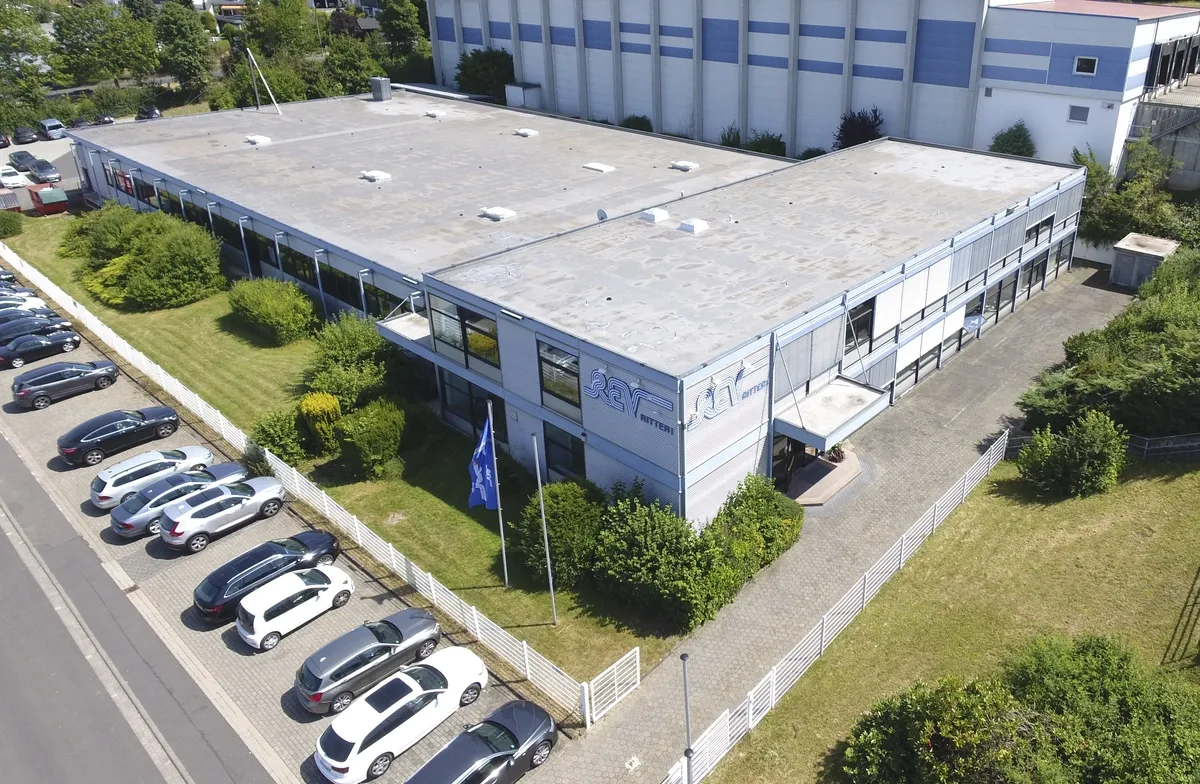
Roadmap workshops that plan intranet, documents and apps at REV Ritter as one connected development, workshops on knowledge sources and the security model for BMC's product agent, and requirements gathered in workshops with key people for the AEW intranet.

Related to your task
Take stock of your tenant's technical state before the pilot starts.
Agentic AIWhich tasks agents take on and which platform fits your use case.
Enterprise AIModels, data boundaries and cost framework for the AI in your target picture.
Data & content preparation for AISort out the sources your first agents draw on.
Rollout & AdoptionChampions, training and measurement when the pilot becomes a rollout.
Before management picks the first step.
Who should take part?
Management for the direction and the decision, the heads of the business teams involved for the use cases, and your IT for feasibility and security. Where personal data is involved, we bring in your data protection officer early. In the sessions with the business teams, people who live the processes every day are especially helpful.
We already have a list of ideas. Does that help?
Yes, a great deal. Your list is the starting point: we add what the business teams contribute in the sessions and matching options from Microsoft 365 and the Power Platform. We then rate all ideas against the same criteria so the order makes sense to everyone.
How does envisioning differ from the assessment?
Envisioning is about the business direction: which goals matter, which use cases bring the most and where you start. The assessment takes stock of your tenant's technical state, from sharing through security to licences. The assessment often follows envisioning and checks what the chosen pilot requires.
Is it only about AI?
AI and agents are often the trigger, but the target picture covers the whole workplace. Some use cases are solved with a list and a flow in the Power Platform, others with Copilot, others again with an agent that works across several systems. We assign each case to the tool that carries it most simply.
How do we measure whether the pilot worked?
With a measure we agree for each use case before the start, such as the time from request to answer, the number of follow-up questions or the satisfaction of the pilot group. We record today's state beforehand so that the comparison after the pilot holds. For Copilot, Microsoft's reports add usage figures.
What happens after envisioning?
The target picture and roadmap belong to you. Depending on the decision, an assessment follows, a pilot with an agent or an app, or, for a broad rollout, adoption with champions and training. You can carry out each step with us, with your IT or with another partner; the roadmap is written so that anyone can work from it.
Agree on a useful next step
Tell us about your current workflow, the systems involved and the result you need. In our first conversation, we identify what else we need to know to plan a useful next step.