Modern Workplace
SharePoint intranets & portals for employees and partners.
In the SharePoint intranet employees find news, directives and contacts, in Teams too. Partners and suppliers work in portals of their own with guest access.
For organisations with several sites, shifts or languages whose news and directives are spread across email, file shares and the intranet.
- SharePoint Online
- SharePoint app in Teams
- Microsoft Search
- SPFx
- Copilot
- Entra ID
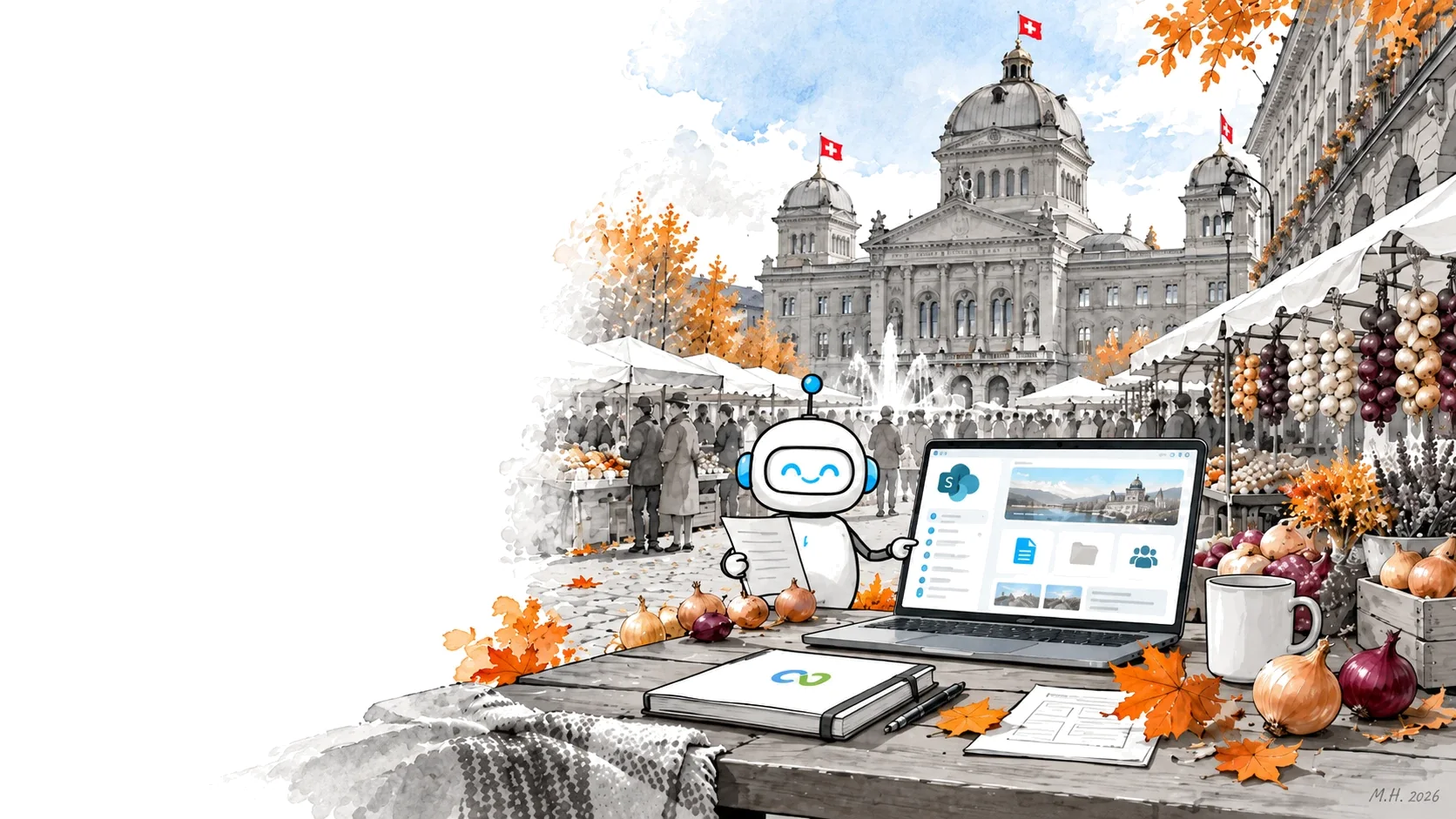

A morning with the intranet
Tuesday, start of shift. The notice on the new parking rule sits at the top, for this site only, in the person's language. One click on: the current directive with owner and review date, beside it the deputy from the directory. Search finds pages, documents and people with the searcher's permissions, in Teams and on the phone with the same sign-in.
What we build for your areas
Each area has editors, a template and one role that approves. We build with your real news, directives and contacts, first the home page and one department whose editors are ready. Handover is set up so that your editors create new areas, pages and navigation on their own.
- Home pageSite, department and language decide which news a person sees; editors publish with approval and an expiry date.Result: employees see what applies to them, in Teams and on the phone.
- Directives and templatesEvery document has an owner, a current version and a review date.Result: one search returns the current version.
- People directoryResponsibilities, deputies, sites and teams from Entra ID, maintained in one place.Result: who is responsible for what is in the intranet, with deputy and site.
- AreasDepartments and sites with their own navigation and their own editors, shared templates and one shared design.Result: content stays current because the people responsible maintain it themselves.
- Partner portalSuppliers, partners or members get a SharePoint site of their own with guest access, shared documents and contacts, kept apart from internal content by sensitivity labels and sharing rules.Result: partners find the current documents in one place, and each sees only their own area.
Content and audiences
Content with owners: who maintains news, directives and contacts, and what stays in the current system. Audiences and languages: sites, departments and the languages content appears in. Groups in Entra ID that reflect access, and a design that fits your brand. From an existing intranet or file shares we carry over what your owners mark as current.
Handover to your editors
An intranet in your Microsoft 365, with home page, areas, navigation, templates and permissions, in Teams and on the phone too. Editors who publish news and documents themselves, with a short handbook and a training session. An evaluation of which pages are read and which terms are searched. Technology and updates can be covered by a support contract with us.
Sound familiar? Tell us where you stand today.
ContactWhat's new.
As of: 30 September 2026
- As of 25 September 2026
Viva Connections is now the SharePoint app in Teams.
The home page in Teams continues to run on the SharePoint home site, now under the name SharePoint app in Teams. Administrators create home sites directly in the SharePoint admin center, and the Announcements web part no longer needs an extra Viva licence. The change rolled out from May to the end of June 2026.
Source: Microsoft Learn: Home site updates - As of 25 September 2026
Copilot in SharePoint is generally available from 30 September 2026.
Copilot answers questions from SharePoint content and creates pages, sites, files and simple approvals. Everyday use is included in the Microsoft Copilot licence; large-scale work such as reviewing whole libraries is billed in Copilot Credits.
Source: Microsoft Learn: Get started with Copilot in SharePoint - As of 30 June 2026
SharePoint Advanced Management with a single Copilot licence.
As soon as one person in the tenant holds a Microsoft Copilot licence, oversharing reports, policies for inactive sites, restricted content discovery and site access reviews become available. Some features still need the SharePoint Advanced Management Plan 1 add-on.
Source: Microsoft Learn: SharePoint Advanced Management prerequisites
Intranet and collaboration in detail.
How home page, search, Teams and extranet work together technically, and how to check your environment.
Which pages and documents Copilot and agents may use as a source.
Documents and storageLibraries, metadata, versions and validity.
Collaboration in TeamsTeams, channels and SharePoint sites that fit together.
Search in Microsoft 365Why search finds what it may find, and how to improve it.
Best practicesStructure, permissions and upkeep that have proven themselves.
SharePoint CheckerCheck your environment for structure, sharing and storage.
Microsoft TeamsTeams as the workplace where the intranet appears.
Intranets we have built.
A shared entry point for AEW, current information across all shifts, orientation in the Inselspital intranet and an intranet for a property team.

AEW Energie AG
One starting point for information and collaboration at AEW
View project
Stiftung Schönhalde
Stiftung Schönhalde: Current information across locations and shifts
View project
Inselspital, Universitätsspital Bern
Finding your way through Inselspital's intranet
View project
Dr. Meyer Immobilien AG
A shared starting point for the Dr. Meyer Immobilien team
View projectStart faster with Präziis.
If you want to start faster than with a new build.
Related to your task
Profiles from the HR system, the profile card and people search through Entra ID.
SharePoint & TeamsThe platform page on home site, Teams app and search.
Data migrationCarry content over from the old intranet or file shares in an orderly way.
Customer portals with Power PagesWhen customers submit requests and see their own records.
Company BrainQuestions to the intranet's content, answered with a source.
Meeting AI in TeamsMinutes and tasks from every meeting.
Support & OperationsHave the intranet supported and developed after handover.
Zero Trust & Identity SecurityGroups, guests and conditions on which access is based.
What editors and IT ask.
SharePoint or Teams: where does the intranet live?
In SharePoint Online, and it appears in Teams. SharePoint holds pages, news, documents and permissions; the SharePoint app in Teams shows the same content in Teams and on the phone. Your employees find the intranet where they already work.
What does our Microsoft 365 plan already include?
The intranet itself: SharePoint Online and the SharePoint app in Teams are part of the common plans. A check is only worthwhile if you want features from the Viva suite, SharePoint Advanced Management or Copilot. What applies to your plan goes into the proposal.
How does the intranet stay current?
Through clear ownership. Each area has editors, each document has an owner and a review date, and news expires. The system reminds the owners, and a short evaluation shows which pages are rarely read.
What happens to our old intranet?
We carry over what applies and leave the rest behind. Before the move, your owners review every page and document: carry over, revise or archive. File shares, Confluence or an older SharePoint we migrate with Microsoft's tools and check the content after each step.
Does it work in several languages?
Yes. SharePoint keeps pages and navigation per language, and each person sees the intranet in their Microsoft 365 language. Editors translate pages themselves or with Copilot and approve each language version separately. Which languages you need, we decide before the build.
Can external partners have access?
To defined areas, yes. Guests get access through Entra ID to individual sites or an extranet; the rest of the intranet stays internal. What guests may see is decided by your owners; we set up conditions such as sign-in with a second factor and expiry of access.
Agree on a useful next step
Tell us about your current workflow, the systems involved and the result you need. In our first conversation, we identify what else we need to know to plan a useful next step.